How to Make a Travel Map You Can Share
Last updated: October 20, 2026
To make a travel map you can share, start from where your photos were taken and pick the format: an image for a story or a post, a link, or a widget for a website. Viallo's Atlas makes all three from your albums, and its link and widget show countries and totals only, never cities, dates or photos, and hold back the last three days. A Polarsteps trip link shows the route itself.
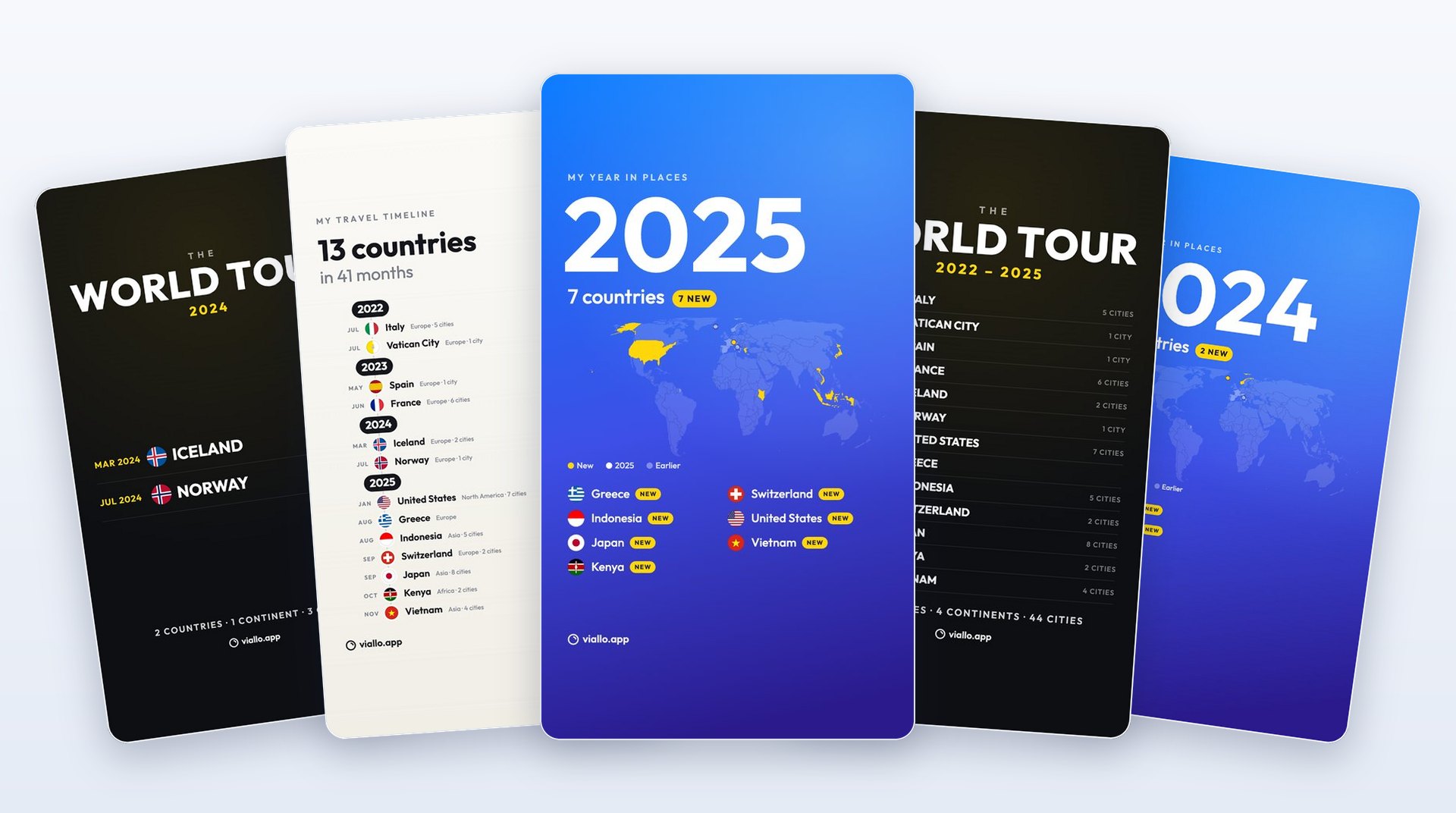
A map of the countries you have been to is a nice thing to post. A map of the towns you stayed in, with dates, is a record of when your flat was empty. The three formats below look different, but the more useful difference between them is what a stranger can work out from each one, so every section says that plainly.
Everything here starts from the Atlas, which Viallo builds by itself from the location your photos already carry: each country they were taken in, colored on a globe, counted against 197. How it decides what counts, and why a country can be missing, is in the countries-visited map guide. Viallo is a private photo sharing platform, and the Atlas follows the same rule as its albums: nothing is public until you make it so, and what you share opens in a browser with no account.
The image: ten styles in story and post size
Open the Atlas and press Share, the share icon at the top right on a phone, and the first tab is Image. It draws a picture of your map on the phone itself, in one of ten styles, and hands it to the phone's share sheet like any photo, so it goes to Instagram, a chat or the camera roll without being uploaded anywhere first.
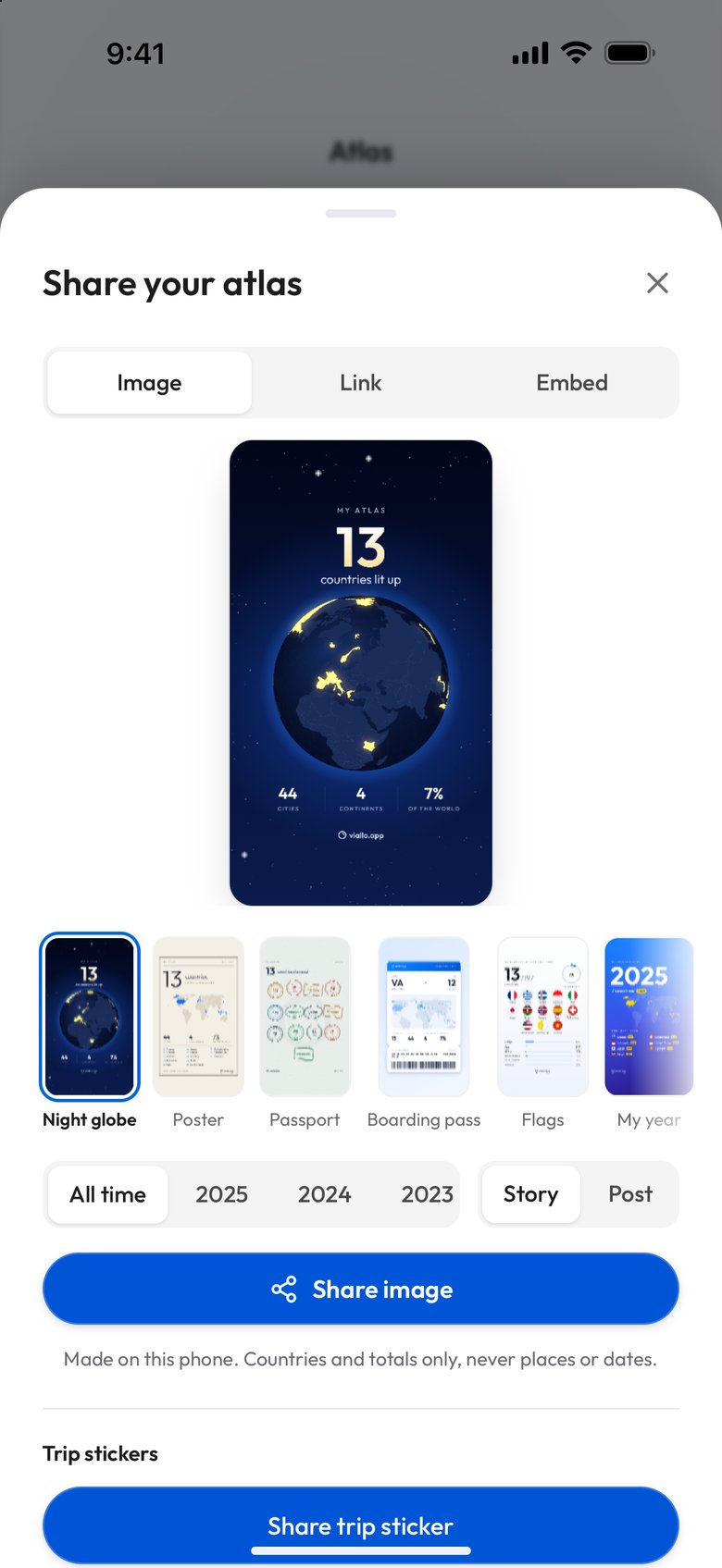
The choices on that screen, in the order you meet them:
- Style. Night globe, Poster, Passport, Boarding pass, Flags, My year, World tour, Timeline, Continents and Scratch map, all ten shown below.
- Period. All time, or any single year your photos were taken in.
- Size. Story is 1080 by 1920 pixels and Post is 1080 by 1350. In Story, the writing stays clear of the top and bottom of the frame, where Instagram lays its own controls over the picture.
All ten styles
These are the ten pictures the Image tab makes from one Atlas, the demo account's 13 countries on 4 continents, at story size and for All time. The app exported every one of them; none is a mock-up. Not one of them carries a city, an album, a photo or a name: they are built from the countries, the dates you first went to each and the totals.
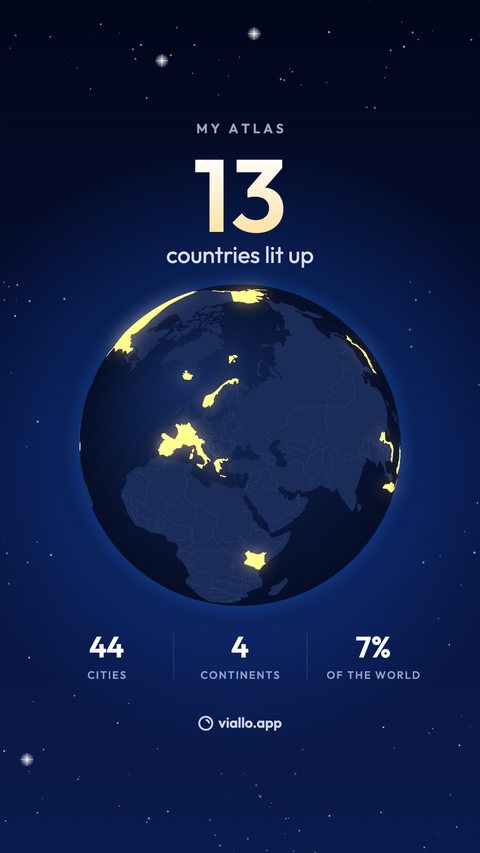
Night globe
The globe at night, your countries lit amber.
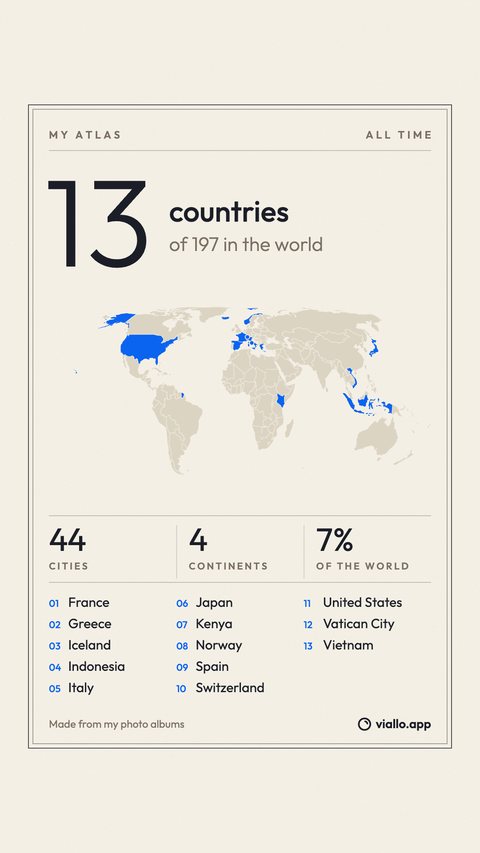
Poster
A cream poster with a map and a numbered list.
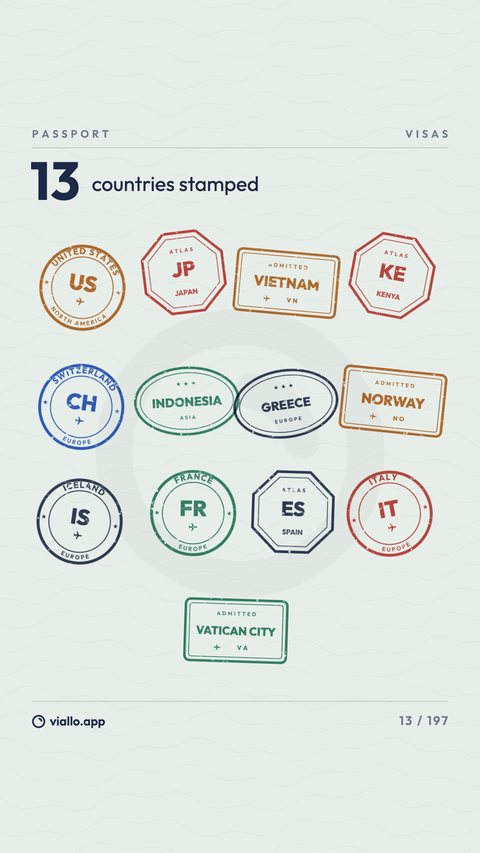
Passport
One rubber stamp for every country.
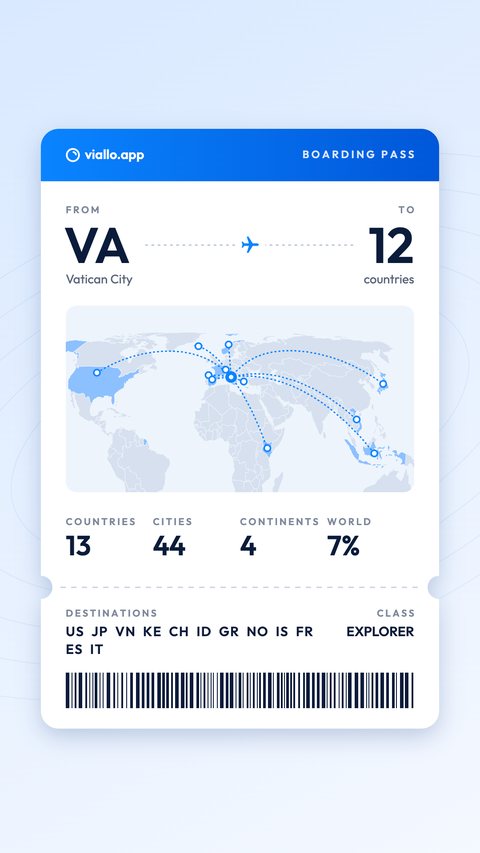
Boarding pass
A ticket from one country to all the others.
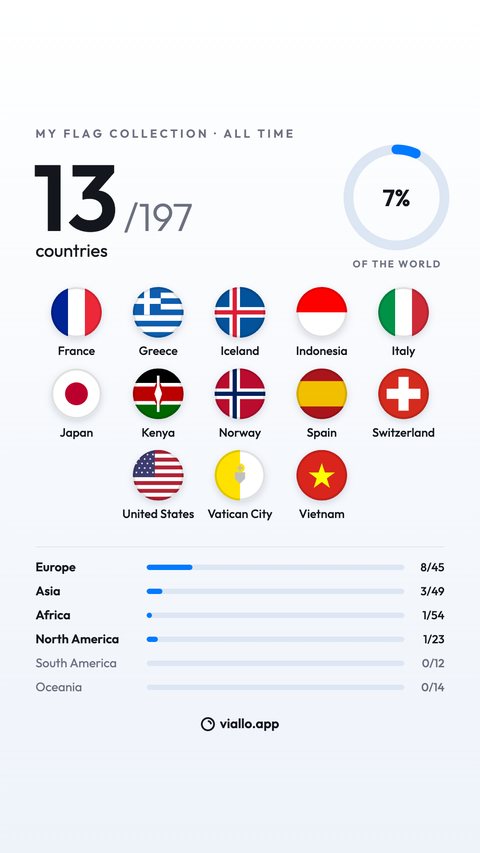
Flags
A wall of flags and a bar for each continent.
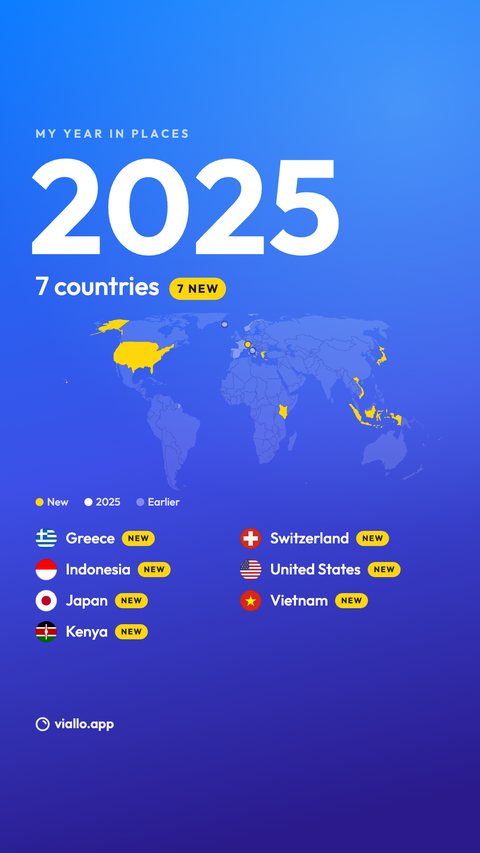
My year
Your latest year, its new countries in yellow.
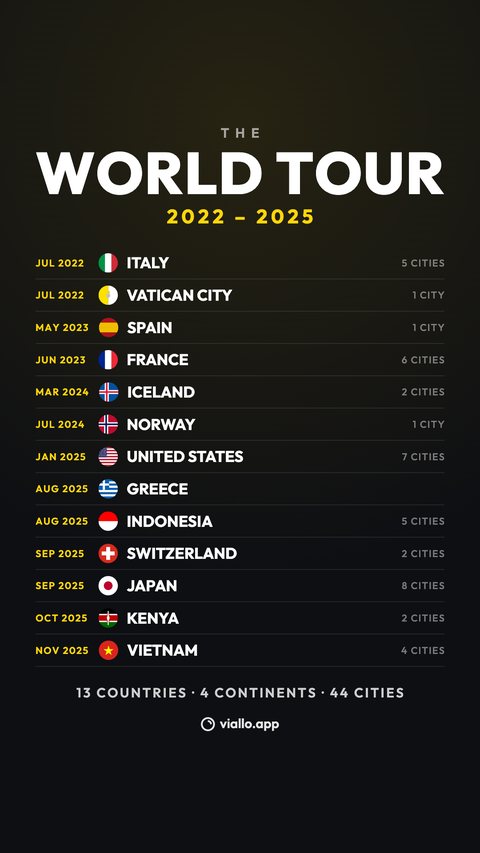
World tour
A tour shirt: every country with its month.
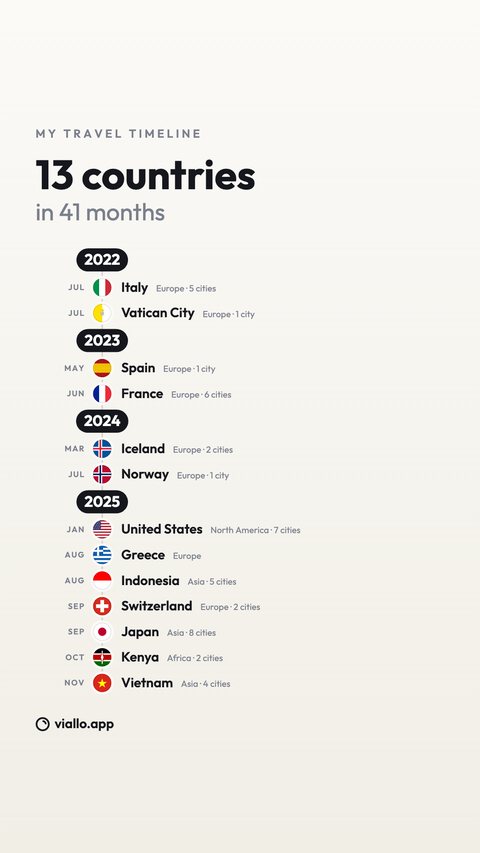
Timeline
Every first visit in order, year by year.
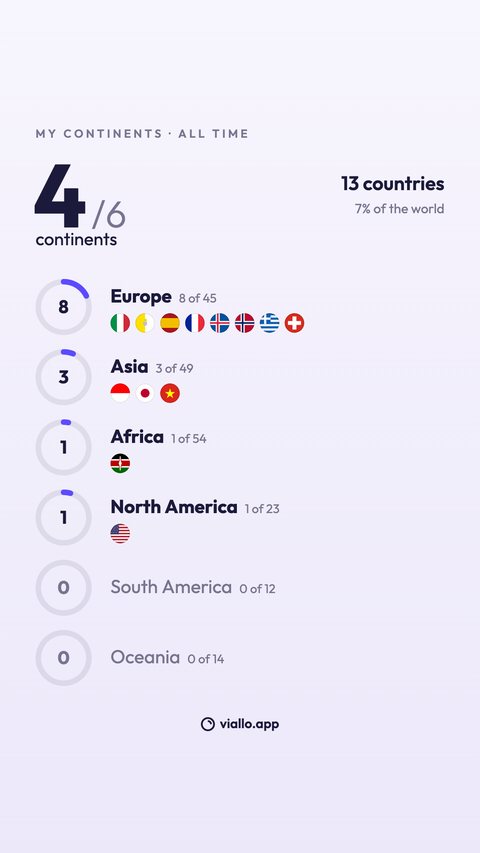
Continents
A ring for each continent you have reached.
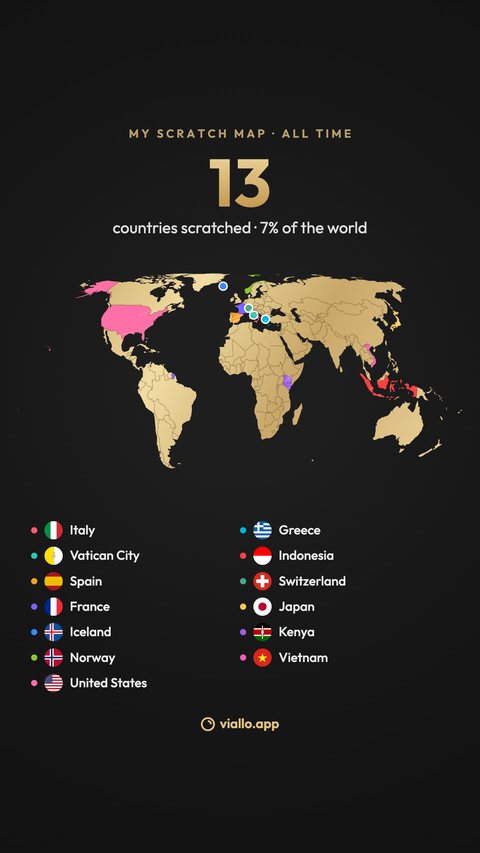
Scratch map
A gold scratch-off map, each country its own color.
Under the button, the screen says what the picture carries: countries and totals, never places or dates. World tour and Timeline are the two exceptions you choose knowingly, because they list each country with the month you first went there, and the line changes to say so.
The same ten at post size
Post is 1080 by 1350, the portrait shape of an Instagram feed post. Most styles keep their layout in less height. Four rearrange to fit: Flags puts the continent bars in two columns, Continents turns its rows into a grid of six rings, Timeline runs in two columns and Scratch map spreads its key across three.
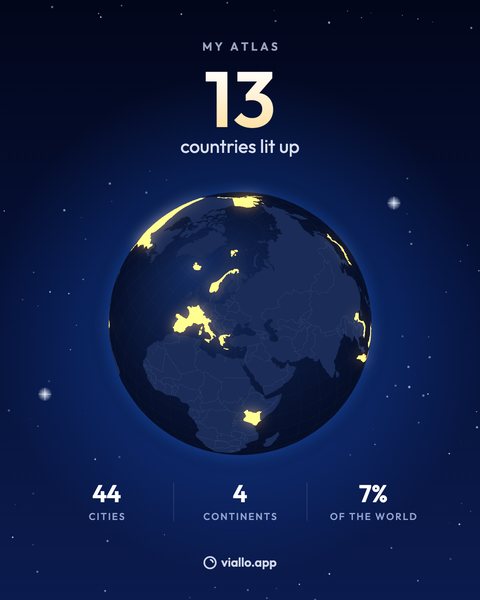
Night globe
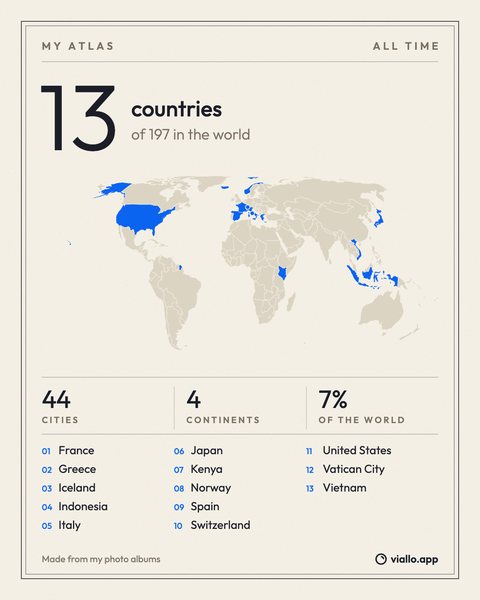
Poster
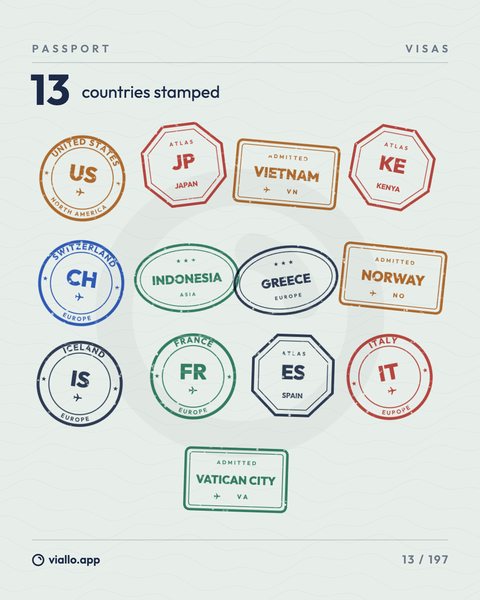
Passport
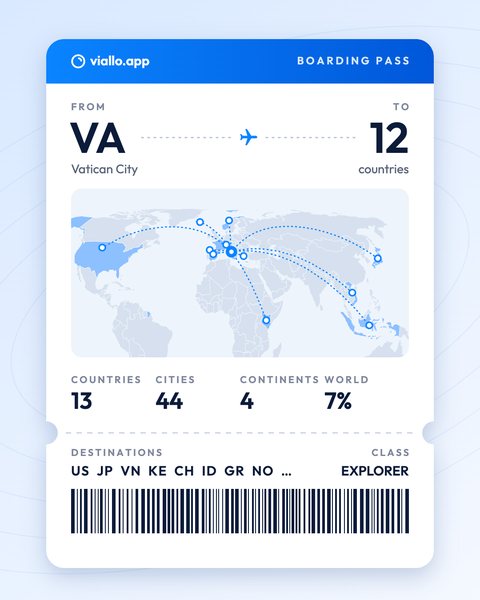
Boarding pass
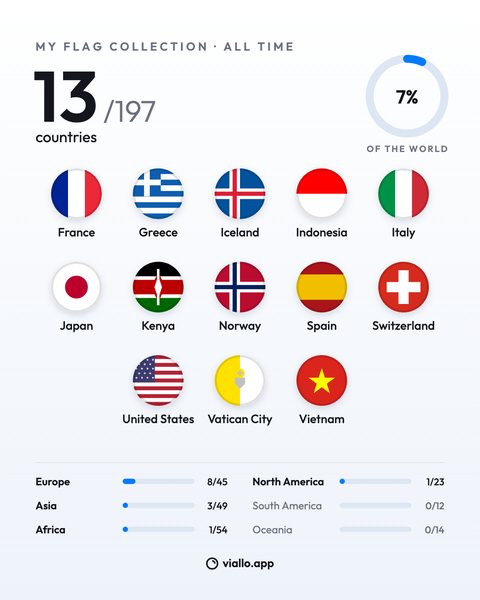
Flags
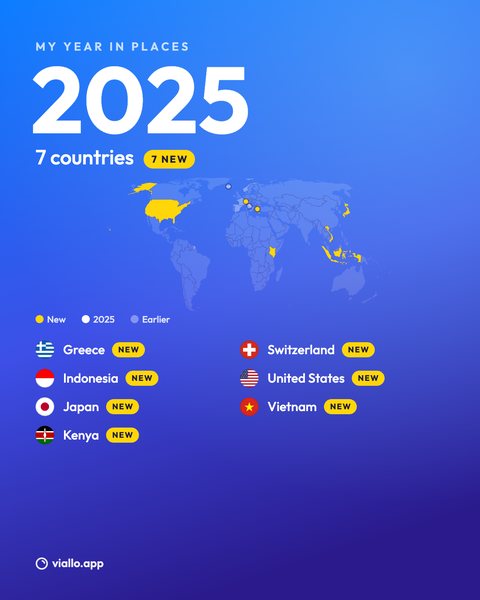
My year
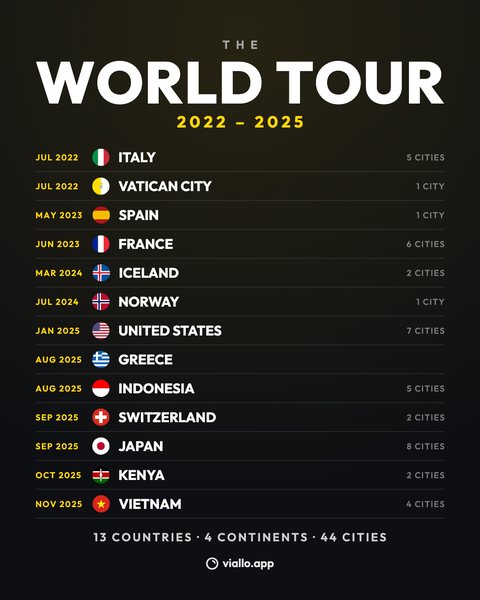
World tour
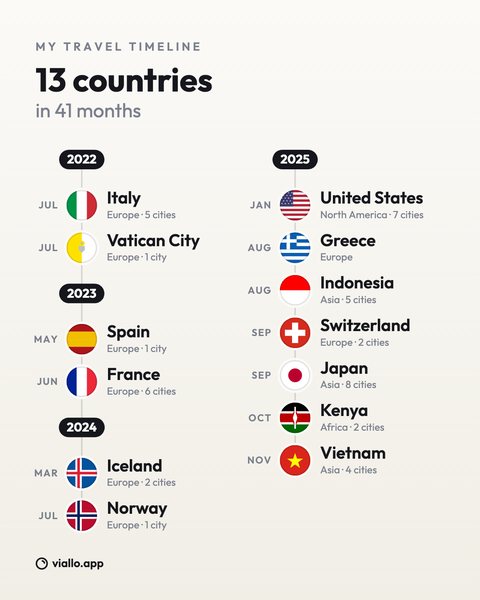
Timeline
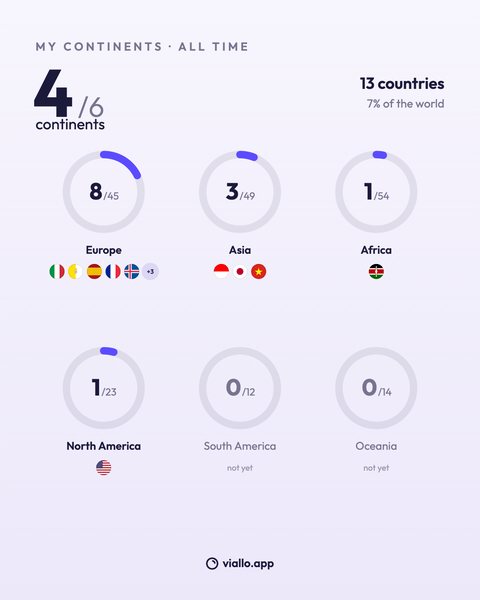
Continents
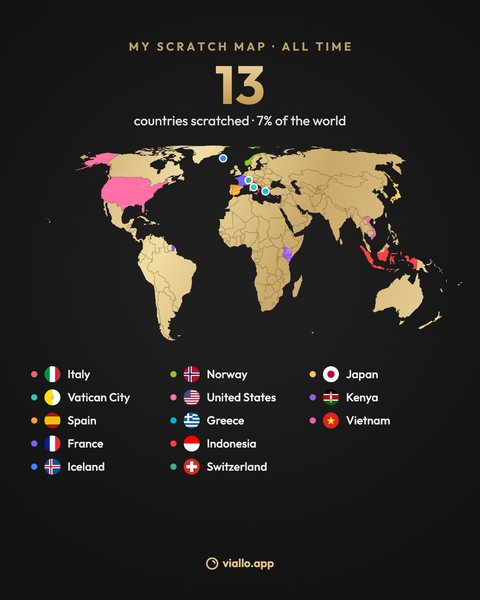
Scratch map
One year, and a different starting point
Pick a year instead of All time and every style redraws for that year alone: the count, the totals and the list cover only the countries photographed that year. My year marks the ones that were new, World tour lists only that year's countries, and Poster and My year keep the countries from earlier years on the map in a fainter color. Boarding pass is the one style with a fourth choice, From, the country the ticket starts in. It starts from home if you have set one, and you can pick any of your countries instead.
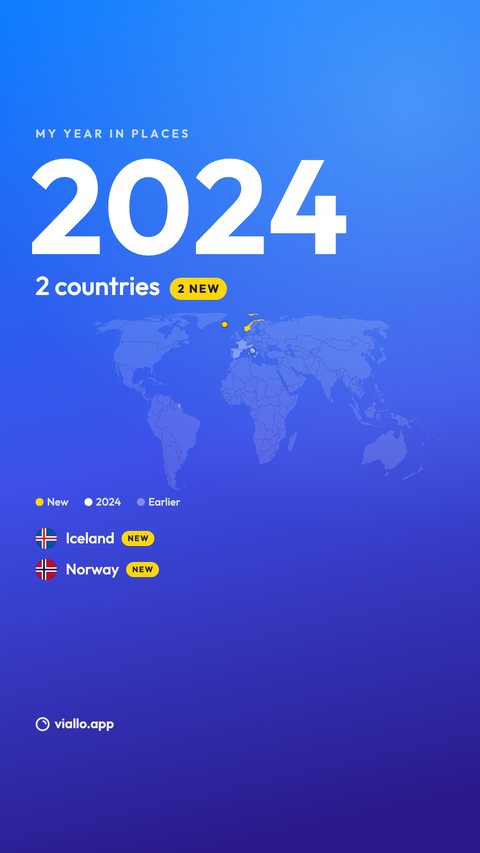
My year, 2024
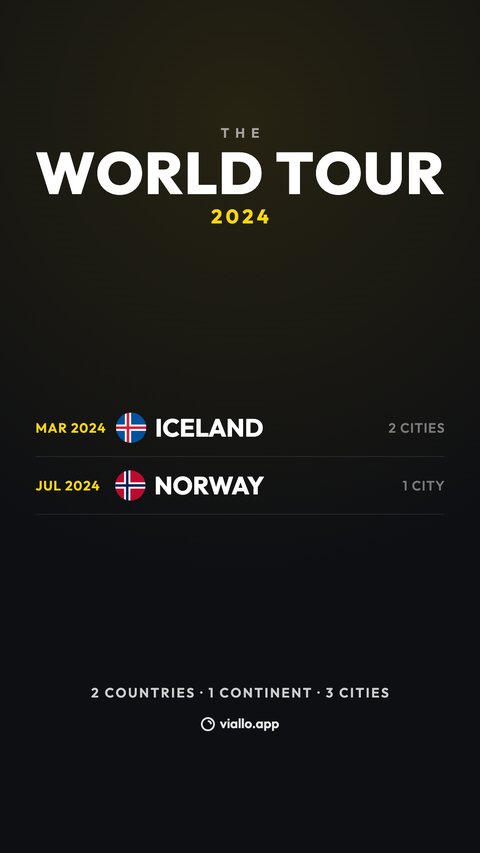
World tour, 2024
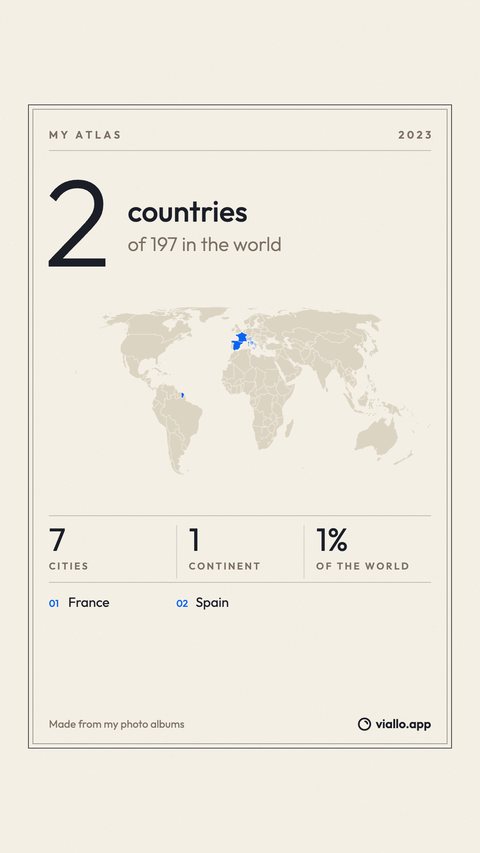
Poster, 2023
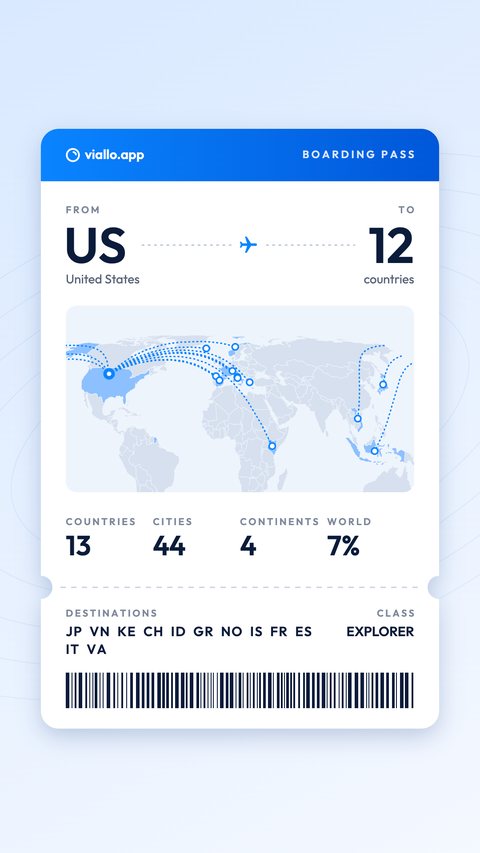
Boarding pass, from the US
One thing the image does not do is wait. It is drawn from your whole Atlas at the moment you press the button, including a country you are in today, so if you would rather not announce a trip while you are on it, post the picture when you are home. The link and the widget below handle that for you; the image leaves it to you.
The link: what a stranger sees
The second tab is Link. It is off until you switch on Public link, and the switch says what it does in one line: anyone with the link sees your countries and totals, never cities, dates or photos. That line describes the data behind the page as well as the page. What a visitor's browser receives is a name, a list of countries and five numbers, and nothing else about your albums, so there is nothing hidden in the page for a curious visitor to dig out.
A visitor who opens the link, without signing in, gets:
- A heading with your name, such as Emma Anderson's atlas, or a different name you type in, or no name at all if you switch Show my name off, in which case it reads An atlas.
- One sentence, such as Where Emma Anderson's albums were taken: 13 of 197 countries on 4 continents, and a globe they can turn.
- Four tiles: countries, continents, the share of the world and the number of cities. The cities are a count; their names stay in your albums.
- The countries grouped by continent, A to Z, each with its flag, and each continent with how many of its countries you have been to.
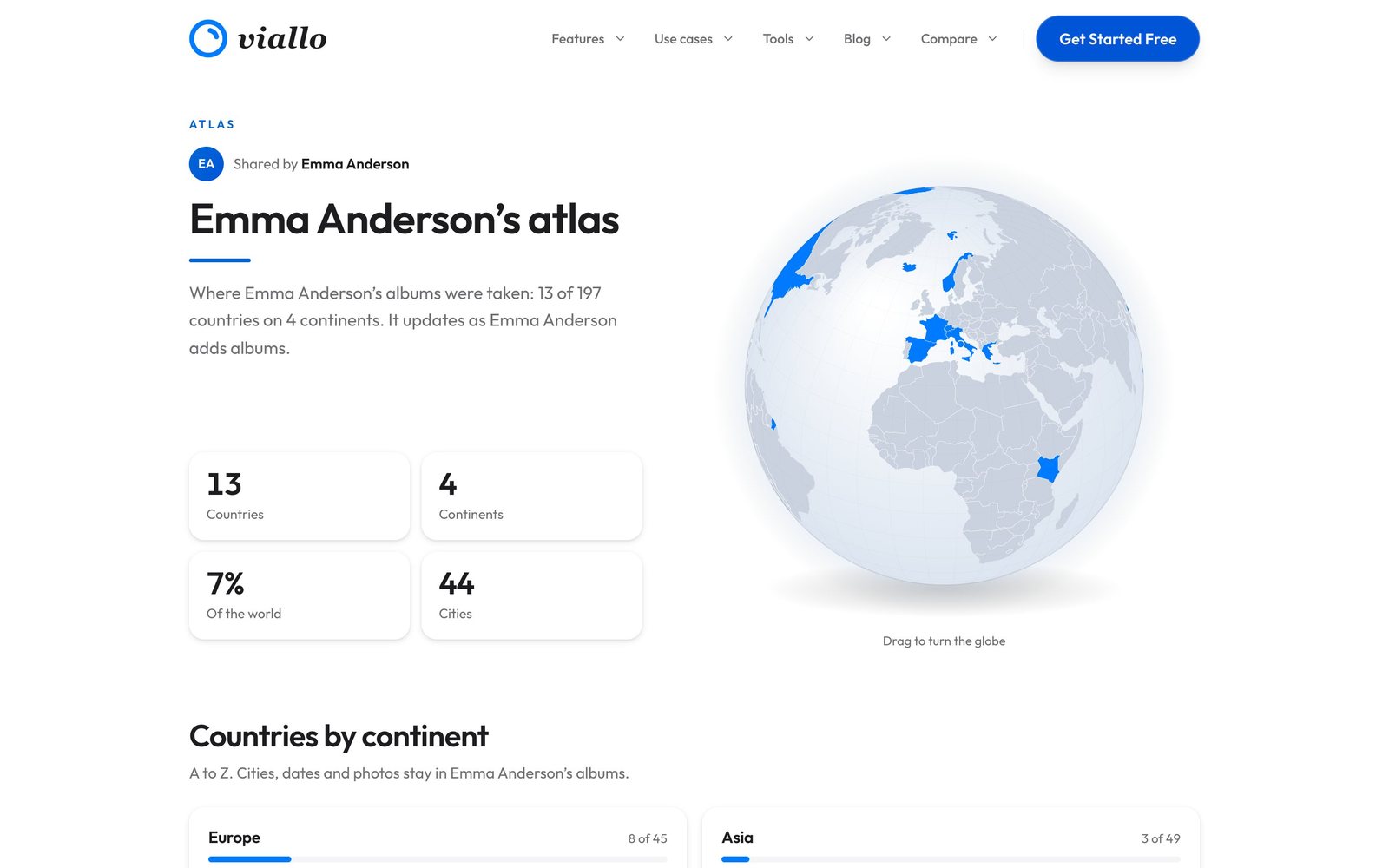
The page is marked so that search engines leave it out of their index, the link is a random ten-character address nobody can guess from your name, and Reset link replaces it with a new one when the old one has gone further than you meant.
Turning the link off takes the page down at once. Whoever opens the old address afterward reads This atlas is private, the owner turned this link off, and so does someone who types an address that never existed: the two answers are the same, so the page does not confirm that a given link was ever real. Turning it on again brings back the same address.
Why the last three days never show up
This is the rule that makes a public travel map safe to leave running, and it is one a map you fill in by hand has no way to offer, because such a map never knows when you were anywhere. An album that had a photo added in the last 72 hours is held back from the link and the widget. You can be in Lisbon, uploading every evening, and the public page will not show Portugal while you are there; it adds it within a day once three days have passed since your last upload.
Your own Atlas does not wait, and neither does the image: the hold applies only to what a stranger can open. Two other rules decide what the link counts. An album you left out of your Atlas is left out of the link too, on the same click. And in an album someone else owns, the public page counts only the photos you uploaded yourself, so a friend's honeymoon album you added two pictures to cannot put their destinations on your page.
The widget: a globe on your own website
The third tab is Embed. Its code appears once the public link is on, because the widget is that same page in a smaller frame. It comes in three sizes:
| Size | Box | What it shows |
|---|---|---|
| Card | Full width up to 560 px, 560 px tall | A globe visitors can turn, the four tiles, up to nine countries with flags and a link to the full page |
| Compact | 300 by 420 px | A smaller globe, the country count and up to six flags |
| Badge | 320 by 64 px | A small still globe, the number of countries and the atlas title, in one line |
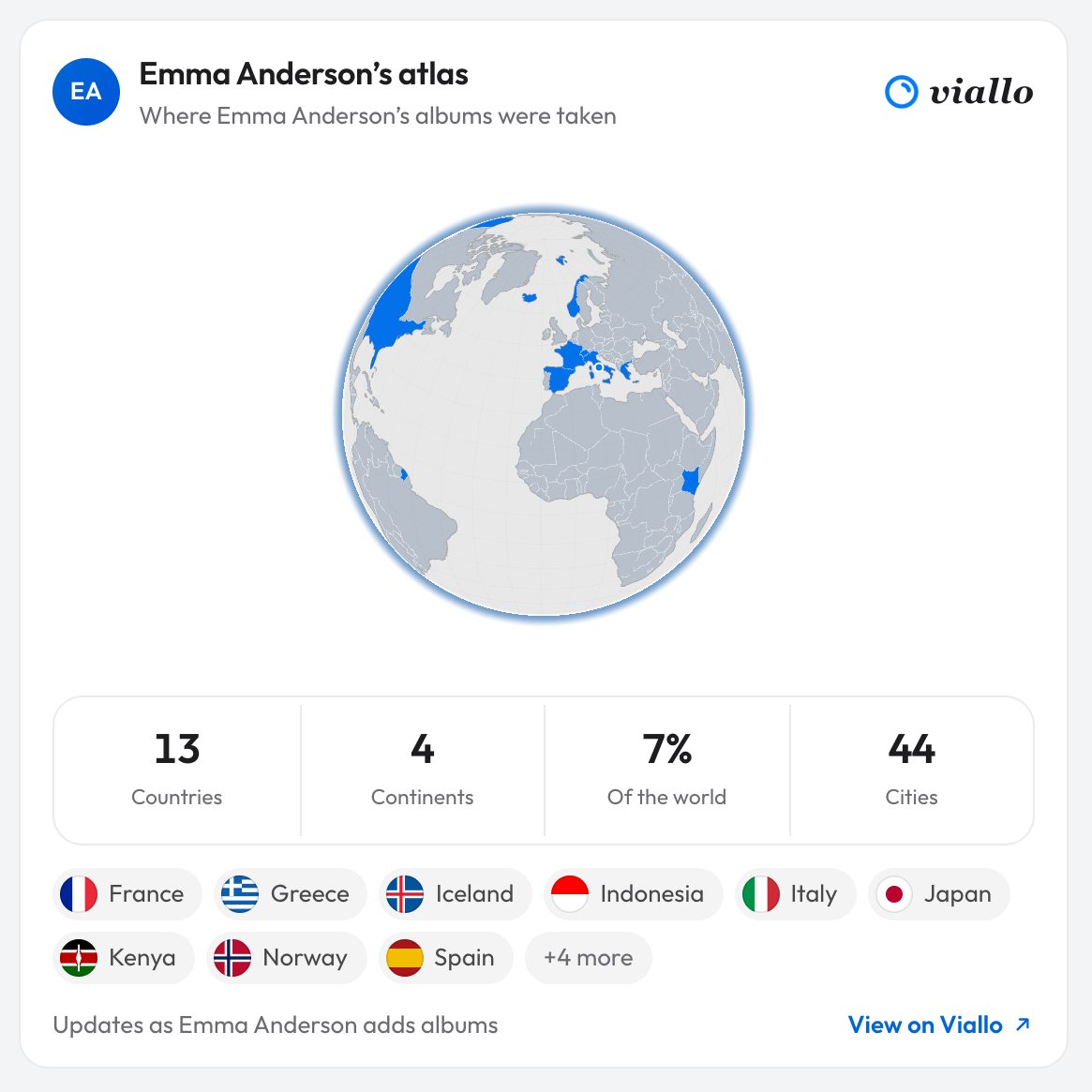
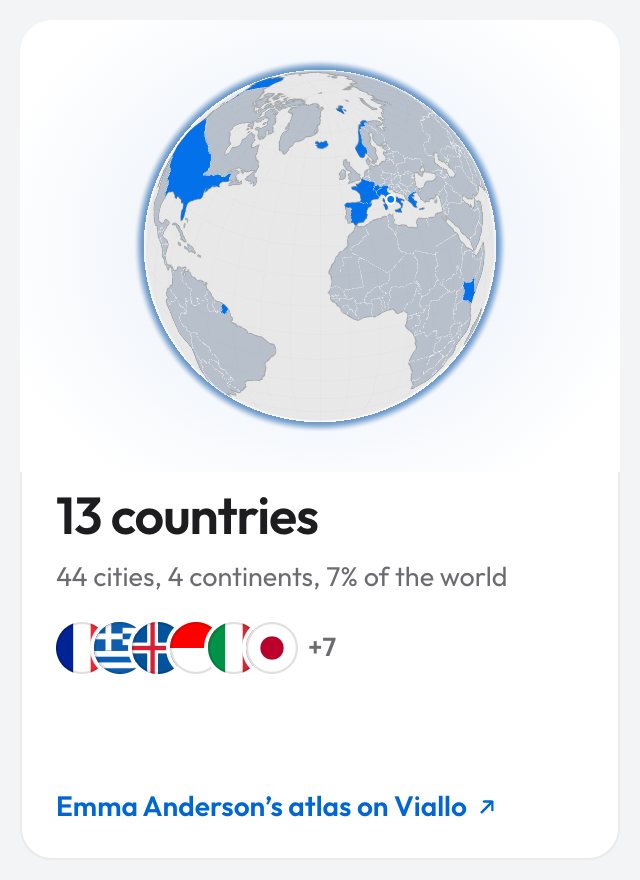
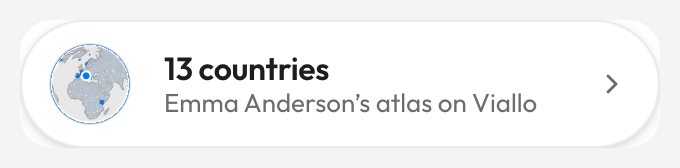
Pick a size, press Copy code, and paste the iframe wherever your site takes HTML: a travel blog sidebar, an about page, a family site. If the site strips iframes, the same tab has a plain linked image of the card instead. The widget follows the link in everything: it shows what the link shows, it waits the same 72 hours, and the moment you turn the link off it reads This atlas is private. Embedding a whole album rather than the map works differently, and embedding a photo album on a website covers it.
Other ways to make a travel map, and what each gives away
Every travel map is either filled in by hand or built from something your phone recorded, and the second kind is the one that can give away more than you meant. This is what each tool documents about sharing, on its own site, help center or App Store listing, as of October 2026.
| Tool | The map comes from | You can share | What a viewer sees |
|---|---|---|---|
| Viallo Atlas | The GPS in your uploaded photos | Image, link, website widget | Countries and totals; the link and widget wait 72 hours |
| Polarsteps | The phone's location, on a trip you track | Secret trip link, trip map embed, followers | The trip itself: its route and the steps you added |
| Skratch | The countries you tap | Image, live link | Your map, without a Skratch account |
| Been | The countries you tap | Image for posts and stories | The countries you marked |
| Visited | The places you select | Map and lists by message or social media; printed poster | Your map and lists |
The manual tools are the safest by construction, since they hold only what you typed, and the least complete for the same reason. Polarsteps is the right tool when the point is to let family follow one trip as it happens, which is exactly what it shows. The one to be careful with is the shortcut of posting the photos themselves: Apple notes that sharing a photo also shares its metadata, location included, and what is in that metadata is a good deal more precise than a country.

Sharing a travel map: the short answers
How do I make a travel map for my Instagram story?
Make it from the places your photos were taken and export it at story size. Viallo's Atlas has an Image tab that draws your map in ten styles at 1080 by 1920 pixels and sends it to Instagram through the share sheet. Manual apps such as Been also export a map picture, but you have to mark the countries yourself first.
Does a shared travel map show where I am right now?
Viallo's public link and widget do not: they hold back any album that had a photo added in the last 72 hours, and they never show cities or dates. The image is different, because it is drawn from everything at the moment you make it. A Polarsteps trip link shows the route of the trip itself, which is what it is for.
Can I put my travel map on my website?
Yes, with an embed code. Viallo's Embed tab gives an iframe in three sizes, Card, Compact and Badge, plus a linked image for sites that do not allow iframes. Polarsteps has an embed of a single trip's map, which suits a trip blog better than a lifetime count.
Can I share it without my name on it?
Yes. Viallo's Link tab has a Show my name switch and a field for a different name, and with the switch off the page and the widget are titled An atlas. The share images carry no name at all, only the countries, the totals and a small viallo.app mark.
What happens to the link if I turn it off?
The page goes private straight away, and the widget on any site switches to This atlas is private. Viallo answers a switched-off link exactly like an address that never existed, and turning the link on again restores the same address; Reset link is the way to get a new one. Images already posted somewhere are copies, and no switch reaches them, which is true of any picture.
The albums behind the map can be shared the same way, as a link people open without an account, and the travel photo sharing guide compares that with the other ways to send a trip to the people who were on it.