How to Embed a Photo Album on a Website
To embed a photo album on a website you need a service that gives you an embed code, and most photo services do not. Viallo's share panel now hands you two: a linked preview image, which is the one that works in an email newsletter and in every locked-down CMS, and an iframe that renders the album as a grid of thumbnails inside your page. The frame carries the album title, up to 24 thumbnails and one button through to the album. It does not carry the full-resolution files, the location data, the owner's name, or a single line of Viallo's analytics.
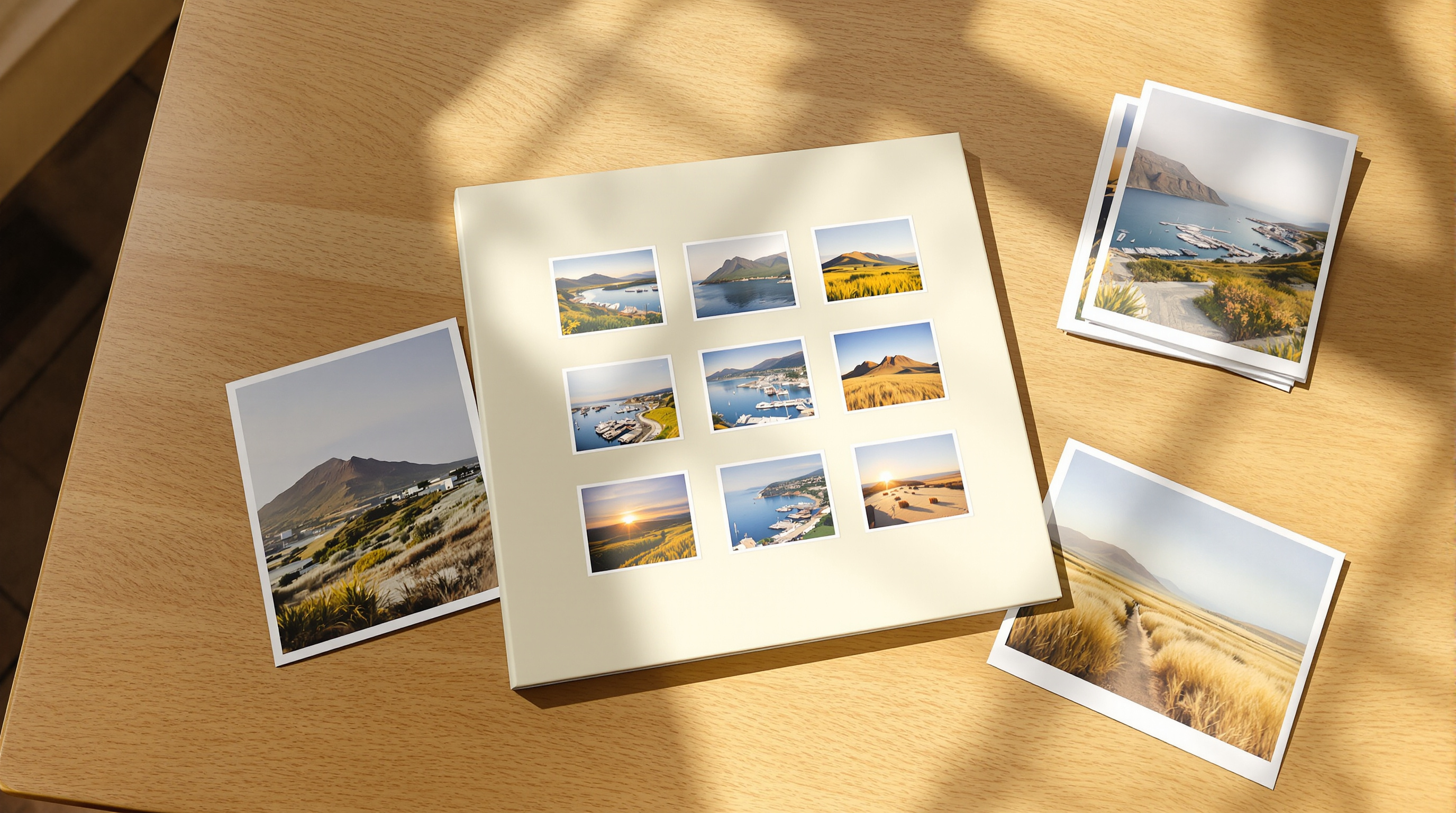
Two Snippets, and Which One You Actually Want
Open an album, press Share, and under the link itself there is now an embed section with two options. The first is an image, and it is the one to reach for unless you have a specific reason not to:
<a href="https://www.viallo.app/share/YOUR_LINK_ID" target="_blank" rel="noopener">
  <img src="https://www.viallo.app/api/preview/YOUR_LINK_ID" alt="Summer in Croatia" width="600">
</a>
That is a picture wrapped in a link. It renders in Mailchimp, in a Substack post, in a Squarespace text block, inside a GitHub README, and in every content editor that strips iframes on save - which is most of the hosted ones. The image it points at is the same 1200x630 card a chat app draws when you paste the link into a thread, built out of the album's own cover photo, and it updates by itself when you change the cover.
The second option is the frame:
<iframe src="https://www.viallo.app/embed/YOUR_LINK_ID" width="100%" height="480"
        style="border:0" loading="lazy" title="Summer in Croatia"></iframe>
Use this one where you control the page and you want the album to look like part of it - your own site, a Ghost or WordPress install, a Notion page. It is a real grid rather than a single flat image, so a reader can see nine or twelve photographs at once instead of one.
What Ends Up Inside the Frame
The embed is a deliberately narrow view of the album, and the narrowness is the interesting part. It renders three things: the album title, a grid of thumbnails, and a button reading Open the album with the album's photo count beside it when there are more photos than the grid is showing. The grid is two columns on a phone and three from about 360 pixels of width upward, and it stops at 24 thumbnails however large the album is.

Everything else stays behind. The data the embed page is allowed to read is cut down to two fields per photo, an identifier and a thumbnail address, which is why the markup on your page cannot contain a full-resolution original even by accident. There is no download button, no upload affordance, no map, no owner name and no email address. If a visitor wants any of that they follow the button, which opens the album itself in a new tab - and the full-resolution originals live there, on a page whose behaviour you already understand.
Viallo is a private photo sharing platform, and two of its defaults matter for this. Viewers never make an account, so a reader who clicks through from your page lands on photographs rather than a signup wall. And the stored file is the file you uploaded, at full resolution with no compression pass, so the album behind a 400-pixel thumbnail is not a smaller version of your work.
One limitation worth knowing before you plan around it: a profile link, the single link that spans every album you own, cannot be embedded. There is no one album for the frame to draw, so it shows an unavailable state instead. Embed a per-album link.
Which Photo Services Hand You an Embed Code
This is a shorter list than people expect, and it is the reason the question gets asked at all. Most consumer photo services are built to end at their own page.
| Service | Embed code? | Album must be public? | What the page gets |
|---|---|---|---|
| Viallo | Yes - image or iframe | No, a share link is enough | Thumbnail grid or a linked card |
| Flickr | Yes - Share, then Embed | Yes, everything in it must be Public | An album slideshow or a single photo |
| Google Photos | No | n/a | Nothing - shared albums cannot be framed |
| iCloud Shared Albums | No | n/a | A public web link you can only link to |
The Flickr row is the one worth dwelling on, because it shows the trade that usually comes with an embed. Flickr will give you an embed code for an album, and it asks in return that every photograph in that album be set to Public - which also means indexed, findable and open to anyone who never saw your page. Viallo's embed runs off an ordinary share link instead, and the embed page itself is marked as not to be indexed, so a search engine crawling your site cannot pull the album into its index through the frame.
Google Photos is the common disappointment. There is no embed feature and no way to iframe a shared album, which is why a search for it turns up third-party services that re-host your photographs to work around it. Handing a stranger's server a copy of your album to solve a layout problem is a poor trade.

The Frame Carries No Analytics and No Cookie Banner
An embed is an unusual thing to ship, because the code runs on a page that belongs to somebody else and is read by people who never chose to load Viallo at all. So nothing analytical runs inside it. Google Analytics, the Meta pixel, the product analytics, the page-view tracking and the advertising click-id capture each check whether they are inside the embed route and stop there. No consent chrome renders either - a cookie banner appearing inside a frame on your page would be your compliance problem, created by a picture you pasted in.
The framing rule is the other half of it. Every route on the site refuses to be framed at all; the embed route is the single exception, and it is the only one that omits the framing directives. That is a narrow hole on purpose, so that a share page or an album page cannot be dropped into a frame somewhere and dressed up as part of another site.
WordPress, Notion, and Why the oEmbed Answer Is a Photo
Some editors do not want a snippet at all. Paste a bare URL into WordPress or Notion and it asks the originating site what to do with it, over a small protocol called oEmbed. Viallo answers that question at /api/oembed, and the answer it gives is type: photo.
That is a considered choice rather than a limitation. The protocol also has a rich type, which can carry arbitrary markup, and WordPress takes that markup apart before it renders it. A photo response survives the trip intact, so pasting the link gets you the linked card reliably instead of an interactive block that works on one CMS and breaks on the next. If you want the live grid in WordPress, paste the iframe snippet into a custom HTML block.
A few details that save a debugging session:
- The endpoint answers JSON only. Ask it for XML and it says so with a 501 rather than pretending.
- It advertises a 600x315 thumbnail, and honours
maxwidthandmaxheightby scaling that proportionally. - It suggests a one-hour cache, which is what stops a consumer re-fetching the card on every page view.
- WordPress clamps an iframe at 1000 pixels tall, so the embed page sizes itself from a 240-pixel floor and grows with its content rather than reading the viewport.
The preview image itself is a progressive JPEG rather than a PNG, at quality 82. That sounds like housekeeping and is not: Meta documents a 600 KB ceiling for WhatsApp link previews, the photographic cards were well past it as PNGs, and the JPEG re-encode measured 87 percent smaller with nothing visibly lost. A card that is too heavy is a card the chat app quietly declines to show.
What Your Page Shows After You Revoke the Link
An embed outlives the decision to embed it. You paste a frame into a post in September, and in March you revoke the link or its expiry date arrives. The post is still live, and the frame in it now points at nothing.
What the reader sees at that point is a short unavailable notice inside the frame. The album does not leak, and neither does anything about it - not the title, not a thumbnail, not the card image a chat app would have drawn. A consumer asking the oEmbed endpoint about the same link gets a refusal rather than a stale card.
There is one distinction the frame is careful about, and it is the kind of thing that only shows up in production. If Viallo's own backend fails to answer - an outage, a timeout - the frame does not claim the album was revoked. Saying "this album is no longer available" on somebody else's website is a statement about the owner's intentions, and publishing that because of a five-second network fault would be a lie that stays up for as long as the fault does. A transport failure reads as a transport failure.
Putting One On a Page
- Open the album and press Share.
- Create the link you want to embed, or pick an existing one. Give it a label if you keep more than one - it is what you will read later when you want to revoke this one and not the others.
- Open the embed section under the link and choose Image or Iframe. Copy the code.
- Paste it into your page. In WordPress that is a Custom HTML block; in Ghost an HTML card; in Notion an Embed block, where the bare share URL also works.
- Load the published page in a private window. You are checking that you see what a stranger sees, which is the whole point of the exercise.
If you are a photographer putting client work on a portfolio page, the thing to read next is private photo sharing for photographers, because the interesting question there is not the embed but which link you embed and what it is allowed to do.
Frequently Asked Questions
What is the best way to put a photo album on a website?
Use a service that gives you an embed code, and prefer a linked preview image over an iframe unless you control the page. Viallo offers both from the share panel, and the image version survives the hosted editors that strip iframes when you save. Flickr also offers an album embed, but it requires every photo in the album to be set to Public first.
How do I embed a photo album in WordPress?
Paste the iframe snippet into a Custom HTML block, not a paragraph block - the editor strips iframe markup out of ordinary text. If you would rather not touch HTML, paste the bare share URL on its own line and WordPress will ask Viallo what to do with it and render a linked card. Google Photos has no equivalent, which is why WordPress users end up searching for plugins that re-host their photographs.
Is it private to embed an album on a public page?
Less private than not embedding it, and that is the honest answer - anyone who can read the page can reach the album. What the embed does control is how much goes with it: the frame carries thumbnails and a title, the embed page is marked not to be indexed, and the full-resolution originals are not in the markup. Put a link you are willing to lose control of in a public post, and keep the private album on a private link.
What is the difference between an embedded album and a link preview?
A link preview is one image that a chat app or a social platform draws for you when you paste a URL; an embedded album is a live grid you place yourself. Viallo builds both out of the same album, and the image snippet is really the preview card with a link wrapped around it. The preview is what you get automatically, the embed is what you choose.
Can I just paste the link and let the site work it out?
On WordPress and Notion, yes - both ask the originating site what a pasted URL should become, and Viallo answers with a linked card. Anywhere else, assume you need one of the two snippets. It takes ten seconds to try the bare URL first and see whether anything appears.