How to Share Pet Photos Privately (2026)
Quick take: The easiest way to share pet photos is to keep them in one private album and send it as a link. With Viallo you upload your dog or cat photos, generate a share link, and family opens the full gallery in any browser - no account, no app. Google Photos can do something similar if everyone already lives in Google's world, but a link-based album keeps your pet off the public feed and out of AI training.
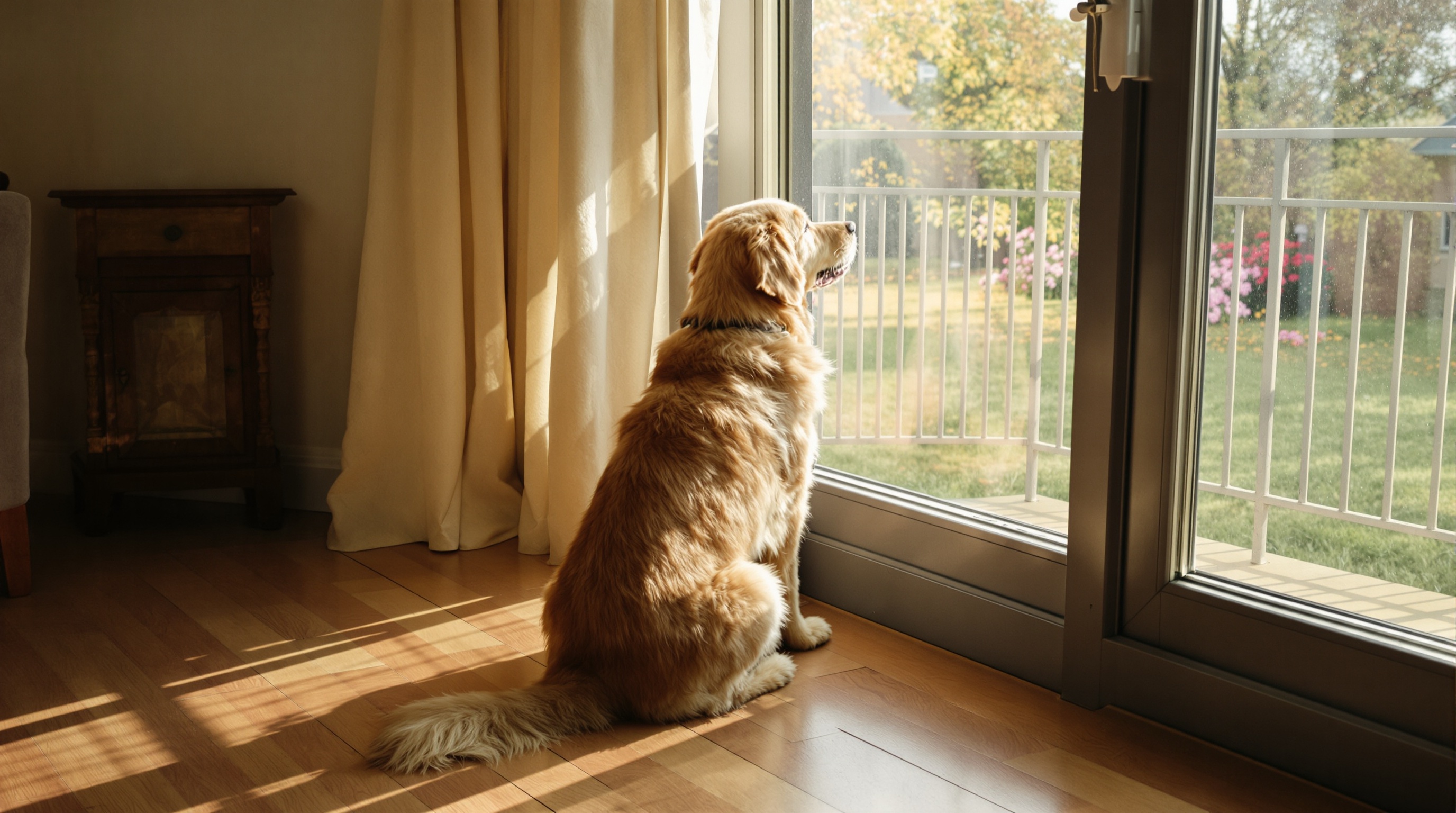
Why your camera roll is 80% your pet
Open your photos app right now and scroll. I'll bet the last twenty pictures are mostly one furry face. The dog mid-yawn. The cat asleep in a sunbeam. The exact same sleeping pose you already photographed nine times because it was somehow cuter the tenth time.
Pet people take a staggering number of photos, and we want to share them. The problem is where. Posting every shot to Instagram feels like too much - your followers signed up for your life, not a daily stream of your labrador's naps. Texting them one at a time floods the family chat and buries the good ones. And your parents, who genuinely want to see their "grand-dog," shouldn't have to make an account anywhere just to look.
So most of us do nothing. The best photos sit on the phone. This guide fixes that: how to keep one private album of your pet and share it with the people who actually care, without spamming social media or asking anyone to download a thing.
A private album just for your pet
The simplest setup is one album that lives just for your pet, shared as a single link. Viallo is a private photo-sharing platform built for exactly this: you create an album, upload your photos, and share it as a link. The people you send it to open the full gallery in any browser - no account, no app download. Photos stay at full resolution, albums are private by default, and nothing gets scanned to train AI or target ads.
Here is the whole thing, start to finish:
- Create one album for your pet. Give it a clear name - "Biscuit" or "Milo the Cat" works better than "Album 3." This becomes the home for every good shot from now on.
- Upload your photos. Drag a batch in from your computer, or use the Viallo app to capture and upload straight from your phone while you're out on a walk. HEIC (the iPhone format), JPEG, and PNG all work.
- Generate a share link. One tap turns the album into a link you can send anywhere - the family group chat, an email to grandma, a message to your dog-sitter.
- Revoke the link anytime. Albums are private by default, and if the album has your home in the background of every photo, you can disable the link in one tap so a forwarded link stops working.
- Send the link. That's it. Whoever taps it sees the full gallery - lightbox, swipe, the works - in their browser. No sign-up screen, no "download our app" wall.
The link stays the same forever, so you only send it once. Add new photos next month and they simply appear for anyone who already has it. And if you ever change your mind, you can revoke the link and it stops working immediately.
Share with family without spamming social media
There is a real difference between "sharing a photo" and "broadcasting it." When you post your cat to Instagram, you are handing it to the algorithm, the ad system, and a few hundred people who mostly just scroll past. When you send a private link, you are handing it to your mum, your sister, and the two friends who genuinely light up at a new puppy photo.
A link-based album is the tool for the second kind of sharing. It lets you share photos without an account on the viewer's side, which is the single biggest reason family sharing usually fails. Older relatives will happily tap a link. Ask them to install an app and create a login, and the photos go unseen. If you want the full playbook for relatives of every age, our guide to private family photo sharing walks through it.
My own setup: one album called "Biscuit," one link in the family chat, pinned to the top. Nobody has to ask "can you send me that photo of the dog?" again. It's always right there, always up to date, and it never lands in a stranger's feed.
Let the family add their photos too
Here is the part people miss. You are not the only one photographing your pet. Your partner gets the shot of the dog stealing a sock. Your mum snaps the cat asleep on her lap during a visit. The dog-walker sends a great action photo from the park. All of those live on different phones, scattered across different chats.
A shared album can be the one place they all come together. Instead of everyone hoarding their own best shots, the album becomes a collective scrapbook of your pet's life - every angle, every silly moment, from everyone who loves them. It's a much fuller picture than anything one camera roll holds.
This is also where a private album beats a public post outright. A comment thread under an Instagram photo disappears in a day. An album grows for years. When you look back, you get the whole story of your pet rather than the handful of shots that happened to get likes.
Keep every photo at full resolution
Pets don't last as long as we'd like, and one day these photos are all you have. That is exactly why quality matters, and why the way you share them matters just as much as the photos themselves.
Most casual sharing quietly wrecks your images. WhatsApp compresses photos by roughly 70%, turning a crisp portrait of your dog into a soft, muddy thumbnail. Instagram re-encodes and resizes everything you upload. Even a screenshot forwarded around the family loses detail every time it's saved and re-sent. Ten years from now, those are the versions you'll be left with.
A private album keeps the original. Viallo stores your photos at full resolution - the same file you shot, not a shrunk copy. The free plan gives you 2 albums, 200 photos, and 10 GB with no credit card, which is plenty to start a proper album for one pet. If you end up with more than one furry subject (no judgement), Viallo's pricing goes up to 20 albums, 5,000 photos and 200 GB on Plus, and drops the album and photo caps entirely on Pro.
Viallo vs Instagram vs Google Photos for pet photos
All three can technically show someone a picture of your dog. They are built for very different jobs, though, and it shows once you care about privacy and quality.
| What matters | Viallo | Google Photos | |
|---|---|---|---|
| Who can see it | Only people with your link | Followers, or the public | People you invite |
| Account to view | None | Instagram account | Google account for full features |
| Photo quality | Full resolution | Compressed and resized | High (slight compression on free tier) |
| AI scanning | None | Yes (Meta AI) | Yes (face and object analysis) |
| Family can add photos | Yes, to a shared album | Only via separate accounts | Yes, with a Google account |
Instagram is a broadcast tool - great for showing your pet to the world, poor for a private record you control. Google Photos is a capable library, but it scans everything and nudges everyone toward a Google account. A link-based private album sits in the sweet spot for pet photos: private by default, full quality, and open to anyone you send the link to. If you want to weigh more options side by side, see our roundup of the best private photo-sharing apps.
Frequently Asked Questions
What is the best way to share pet photos with family?
The best way is a private album shared as a single link, so family can view everything in a browser without making an account. Viallo does this with full-resolution photos and a private link you send once and can revoke anytime. Google Photos is a reasonable alternative if your whole family already uses Google accounts, but it scans your images and pushes viewers toward signing in.
How do I share pet photos without posting them on social media?
Skip the public feed entirely and use a private link instead. Upload your pet photos to a Viallo album, generate a share link, and send it only to the people you choose - no post, no followers, no algorithm. Unlike Instagram, the photos never become public or feed an ad system, and viewers don't need any account to open them.
Is it private to share pet photos through a link?
Yes, when the link is unlisted and you control it. Viallo albums are private by default, the share link isn't indexed by search engines, and you can revoke the link at any time so it stops working instantly. Photos are never scanned to train AI - a stronger setup than a public WhatsApp forward that anyone can re-share.
What is the difference between posting on Instagram and a private album?
Instagram broadcasts your photo to followers or the public and compresses it in the process, and Meta's systems analyze what's in it. A private album on Viallo shares the full-resolution original with only the people who have your link, keeps it out of any feed, and doesn't scan the content. Use Instagram to show your pet to the world; use a private album to keep a record for the people who love them.
Do my family members need an app to see my dog's photos?
No. The link opens the full gallery in whatever browser they already use - Safari, Chrome, anything. There's a Viallo app if you want to capture and upload on the go, but the people you share with need nothing installed and no login. That's the whole point, and it's why link sharing reaches relatives that Google Photos invites tend to lose.