Birthday Party Photo Sharing: One Shared Album (2026)
Quick take: After the party, everyone's best shots are trapped on different phones and the relatives who couldn't make it see nothing. The fix is one shared album - collect everybody's photos in a single place, then send one link that opens in any browser with no app and no account. Viallo does this with full-resolution photos on private EU servers. A Google Photos shared album works too, but it asks your guests to sign in first.

The birthday photos nobody actually collects
Here's how it goes. The candles get blown out, twelve phones come up at once, and for about thirty seconds everyone is a photographer. Grandpa gets the cake shot. Your sister catches the exact moment your kid's face lights up. A cousin films the whole "Happy Birthday" in slow motion. Then the party ends and all of it scatters.
A week later you have four photos on your own phone and a vague memory that other people got the good ones. The clip your sister took? Still on her phone. Grandpa's cake shot? He's not sure how to send it. And your parents, who live three hours away and missed the whole thing, have seen exactly nothing.
This is the real problem with birthday photos. It's not that people don't take them - it's that they never end up in one place, and the people who most want to see them are the ones who weren't there. This guide fixes both: how to pull everyone's shots into a single album, and how to share it with far-away family who open one link and see the whole day.
How to collect everyone's photos in one place
The best way to gather birthday party photos is a single shared album that every guest can add to from their own phone. Instead of collecting photos one text at a time, you create one album, invite people to drop their shots in, and everything lands in the same place at full quality. Viallo does this with a shared link and no account required for the people adding photos; a Google Photos shared album is the closest mainstream alternative, though it works best when everyone already has a Google account.
Here's the whole process, start to finish:
- Create the album first. Make one album named clearly - "Mia's 6th Birthday" beats "Album 2." Do this before the party if you can, so it's ready the moment the cake comes out.
- Add your own photos. Drag and drop straight from your phone or computer. JPEG, PNG, WebP, and HEIC (the iPhone format) all upload without conversion, so nothing gets downgraded.
- Invite guests to contribute. Turn the album into a collaborative album and share the contributor link in your family group chat. Guests tap it and add their own shots - no sign-up, no app install.
- Let it organize itself. If the photos carry GPS data, they group by location automatically. Everything also sorts by time, so the day rebuilds itself in order: arrival, presents, cake, chaos.
- Tidy up the shared view. Hide the blurry duplicates and the ten near-identical cake photos from the shared view without deleting them. Family sees the highlights, not the outtakes.
The key difference from a group chat: photos in an album stay full resolution and stay findable. In a WhatsApp thread, that perfect candle shot is compressed to a fraction of its quality and buried under 200 messages by the next morning.
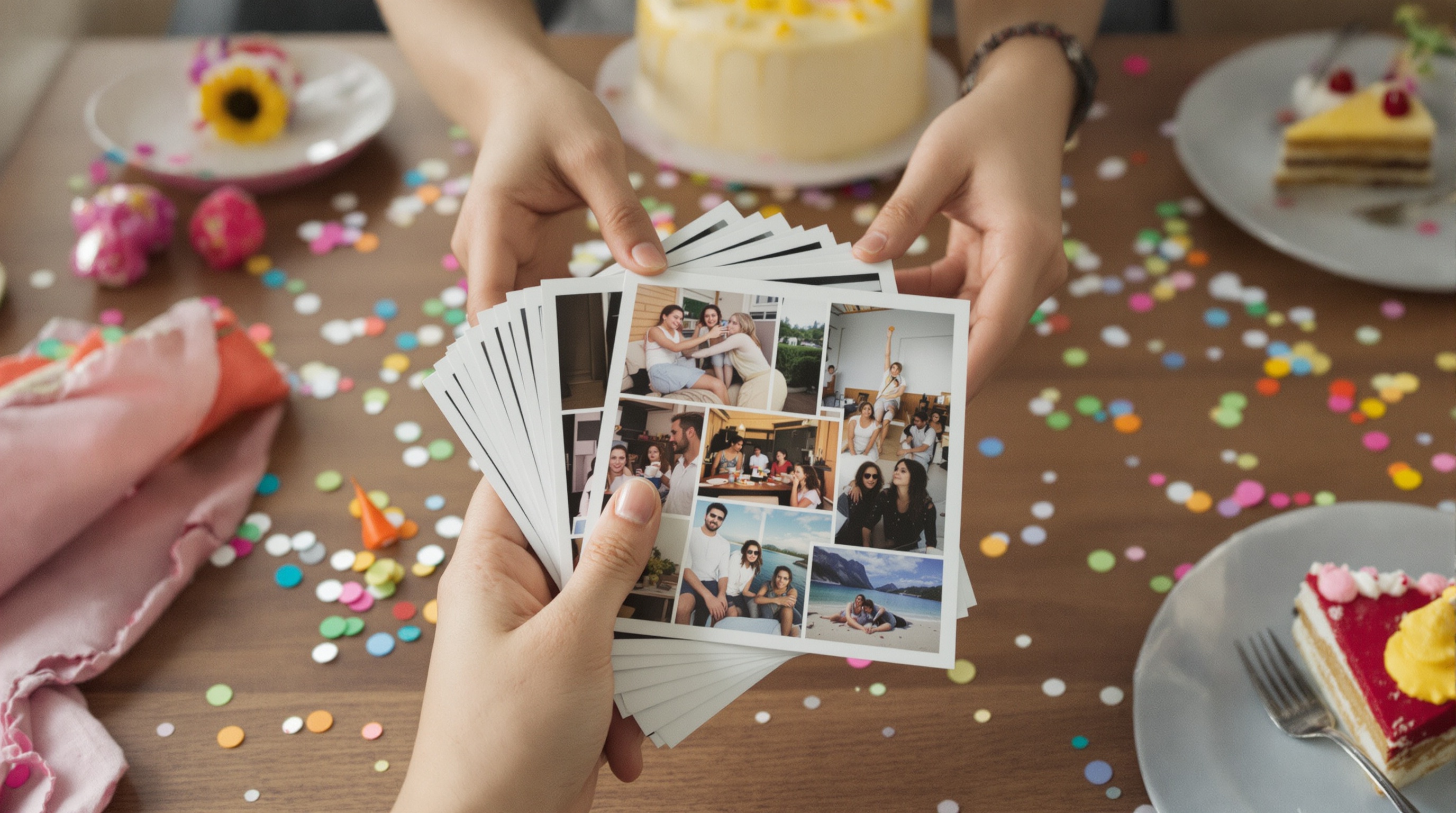
Sharing with family who weren't there
This is where most tools fall down. The grandparents, the aunt abroad, the godparent who had to work - these are the exact people who most want to see the photos, and they're also the least likely to install a new app or remember a password for yet another account.
Viallo is a private photo-sharing platform built around exactly this moment. You share an album as a link, and whoever you send it to opens the full gallery right in their browser - lightbox, location grouping, map view - without creating an account or downloading anything. Photos stay in full resolution on GDPR-compliant EU servers, they're never scanned for ads or used to train AI, and every album is private by default. The people who missed the party get the whole day; the open internet gets nothing.
Practically, it looks like this. You drop one link in the family group chat or send it by email, and everyone - the tech-savvy cousin and the grandmother who just learned to video call - taps the same link and sees the same gallery. Nobody hits a login wall. Every link is private by default with an unguessable 16-byte hex address, and you can revoke it entirely once everyone has seen the photos. This is the same friction-free approach we cover in our guide to sharing photos without an account, and it's the single biggest reason far-away family actually looks at the album instead of meaning to and forgetting.
Keeping kids' party photos off social media
There's a reason parents hesitate before posting their kid's birthday on Instagram or Facebook. Children can't consent to their faces being online, those platforms scan every photo for faces and objects to feed advertising profiles, and once an image is public it's nearly impossible to fully pull back. A birthday party is a room full of other people's kids too, which makes a public post everyone else's decision as well as yours.
Private link sharing sidesteps all of it. The album goes only to the people you send the link to. It's never indexed by search engines, never shown to strangers, and never mined for ad targeting. A few specific controls make this concrete:
- Private by default. Every link uses an unguessable 16-byte hex address, so it stays out of search results and strangers' hands.
- Revoke anytime. Change your mind and the link stops working instantly - no cached copies sitting on someone else's servers.
- No AI scanning. Faces aren't analyzed, locations aren't indexed, and nothing about your child's party becomes data for an ad business.
The result is the best of both: grandparents and close family see every candid, gap-toothed grin, while the rest of the internet - and Meta's and Google's ad systems - see none of it.
Capturing the party from your own phone
Collecting photos afterward is half the job. The other half is catching them in the moment, and that's where the Viallo app helps. It lets you snap and upload straight from your phone during the party, so the cake shot lands in the album while the candles are still smoking - no "I'll upload them later" that never happens.
A few things that make in-the-moment capture work at a real party:
- Snap and add on the spot. Take a photo and push it to the birthday album from your phone between courses or during the present-opening scramble.
- Browse on the go. Flip through the album on your phone to check you actually got the cake moment before the plates get cleared.
- The link still needs no app. This is the part that matters: you use the app to capture, but the family you share with still open a plain link. No app, no account, on their end.
You don't need the app to make any of this work - the web uploader handles everything from a laptop just as well. But if you're the parent running around with a phone all afternoon, capturing straight into the shared album beats digging photos out of your camera roll a week later. This same setup works for sharing photos from any event, from birthdays to graduations to reunions.

Viallo vs. Google Photos vs. a group chat
Three tools get used for birthday photos more than any others. Here's how they actually compare once you factor in a mixed guest list and relatives who weren't there:
| What matters | Viallo | Google Photos | Group chat (WhatsApp) |
|---|---|---|---|
| Viewers need an account | No - open the link and view | Google account for full features | WhatsApp account |
| Photo quality | Full resolution | High (slight compression on free tier) | Heavy compression (~70% loss) |
| Everyone can contribute | Yes - collaborative link | Yes, with a Google account | Yes, but photos bury in the chat |
| Privacy | Private by default, no AI scanning, EU storage | AI scans faces and objects | Encrypted, but anyone can forward |
| Organization | Albums, auto location grouping, map | AI grouping and search | None - a scrolling stream |
| Revoke a shared link anytime | Yes - instant revocation | No | No |
The group chat wins on speed and loses on everything else - photos arrive fast, then compress to mush and vanish into the scroll. Google Photos is genuinely good if your whole family already lives in Google accounts, though grandma logging in is often where it stalls, and it scans everything. Viallo's trade is different: viewers need nothing, photos stay full-size, and the party never touches an ad system. For a birthday you want to still be able to show your kid in ten years, that combination is hard to beat. You can compare tiers on Viallo's pricing page - the free plan covers a couple of parties before you decide.
Frequently Asked Questions
What is the best way to share birthday party photos?
The best way is one shared album with a link that opens in any browser, so every guest and every relative sees the same full-quality gallery without signing up. Viallo does this with no account for viewers, full-resolution storage, and private links you can revoke anytime - the free plan includes 2 albums, 200 photos, and 10 GB, enough for a couple of parties. Google Photos is a solid alternative if your family already uses Google accounts, but it asks viewers to log in for anything beyond basic viewing.
How do I collect birthday photos from everyone's phones?
Create one album, turn it into a collaborative album, and share the contributor link in your family group chat - guests tap it and add their own shots directly. On Viallo the people adding photos don't need an account or the app, and everything lands at full resolution instead of the compressed versions you'd get texting them one by one. If you prefer, iCloud Shared Albums can also collect from multiple people, but only from those inside the Apple ecosystem.
Is it safe to share kids' party photos online?
It is, as long as you use private link sharing instead of a public social post. A private album goes only to the people you send the link to and is never indexed by search engines or scanned for advertising. Viallo keeps albums private by default, stores photos on EU servers under GDPR, never uses them to train AI, and lets you revoke any link the moment you want. Posting the same photos to Facebook or Instagram, by contrast, hands them to platforms that analyze faces and mine the content for ads.
What is the difference between a shared album and a WhatsApp group?
A shared album keeps photos at full resolution, organized and findable, behind a link you control. A WhatsApp group compresses every photo by roughly 70% and buries them in a scrolling chat within a day. With Viallo you can hide duplicates, revoke the private link anytime, and let far-away family view without joining anything. WhatsApp wins on instant delivery, but the memories don't survive it in any usable quality.
Do relatives really need to install an app to see the photos?
No - that's the whole point. You send one link and they open the full gallery in whatever browser they already have, on a phone, tablet, or laptop. There's a Viallo app for you to capture and upload at the party, but the family you share with never touch it. Compare that to a Dropbox or Google Drive folder, where viewers often hit a download prompt or a sign-in screen before they see a single photo.