Bachelorette Party Photo Sharing: One Private Album
Last updated: July 29, 2026
Quick take: Pool every phone into one private album instead of scattering the weekend across Instagram stories and group chats. With Viallo, one person collects the group's photos, uploads them to a private album, and sends a single link that the bride and anyone who missed the trip open in a browser - no account, no app. A shared WhatsApp group is the usual fallback, but it compresses the photos and buries them under the chat.

Why the group photos never end up in one place
A bachelorette weekend - or a hen party, if you are on the UK side of things - generates an absurd number of photos. Eight friends, three days, everyone shooting on their own phone: the boozy brunch, the matching robes, the dance floor at 1 AM. By Sunday there are easily a thousand photos spread across a dozen camera rolls, and almost none of them are in the same place.
Right now the photos live in silos. A handful land in the group chat, a few go up as Instagram stories that vanish in 24 hours, and the best shot of the entire trip is stuck on one friend's phone because she never got around to sending it. The bride - the one person who should have all of it - ends up with the dozen photos she happened to be tagged in.
The fix is one private album that the whole group pools into, shared by a single link. Viallo lets one person collect everyone's photos, upload them to a private album, and send a link that the bride and the rest of the group open in any browser - no account, no app. A shared WhatsApp group can gather photos too, but it crushes the quality and buries them under three days of messages.
Viallo is a private photo-sharing platform built for exactly this kind of group collection. You upload the photos, generate a link, and the people you send it to view the full gallery in any browser without signing up or installing anything. Albums are private by default, photos stay in full resolution on GDPR-compliant EU servers, and nothing is scanned for ads or used to train AI.
One private album the whole group pools into
Here is the setup that turns eight camera rolls into one private album. It takes one organizer and about ten minutes.
- Pick one organizer. Usually the maid of honor. This person creates the album and keeps it tidy. Viallo requires only the album creator to have an account - viewers and contributors access albums through a link without signing up.
- Create a free album. Sign up for Viallo and make an album with an obvious name, like "Mia's Bachelorette - Lisbon." Free is enough to start: 2 albums, 200 photos, and 10 GB, no credit card.
- Gather the group's photos. Ask everyone to send their favorites however is easiest - AirDrop for the iPhones, a text thread, email, or a shared link. Meet people where they are; the fewer hoops, the more photos you actually get.
- Upload everything and tidy up. Drop the whole pile into the album, cut the obvious duplicates, and let the rest stand. With the Viallo app you can add shots straight from your phone during the weekend instead of waiting until you are home.
- Share one link. Generate a private share link and send it to the bride and anyone who missed the trip. They open it in a browser - no account, no app - and see the whole gallery.
The one thing that makes or breaks this: start collecting during the weekend, not a week later when everyone is back to normal life. For more on getting people to actually contribute, the guide on building a collaborative album has the full playbook.

Keeping the weekend off social media
The whole appeal of a bachelorette album is that it is private, not public. A lot of what happens on the trip is funny, a little chaotic, and absolutely not meant for a public feed. Somebody in the group almost always has a job, a family, or a plain personal preference not to show up in a tagged post.
A private album solves that without anyone policing what the group shoots. Every photo lands in one place only the group can open, and nothing gets posted anywhere. If someone wants a shot on their own grid later, that is their call - the album itself never touches social media. Compare that to a shared Instagram story or a public hashtag, where a single tap puts the whole group in front of hundreds of followers and Meta's ad systems.
It also means you are not handing the weekend to a platform that scans your photos. Viallo does not analyze the content of your album for advertising or train AI on it, and it stores everything on EU servers under GDPR. For a trip that involves a lot of drinks and questionable dance moves, that matters more than usual.
Getting it to the bride - and the friends who missed it
The bride is the one person who should end up with every photo, and she is often the one who ends up with the fewest. She is busy being the center of attention, not documenting, so most of the good shots of her live on other people's phones.
One link fixes both problems at once. Send the album link to the bride and she gets the entire weekend - every angle, every candid, in full resolution. Send the same link to the friends who could not make the trip - the pregnant one, the one who could not get time off, the one across the country - and they get to feel included instead of watching disappearing stories from the sidelines.
Because viewing needs no account and no app, it works for everyone regardless of phone. The bride opens it on her iPhone, an out-of-town friend opens it on Android, someone's mum opens it on a tablet. Same link, same gallery, no sign-up screen to stall them. iCloud Shared Albums can do something similar, but only if every single person is on an Apple device with an Apple ID.
A weekend's worth of photos, in full quality
Three days of a bachelorette is a lot of photos. Between the group you are easily looking at several hundred shots of the dinner, the dancing, the toast, and whatever happened at 1 AM. Most sharing tools either choke on that volume or crush the quality to move it.
A dedicated album handles the pile without compressing it. Photos stay at full resolution and browsable in a proper gallery with a lightbox, rather than a wall of thumbnails in a chat. If your photos carry location data, they group by place automatically, so the rooftop bar and the beach day sort themselves. For the mechanics of moving that many files at once, the guide on sharing hundreds of photos walks through it.
Storage is the only real limit. Viallo's free plan gives you 2 albums, 200 photos, and 10 GB with no credit card, which covers a single trip comfortably. If your group shoots more or you want to keep several trips around, the paid tiers add room - see Viallo's pricing for the details.
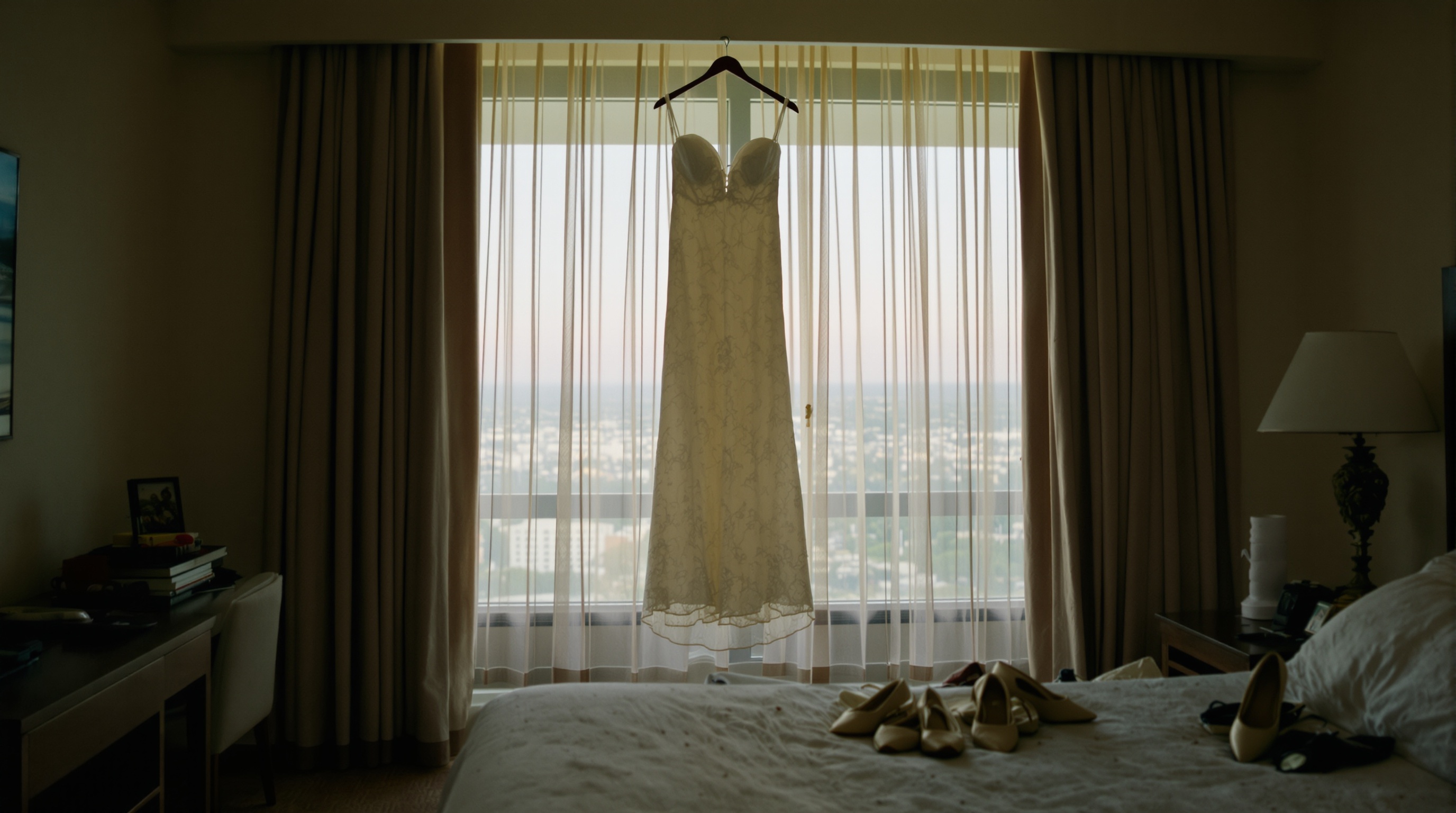
Viallo vs a group chat vs Instagram for a bachelorette
Three tools usually compete for a bachelorette's photos. Here is how they actually stack up for this specific job.
The group chat (WhatsApp, iMessage)
The default, because the chat already exists. It is fine for reactions in the moment, but a bad home for the photos themselves. WhatsApp compresses images heavily, everything gets buried under messages, and there is no real gallery to browse later. Great for planning, poor for keeping. The full breakdown is in the guide on group chat photo sharing alternatives.
Instagram (stories, close friends, a shared hashtag)
Public or semi-public by design. Even a close-friends story shows the weekend to a slice of your followers, stories vanish after 24 hours, and Meta processes everything you upload. Good for the one or two shots you actively want to show off, wrong for a private group archive meant to last.
A private album (Viallo)
Private by default, no account for viewers, full resolution, and one link for the bride and everyone who missed it. You lose the instant back-and-forth of a chat, so most groups use both: the chat for planning and jokes, the album as the permanent, private home for the photos.
Frequently Asked Questions
What is the best way to share bachelorette party photos?
The best way is to pool everyone's photos into one private album and share it with a single link, rather than posting to social media or leaving them scattered across phones. Viallo lets one person upload the whole group's photos to a private album and send a link that opens in any browser - no account for the people viewing. Google Photos shared albums also work, but everyone has to have a Google account to take part.
How do I collect everyone's photos from the trip?
Pick one organizer to create the album, then send the group a link they can add photos through - AirDrop, a text thread, and email still work for anyone who would rather hand their favorites over. Viallo requires only the album creator to have an account - viewers and contributors access albums through a link without signing up. Google Photos shared albums collect from a group too, but every contributor needs a Google account.
Is it private to share bachelorette photos this way?
Yes. A private album shared by link stays off public feeds entirely - it is not posted, indexed, or shown to anyone you did not send the link to. Viallo albums are private by default, share through an unguessable link, and the link can be revoked at any time; photos are never scanned for ads or AI training. Posting the same photos to an Instagram story, by contrast, exposes them to your followers and Meta's systems.
What is the difference between a shared album and a group chat for this?
A shared album keeps every photo in one browsable gallery at full resolution; a group chat mixes photos into the conversation and compresses them. In a WhatsApp group, photos lose roughly 70% of their quality and get buried under messages within a day. A Viallo album keeps the photos full-size and organized, and the bride can open one link instead of scrolling three days of chat.
What if some of the group don't want their photos online?
Then a private album is exactly right - nothing goes public unless someone chooses to post it themselves. Everyone gets the full set to keep, but the weekend never lands on Instagram or Snapchat. If one person still wants a specific photo left out, the organizer can remove it, and with Viallo you can hide individual shots from the shared view without deleting them from the album.