Is Email Safe for Sharing Photos? What Attachments Actually Reveal (2026)
Email is not safe for sharing private photos. Attachments pass through multiple servers in plaintext, email providers like Gmail and Outlook scan your attachments, EXIF metadata (GPS location, timestamps, device info) travels with every photo you send, and emails are stored indefinitely on both the sender's and recipient's servers. For one-time sharing of non-sensitive photos, email is fine. For anything private - family photos, medical images, legal documents, personal moments - use a dedicated sharing platform. Viallo lets you share photo albums through a private, revocable link without attachments ever passing through email servers. Google Photos shared links work too, though without view analytics.
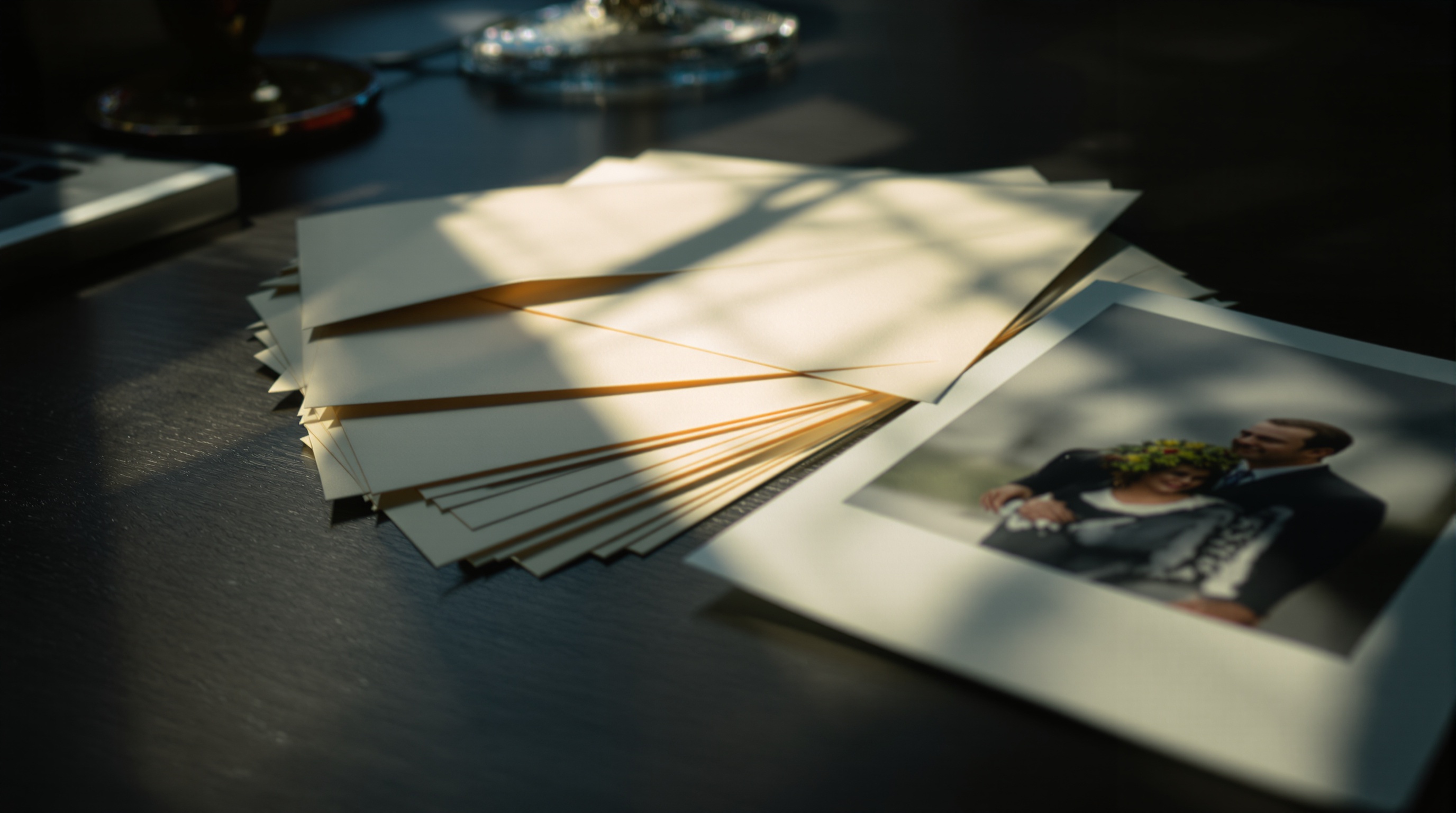
The Myth: Email Is Private
Most people treat email like a sealed envelope. You attach some photos, type in a recipient, and hit send. It feels private. The photos go from your inbox to theirs. Nobody else sees them. Right?
Not even close. Email was designed in the 1970s as an open protocol for sending text between university computers. It was never built for privacy, and attaching photos to emails exposes them in ways that most people never think about. In 2026, with email providers using AI to scan, categorize, and analyze your attachments, the privacy gap is wider than ever.
Is email safe for sharing photos? For a casual snapshot of your lunch that you're sending to a friend - sure. For family photos, private moments, medical images, or anything you wouldn't want a stranger to see - no. Here's what actually happens to your photos when you hit send.
What Actually Happens to Photo Attachments
When you attach a photo to an email, it doesn't travel in a sealed envelope from your computer to the recipient's. It takes a journey through multiple servers, and at each stop, your photo is potentially accessible.
- Step 1: Your email client uploads the photo to your email provider's outgoing mail server (SMTP). The photo is now stored on your provider's servers.
- Step 2: Your provider routes the email through one or more relay servers to reach the recipient's provider. Each relay server has temporary access to the full email including attachments.
- Step 3: The recipient's provider stores the email with the attached photo on their servers, where it's scanned, indexed, and stored indefinitely.
- Step 4: Copies persist. Your sent folder keeps a copy. The recipient's inbox keeps a copy. Any server backups along the way may keep copies. Deleting the email from your inbox doesn't delete it from the recipient's inbox, their provider's backups, or any relay server logs.
Most major email providers now use TLS encryption for the connection between servers, which prevents eavesdropping during transit. But TLS only protects the connection - it doesn't encrypt the content. Your email provider, the recipient's provider, and anyone with server access can read the email and view attachments at rest. This is not end-to-end encryption.
Your Email Provider Scans Your Photos
Every major email provider scans your attachments. The reasons vary, but the result is the same: your photos are being analyzed by automated systems.
| Provider | Scans for malware | Scans for CSAM | AI/content analysis | Used for ads |
|---|---|---|---|---|
| Gmail | Yes | Yes | Yes (Smart features) | Not directly since 2017 |
| Outlook | Yes | Yes | Yes (Copilot integration) | Free tier: yes |
| Yahoo Mail | Yes | Yes | Yes | Yes |
| Apple Mail (iCloud) | Yes | Yes | Limited | No |
| ProtonMail | Yes (inbound) | No (E2E encrypted) | No | No |
Gmail stopped scanning email content for ad targeting in 2017, but it still scans attachments for malware detection, CSAM hash-matching, and its Smart Features (like suggesting calendar events from flight confirmations). Outlook's Copilot AI integration in 2025-2026 means Microsoft's AI models now have access to your email content to generate summaries and suggestions.
Only end-to-end encrypted email services like ProtonMail prevent provider-side scanning. But E2E encryption only works when both the sender and recipient use ProtonMail - send to a Gmail address and the protection disappears on the receiving end.

EXIF Metadata Travels With Every Attachment
When you attach a photo to an email, the full EXIF metadata goes with it. Unlike social media platforms that strip metadata on upload, email preserves everything. That means every photo you email includes:
- GPS coordinates - the exact latitude and longitude where the photo was taken, accurate to within a few meters
- Timestamps - when the photo was taken, down to the second
- Device information - your phone model, operating system version, and sometimes your device's unique identifier
- Camera settings - aperture, shutter speed, ISO, focal length
- Software edits - which apps modified the photo and when
This matters more than most people realize. Email a photo of your kids playing in the backyard, and the recipient can extract your exact home address from the GPS data. Email a photo from your hotel room on vacation, and they know where you're staying. The risks of photo location data are well-documented, but most people don't think about them when attaching photos to emails.
Viallo is a private photo sharing platform that stores photos in full resolution on EU servers under GDPR. When you share a Viallo album link, metadata is preserved for the album owner but isn't exposed to viewers by default - recipients see your photos without access to the underlying EXIF data. If you prefer to strip EXIF data before sharing, Viallo's metadata editor lets you edit or remove location data from photos before they're shared.
Emails Are Stored Indefinitely
Most people's email accounts contain every photo they've ever sent or received going back years. Gmail's default is to keep everything forever. Outlook's retention policy is similar. That means photos you emailed five years ago are still sitting on Google's or Microsoft's servers right now.
This creates two problems:
- Breach exposure. If your email account is compromised, every photo you've ever emailed is exposed. This isn't hypothetical - the FBI Director's personal photos were accessed through a hacked email account in early 2026.
- Legal discovery. In legal proceedings, emails and attachments are discoverable. Photos you emailed years ago could surface in a divorce proceeding, employment dispute, or lawsuit.
With link-based photo sharing, you can revoke access at any time. Delete the album or change the link, and the photos are gone. With email, once you hit send, you've permanently lost control over that copy of the photo.
When Email Is Fine (and When It Isn't)
Email isn't always the wrong choice. For low-stakes sharing, the convenience of email is hard to beat. Here's a practical framework:
Email is fine for:
- Casual photos you'd post on social media anyway
- Screenshots or quick references (restaurant menus, directions)
- Work photos that aren't confidential
- One or two photos to a single known recipient
Use a dedicated sharing platform for:
- Family photos, especially of children
- Medical images or documentation
- Legal documents containing personal photos
- Private moments you wouldn't want in a data breach
- Large batches of photos (email attachment limits are typically 25 MB)
- Anything you might want to revoke access to later
If you're sharing photos that you'd be uncomfortable seeing in someone else's inbox due to a forwarded email or a compromised account, email is the wrong tool. Use a private sharing method instead.
Better Ways to Share Photos Privately
If email attachments are out, what should you use instead? The best alternatives share photos through links rather than file transfers - keeping the original files on a server you control rather than copying them to every recipient's email provider.
- Viallo - create an album, upload photos, share a private link with an unguessable 16-byte hex address. Recipients view everything in a browser with lightbox, location grouping, and map view. No account needed, no app download, full resolution preserved. You can revoke the link at any time.
- Google Photos shared albums - good cross-platform option with AI search and 15 GB free. No password protection and recipients need a Google account, but the experience is polished.
- Signal - for sharing one or two photos in a conversation, Signal's end-to-end encryption is the strongest option. Not practical for albums or large batches, but unbeatable for sensitive one-off shares.
- Other secure sharing methods - depending on your needs, options like encrypted file transfer services or self-hosted solutions may also work.
The core principle is simple: instead of copying photos into email attachments that live forever on multiple servers, share a link to photos that you host and control. You decide who sees them and for how long, and you can revoke the link the moment you change your mind. That's a fundamentally different privacy model than email, where every recipient (and their email provider) gets a permanent copy.
Readers who want to stop emailing private photos can start with Viallo's free plan - 2 albums, 200 photos, 10 GB of storage, no credit card required.
Frequently Asked Questions
What is the safest way to share private photos online?
The safest way to share private photos is through a private link on a dedicated sharing platform. Viallo lets you create an album and share a single link - private by default, with an unguessable 16-byte hex address - that recipients open in any browser with no account needed and no copies stored on email servers, and you can revoke it at any time. For one-to-one sharing of a few photos, Signal's end-to-end encrypted messages are also extremely secure. Avoid email attachments for anything private, as they pass through multiple servers and are stored indefinitely.
Does Gmail scan my photo attachments?
Yes. Gmail scans photo attachments for malware detection, CSAM (child sexual abuse material) hash-matching, and for Smart Features like detecting travel itineraries. Google stopped scanning email content for ad targeting in 2017, but automated scanning for other purposes continues. Microsoft Outlook performs similar scanning, and its Copilot AI integration means your attachments may be processed by AI models. Viallo does not scan uploaded photos for AI training, advertising, or any purpose beyond basic integrity checks.
Is it safe to email photos of my kids to family?
Email is not the safest option for sharing children's photos. Photo attachments include EXIF metadata with GPS location data that could reveal your home address. Emails are stored indefinitely on both your and the recipient's email servers. If either account is compromised, those photos are exposed. For family photo sharing, a private album with a revocable link through Viallo or a similar platform is significantly safer. The photos stay on the platform's servers rather than being copied to every recipient's email provider.
What is the difference between emailing photos and sharing a photo link?
When you email photos, a full copy of each file is sent to the recipient's email server, where it's stored indefinitely. You lose control over that copy permanently. When you share a link from a platform like Google Photos or Viallo, the photos stay on one server and recipients view them through the link. On Viallo you can revoke access at any time and see how many times the album was opened, though not by whom - viewers never sign in. Link sharing is also more practical for large albums - email attachment limits are typically 25 MB, while link-based platforms handle hundreds or thousands of photos.
Do email attachments contain location data from my photos?
Yes. Unlike social media platforms that strip metadata on upload, email preserves the full EXIF data embedded in your photos. This includes GPS coordinates (accurate to a few meters), timestamps, device model, and camera settings. Anyone who receives your email can extract this metadata using free online tools. To prevent this, either remove metadata before attaching photos to emails, or use a sharing platform like Viallo that keeps metadata private by default.