What Happens to a Shared Album When Your Plan Lapses
Last updated: October 20, 2026
Three different things can happen and they are worth telling apart. Uploads get blocked almost immediately on every service. Existing viewers usually keep seeing the album, and no vendor here cuts a live share link the day a payment fails. Deletion is the slow one: Google Photos makes content eligible for removal after two years over quota, and Viallo hides over-limit photos thirteen days after a missed payment and destroys them thirty days after that.

Three Failure Modes, Not One
People asking this question are usually imagining a single event: the album goes dark. That is not what any of these services actually do. What they do is separate three things that happen at different speeds.
- Uploads stop. Fast, hard, and universal. Every service on this page blocks new photos the moment you are over the line.
- Sync or editing stops. Partial and easy to miss, because the album still looks fine.
- Content is removed. Slow, and always after a written warning, but it is the one that matters.
Reading vendor pages in that order is what separates a plan you can let lapse for a month from one you cannot. Everything below comes from Viallo's own enforcement rules and from each vendor's own documentation, as it read on 3 September 2026.
What Happens When a Free Tier Simply Fills Up
Hitting a ceiling on a free plan is the gentler of the two scenarios, because nothing has lapsed. You are at a wall, not on a clock.
On Viallo the block happens before the file moves. Every upload is checked against the account's photo count and total storage first, and an upload that would cross either one is refused with a specific reason rather than a generic failure - the photo ceiling and the storage ceiling raise different errors, so the message tells you which wall you hit. Album creation is checked separately, so a free account at 2 albums, 200 photos and 10 GB can be blocked from making a third album while still having room for photos in the two it has.
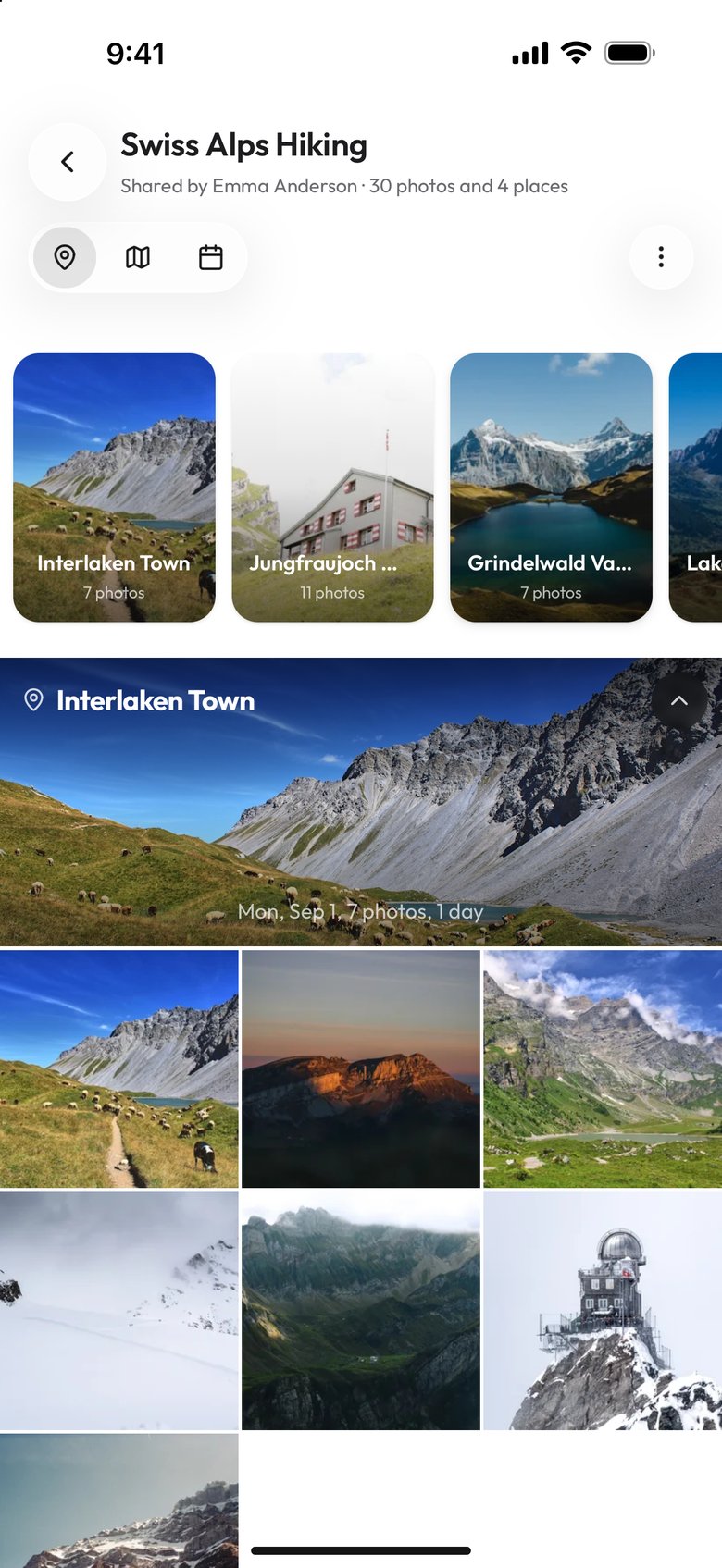
The important half is what is not affected. Albums that already exist keep rendering. Share links that already exist keep resolving, because a link's validity is not tied to the owner's tier. Guests can still open the album and look at everything in it. What a guest cannot do is add to it, and here is the part that surprises people: a guest upload through a contribute link is written against the album owner's account, so the owner's ceiling is what stops it. Your wall becomes their wall.
Google Photos behaves comparably at the account level. Over quota, you cannot back up any photos or videos, cannot upload to Drive, cannot create new Docs, Sheets or Slides files, and Gmail is affected. Google is clear that access itself survives: "You can still sign into and access your Google Account." One quieter consequence is worth flagging, because it touches collaborators directly - "until you reduce your storage usage, nobody can edit or copy your affected files."
What Happens When a Paid Plan Lapses
This is the scenario with a timeline, and the timeline is the answer. Viallo's is specific enough to write out day by day, so it makes a useful worked example of how this kind of enforcement is usually built.
Day 0 to day 10: nothing changes
A failed payment puts the subscription into a past-due state and it sits there. The plan keeps its limits, uploads keep working, albums keep working. Ten days is the window for the card to be fixed with no consequence at all.
Day 10: the downgrade and a warning email
On day ten the account is moved to the free tier and an email goes out that names the free photo limit, the free storage limit and the length of the restore window. A three-day grace period starts. During those three days the account is nominally on free limits but nothing has been touched yet, so this is a second chance rather than a countdown to a surprise.
Day 13: the oldest photos are hidden
After the grace period a sweep brings the account inside the free photo and storage ceilings by hiding photos oldest first, which means the most recent photos are the ones that survive. Hidden is not deleted: the rows are marked, they stop counting against quota and stop rendering, and nothing is removed from storage. Album covers that pointed at a hidden photo get reassigned so the album does not appear broken. A second email reports how many photos were hidden and how much space was freed.
Day 43: the hidden photos are destroyed
Hidden photos stay restorable for thirty days. A daily sweep then destroys anything past that window and queues the underlying files for deletion from storage. Resubscribing before then restores them, again oldest first, stopping at the first photo that no longer fits the plan you came back on - so a downgrade to a smaller paid tier restores a prefix of the collection rather than all of it, and album covers come back with it.
One asymmetry is worth knowing, because it is genuinely useful: the sweep only enforces the photo count and the storage total. It never enforces the album count. An account that had forty albums on a paid plan keeps all forty after the downgrade and is simply refused the forty-first. The album limit is checked when you create an album and at no other time.
The Same Question, Service by Service
Apple Shared Albums made before iOS 27 are immune to a full iCloud
The most useful fact in this whole area, and it follows from something Apple states directly:"Shared Albums don't count against your iCloud Storage." Albums created in iOS 26 or earlier don't count against iCloud storage and are capped at 2048 pixels; new iOS 27 albums count and keep full resolution. A Shared Album made in iOS 26 or earlier is not drawing on the plan you stopped paying for, so filling or canceling iCloud storage does not close it. Apple says the content stays in iCloud until the owner or a contributor deletes it.
An iCloud Shared Photo Library depends on one person
The opposite arrangement. Apple states that the library creator provides the iCloud storage for all of the content, and that if the creator runs out "you can no longer add content to the Shared Library" and "changes such as edits, favorites, and metadata adjustments no longer sync". Five other people lose the ability to contribute because one person's plan filled. The photos remain visible; the library stops moving.
Google Photos removes content, eventually
Google is the only vendor here that publishes an explicit deletion path for going over quota. Content becomes eligible for deletion after two years over quota, and Google commits to contacting you "at least 3 months before content is eligible for deletion". The wording of the consequence is broad: if you do not free up or buy more space, "all of your content in your Google Account may be removed". Google Workspace accounts are exempt for photos and videos. Whether an already-shared album stays viewable while the owner is over quota is not stated anywhere in Google's documentation.
A Dropbox shared folder fails for whoever is full
Dropbox counts a shared folder against the quota of every member, so a lapse on any one member's plan is a problem for that member rather than for the folder. Dropbox spells out the consequence with an example: an 18 GB Basic account cannot collaborate on a folder larger than 18 GB. Downgrade to Basic while sitting in a 40 GB family folder and you are the one who stops syncing.
What Your Guests See While All This Happens
| Service | New uploads | Existing viewers | Is anything destroyed? | How long you have |
|---|---|---|---|---|
| Viallo | Blocked, owner and guests alike | Album and links keep working; oldest photos vanish | Yes, after the restore window | 13 days before photos hide, 43 before they go |
| Google Photos | Blocked | Not stated by Google; nobody can edit or copy affected files | Yes, content becomes eligible for deletion | 2 years over quota, with 3 months' notice |
| Apple Shared Album | Unaffected by iCloud storage | Unaffected | No | Not applicable |
| iCloud Shared Photo Library | Blocked for all six people | Still visible; edits stop syncing | No | Not applicable |
| Dropbox shared folder | Blocked for the member who is over | Other members unaffected | No | Not applicable |
The pattern across the row is that viewing is the last thing to break. None of these five vendors kills a working share link because of money. If you sent an album to forty people last summer and stopped paying in March, those forty people very probably still see something.

What to Do With the Window You Have
The useful move is almost never to rescue the album in place. It is to get the files out while everything is still working, because every service on this page leaves the download path open long after it closes the upload path.
Download before you cancel, not after. Deliberately canceling is the one version of this where you control the timing entirely, and what to do with your photos before you cancel a cloud plan walks through the order of operations. If the trigger was a full free tier rather than a lapse, the ways out of a full Google Photos account is the narrower version.
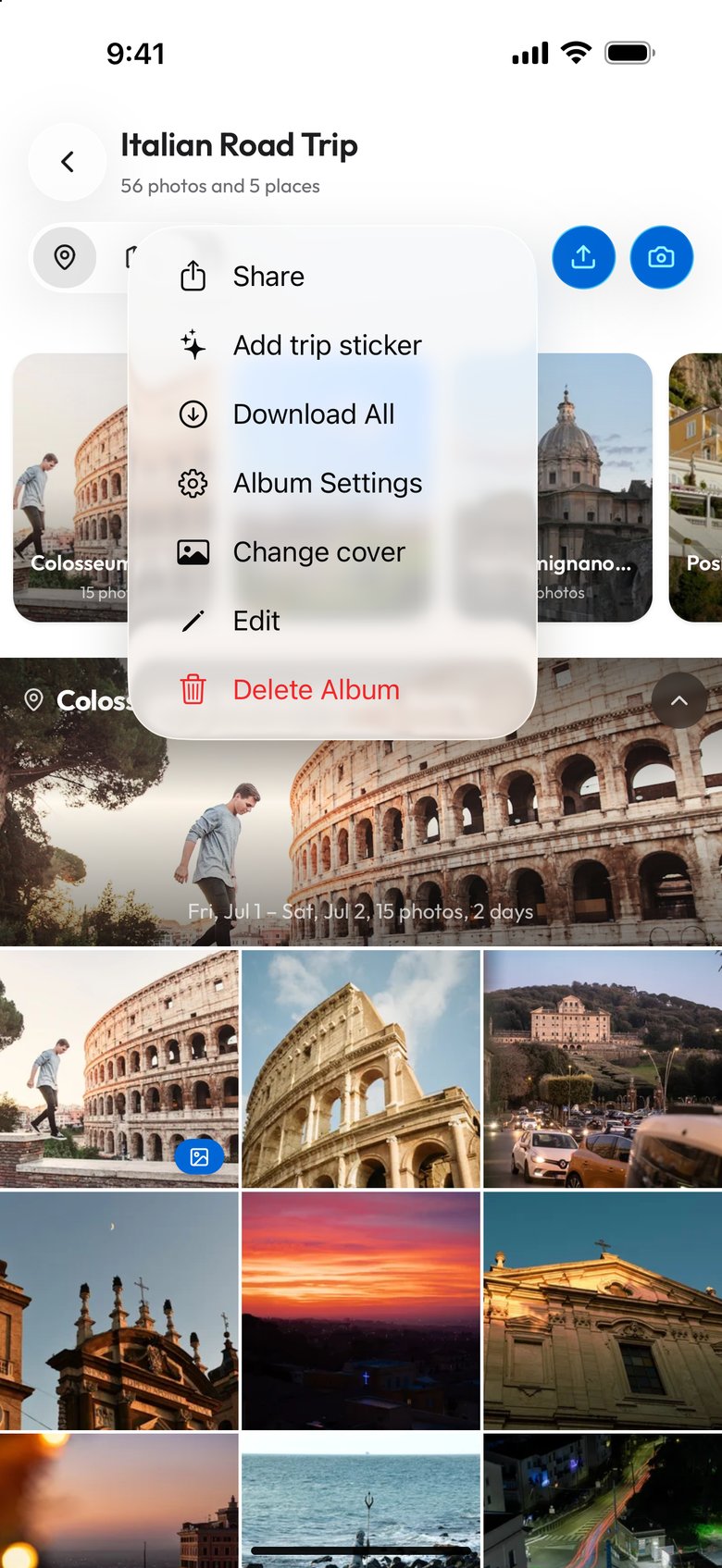
Then check what the recipients actually need. Very often the answer is one album rather than a whole library, and one album can move somewhere free. Viallo is a private photo sharing platform whose free tier holds two albums, 200 photos and 10 GB, keeps the files at full resolution with no compression, and lets viewers open the album in a browser without an account, which is enough for a single trip or a wedding. Sending photos to people who have no account anywhere covers the alternatives if a second account is the thing you are trying to avoid.
And if you plan to come back, come back before the restore window closes rather than after. A resubscribe inside thirty days on Viallo brings the hidden photos back; a resubscribe on day fifty finds nothing to restore, because the daily purge got there first.
Frequently Asked Questions
What is the best way to keep a shared album alive without paying?
Move it to a service whose free tier is a real tier rather than a trial, and keep the album small enough to sit inside it. Viallo's free tier holds two albums, 200 photos and 10 GB, and existing share links keep resolving regardless of tier, so a single album can live there indefinitely. An Apple Shared Album is the other genuinely free option, since Apple states that Shared Albums do not count against iCloud storage at all, with photos capped at 2048 pixels on the long edge as the trade.
How do I get my photos out before a plan lapses?
Export while uploads are still blocked but downloads are not, which is the state every service on this page leaves you in. Use the vendor's bulk export if it has one - Google Takeout for Google Photos, the download-all option on a Dropbox folder - rather than saving files one at a time from a phone. Do it before you cancel deliberately, because a canceled plan is the one case where you choose the day and there is no reason to leave it to the deadline.
Is it safe to let a subscription lapse for a month?
For a month, on most of these, yes - the deletion timelines are all longer than that. Viallo hides over-limit photos thirteen days after a missed payment but keeps them restorable for another thirty, so a month is inside the window and a resubscribe brings them back. Google Photos is the most forgiving on the clock and the least forgiving at the end of it, since content only becomes eligible for deletion after two years over quota but the wording covers everything in the account.
What is the difference between being over quota and having a plan lapse?
Over quota is a wall with no clock: you cannot add anything, and nothing you already have is at risk in the short term. A lapse starts a timer, because the service now has to bring an account that holds paid-tier volumes back inside free-tier limits. That is why the same product can be relaxed about a full free account and firm about an expired paid one, and why the honest question to ask support is not "will I lose photos" but"on what day".
I stopped paying months ago and the link I sent my family still opens. Is that normal?
Normal, and true across all five services here. A share link is a lookup against a record rather than a license check, so nothing in the payment system reaches over to switch it off - on Viallo a link's validity is not tied to the owner's tier at all. What your family may be seeing is a thinner album than the one you sent, because the oldest photos have been swept out from underneath a link that still works perfectly.