Self-Hosted Photo Storage: Run Your Own Photo Cloud in 2026
Last updated: October 9, 2026
Self-hosted photo apps like Immich, PhotoPrism, and Nextcloud Photos let you run your own Google Photos on hardware you control. They give you full ownership of your data, no AI training on your images, and no monthly storage fees beyond electricity and hardware. The trade-off: you need technical skills, your own server or NAS, and time to maintain it. For people who want privacy without running infrastructure, managed private platforms like Viallo - a private photo sharing platform that stores photos with no AI scanning - offer a middle ground between Google Photos and full self-hosting.
Why people are self-hosting photos in 2026
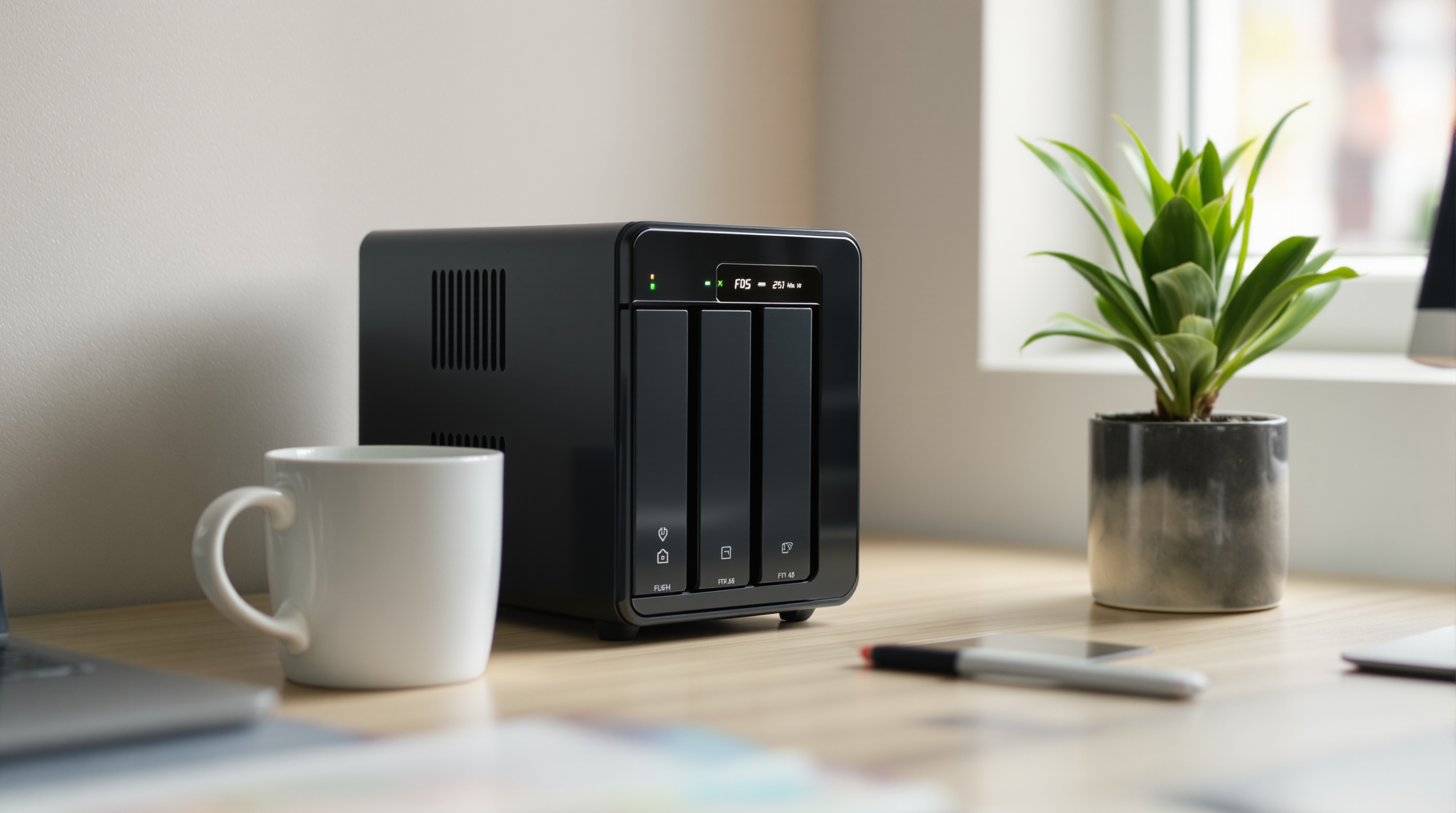
Self-hosted photo storage means running a photo management application on your own hardware - a home server, NAS, or rented VPS - instead of uploading photos to Google, Apple, or Amazon. You keep full control over your files, your metadata, and who can access your library. No company scans your photos, no terms of service change can lock you out, and no subscription price increase can force you to downgrade.
The biggest driver in 2026 is Google's expanding use of photos for AI training. For many users, that was the final push.
Cloud storage costs are climbing too. Google's 2TB tier is $9.99/month. iCloud's pricing has followed a similar trajectory. If you have a decade of family photos, you're paying $150-$200/year just to keep them accessible. A self-hosted setup can eliminate that recurring cost after the initial hardware investment.
Then there's platform lock-in. I've heard from people who lost access to years of photos because a payment method expired on their Google account, or because Apple disabled their iCloud after a billing dispute. With self-hosting, your photos sit on hardware you physically own. Nobody can revoke your access to your own hard drive.
The best self-hosted photo apps compared
Four open-source projects dominate the self-hosted photo space in 2026. Each takes a different approach, and the right choice depends on what you're coming from and what you need.
Immich
Immich is the closest thing to a self-hosted Google Photos replacement. With over 90,000 GitHub stars, it's the fastest-growing open-source photo project by a wide margin. It offers mobile apps for iOS and Android, face and object recognition powered by on-device machine learning, a map view for location-tagged photos, and automatic background upload from your phone. The interface feels modern and responsive - far more polished than most self-hosted software.
The catch: Immich requires Docker and at least 4GB of RAM to run comfortably. The machine learning features demand more if you have a large library. It's under very active development, which means things improve fast but breaking changes happen during major updates.
PhotoPrism
PhotoPrism is the more mature option, built in Go with an excellent web-based search interface. Its AI tagging is accurate and works well on modest hardware. It's one of the few self-hosted options that handles RAW files natively, making it popular with photographers who shoot in CR3, ARW, or DNG formats.
PhotoPrism offers a free tier and a paid "Plus" subscription that unlocks additional features. It requires Docker and at least 2GB of RAM. The mobile experience is weaker than Immich's - there's no dedicated native app, so you're using the web interface on your phone.
Nextcloud Photos
If you already run Nextcloud for file sync, calendar, and contacts, adding Nextcloud Photos is a natural extension. It integrates with the broader Nextcloud ecosystem, which means your photos live alongside your other files in a single platform. Face recognition is available via an add-on.
The downside: as a photo app specifically, Nextcloud Photos is noticeably behind Immich and PhotoPrism. The gallery view is basic, search capabilities are limited, and performance can lag on larger libraries. It's best for people who already have Nextcloud running and want a good-enough photo solution without adding another service.
LibrePhotos
LibrePhotos is a fork of Ownphotos, focused on machine learning-powered tagging and bulk photo organization. It handles large libraries reasonably well and offers similar categorization features to PhotoPrism. However, its community is smaller and development has slowed compared to Immich. I'd recommend it only if its specific organizational workflow fits how you manage photos.
| App | GitHub Stars | Mobile App | AI Features | Min Requirements | Best For |
|---|---|---|---|---|---|
| Immich | 90,000+ | iOS + Android (native) | Face/object recognition, map, ML on-device | Docker, 4GB+ RAM | Google Photos replacement |
| PhotoPrism | 36,000+ | Web-based (PWA) | AI tagging, search, RAW support | Docker, 2GB+ RAM | Photographers, RAW files |
| Nextcloud Photos | Part of Nextcloud (30,000+) | Nextcloud app (file-centric) | Face recognition via add-on | Docker or bare metal, 2GB+ RAM | Existing Nextcloud users |
| LibrePhotos | 7,000+ | Web-based only | ML tagging, auto-grouping | Docker, 2GB+ RAM | Bulk organization |
What you actually need to self-host
Self-hosting photos isn't as intimidating as it sounds, but it does require specific resources. Here's a realistic breakdown of what you need to get started.
Hardware
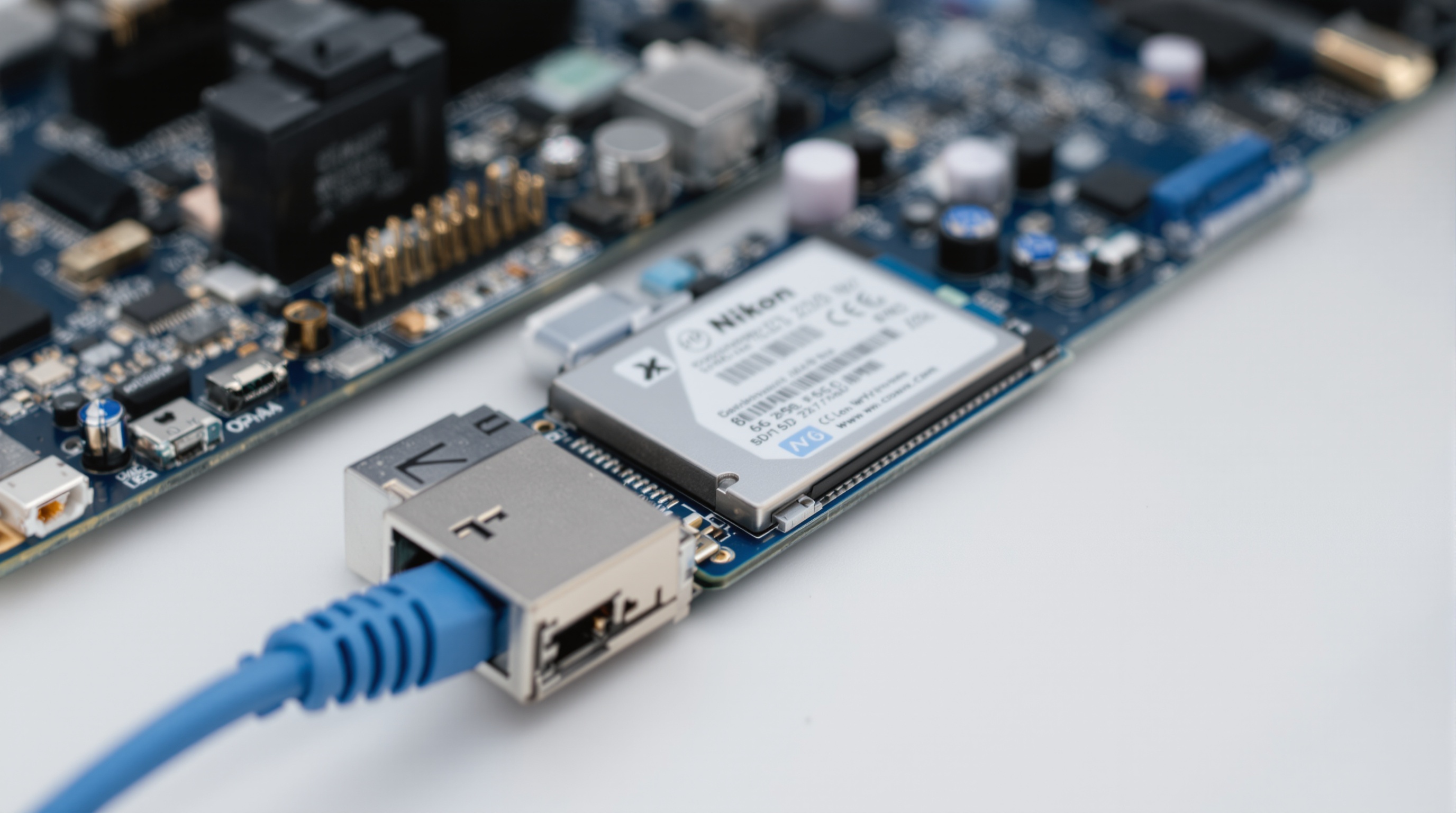
You have several options. An old desktop PC with 4-8GB of RAM works surprisingly well for Immich or PhotoPrism. A Raspberry Pi 5 (8GB model) can handle a personal library up to about 50,000 photos, though machine learning features will be slower. A dedicated NAS like a Synology DS224+ gives you a purpose-built solution with RAID redundancy. Or you can rent a VPS from Hetzner or Contabo for $5-15/month if you don't want hardware at home.
Storage
Plan for 1TB minimum if you have a serious photo library. The average smartphone photo is 3-5MB, and a library of 50,000 photos takes about 150-250GB. Add RAW files and video, and you'll want 2-4TB. For a NAS setup, use two drives in RAID 1 for redundancy.
Software and networking
Docker knowledge is effectively required for all four major apps. You'll also need a domain name (around $10-15/year), an SSL certificate (free via Let's Encrypt), and basic familiarity with reverse proxies like Nginx or Caddy if you want secure remote access.
Backup strategy
This is the part most tutorials skip. Running your photos on a single server with no backup is worse than using Google Photos, because at least Google has redundancy. You need a separate backup - either a second drive, a remote VPS, or a cheap cloud backup service like Backblaze B2 (about $6.95/TB/month). Budget for this from day one.
Estimated costs
- VPS route: $5-20/month depending on storage and provider
- NAS route: $200-500 one-time for hardware (NAS + drives), plus electricity
- Raspberry Pi route: $80-150 for Pi + SSD + case
- Old PC route: Free if you have spare hardware, plus $30-50 for drives
The downsides nobody mentions
Most self-hosting guides are written by enthusiasts who enjoy the process. They understandably gloss over the daily friction. Here's what I've found after running Immich for several months.
- Mobile apps lag behind Google Photos and iCloud. Immich's app has improved dramatically, but it still feels like a generation behind. Automatic upload occasionally fails silently. Search is functional but nowhere near Google's natural-language photo search. The gap is closing, but it's still real.
- Sharing with non-tech family is painful. This is the biggest issue I've hit. Most self-hosted photo apps have limited sharing features. Immich also has public share links, so the recipient account is a choice rather than a requirement.
- Updates and maintenance are your responsibility. Docker containers need updating. Databases need occasional maintenance. SSL certificates need renewal. Your server needs security patches. None of this is hard individually, but it adds up to a few hours per month of ongoing maintenance.
- Hardware failure means data loss without proper backups. A drive failure, power surge, or even a failed update can take your entire photo library offline. If you haven't set up proper backups (and tested restoring from them), you're one hardware event away from losing everything.
- No redundancy unless you build it yourself. Google Photos stores your data across multiple data centers automatically. Your home server is a single point of failure. Achieving similar redundancy requires either a second server, cloud backup, or both - adding cost and complexity.
- AI features are years behind Google. Self-hosted ML models can recognize faces and tag basic objects. They cannot do natural-language searches like"photos of my dog at the beach from last summer." If you rely heavily on Google Photos' AI-powered search, the downgrade will be noticeable.
When a managed private platform makes more sense
Self-hosting is the right choice for people who enjoy running infrastructure, have the technical skills, and want absolute control. But most people who are unhappy with Google Photos don't actually want to run servers - they want privacy and control without the operational burden.
Several managed platforms now offer privacy-focused photo storage without requiring any technical setup. Viallo stores photos at full resolution with no AI scanning, no facial recognition, and no data mining. Unlike Google Photos, where adding to an album needs a Google account unless Collaborate is on, Viallo lets you share albums via a simple link that opens in any browser. Recipients see a clean gallery and can download originals - no account, no app install, no friction.
How Viallo works
You upload photos to albums, and Viallo automatically organizes them by location using GPS metadata - grouping photos into visits on an interactive map. You can share any album via a private link that you can revoke at any time. Viallo's free plan includes 2 albums, 200 photos, and 10 GB of storage. Paid plans start at $6.99/month for Plus.

Other managed privacy options exist too. Proton Drive Photos, from the makers of ProtonMail, offers end-to-end encrypted photo storage integrated with the Proton ecosystem. Ente Photos provides zero-knowledge encrypted photo backup with open-source clients. Both are strong choices if encrypted backup is your primary concern, though neither matches Viallo's sharing features or Google Photos-style organization.
Which option is right for you
After testing multiple approaches, here's my decision framework.
Self-host if:
- You enjoy running servers and troubleshooting Docker issues
- You want absolute control over your data and infrastructure, with zero third-party access
- You have the hardware (or budget for it) and a reliable internet connection
- Your sharing needs are minimal - mostly personal backup and browsing, not sharing albums with extended family
- You're comfortable maintaining backups and handling hardware failures
Use a managed private platform if:
- You want privacy but don't want to run infrastructure
- Sharing photos with family and friends is important - you need simple, secure link sharing that works without accounts
- You value features like automatic location organization and map views without the ML setup
- You don't want to think about backups, updates, or server security
Stick with Google Photos or iCloud if:
- AI-powered search and automatic albums are more important to you than privacy
- You're already deep in the Apple or Google ecosystem and value tight integration
- You're comfortable with the privacy trade-offs and prefer the convenience
- You need unlimited (or near-unlimited) storage and are willing to pay for it
Frequently Asked Questions
What is the best self-hosted photo app in 2026?
Immich is the best self-hosted photo app for most people in 2026. It has over 90,000 GitHub stars, mobile apps for iOS and Android, face and object recognition, a map view, and an interface that closely mirrors Google Photos. PhotoPrism is the better choice if you work with RAW files or want a more mature, stable platform. If you want privacy without running your own server, Viallo offers a managed alternative with full-resolution storage, links you can revoke, and a free plan of 2 albums and 200 photos.
How much does it cost to self-host photos?
A VPS with enough storage runs $5-20 per month depending on capacity. A one-time NAS purchase costs $200-500 for hardware plus electricity and maintenance. Viallo's free plan includes 2 albums, 200 photos, and 10 GB at no cost, while Google Photos offers 15 GB free shared across all Google services. Self-hosting is cheaper per terabyte at scale but more expensive in time and complexity for most individuals.
Is self-hosted photo storage safe?
Self-hosted storage is only as safe as your backup strategy. Hardware failure, ransomware, misconfiguration, and physical damage are real risks that you must handle yourself. Without proper redundancy, a single drive failure can erase your entire photo library. Managed platforms like Google Photos and Viallo handle redundancy, uptime, and disaster recovery automatically. If you self-host, keep at least one off-site backup.
What is the difference between Immich and Google Photos?
Immich runs on your own server, giving you full control over your photos with no AI training, no data mining, and no third-party access. Google Photos runs on Google's infrastructure and uses your photos for AI features and service improvement. Immich requires Docker, a server with 4GB+ RAM, and ongoing maintenance. Google Photos works immediately on any device with a Google account. Immich is for people who prioritize control; Google Photos is for people who prioritize convenience.
Can I share self-hosted photos with family who aren't tech-savvy?
Most self-hosted photo apps have limited sharing capabilities. Immich added shared albums, and public links open without an account. PhotoPrism supports link-based sharing but the experience is less polished than commercial platforms. Viallo lets you share via a simple link that opens in any browser - no account, no app, no technical knowledge required. If easy sharing with non-technical family is a priority, a managed platform handles it better than self-hosting.