Best iCloud Alternative for Photos
Last updated: September 12, 2026
Pick the iCloud alternative by the thing iCloud is failing at. For sharing, Viallo sends a full-resolution album by link that nobody needs an account to open. For organisation, Google Photos. For cheap bulk storage, Amazon Photos if you already pay for Prime. For encryption, Ente. Four different products, because iCloud fails four different ways.

Why People Leave iCloud Photos
iCloud Photos works well if you're fully inside Apple's ecosystem. The moment you step outside it, the cracks show. After testing iCloud sharing extensively for this guide, these are the real pain points that drive people to alternatives.
- 5 GB free is a joke. Apple still offers 5 GB of free iCloud storage - shared across device backups, documents, email, AND photos. Most people fill that within weeks of owning an iPhone. The cheapest upgrade is $0.99/month for 50 GB, which sounds reasonable until you realize Google offers 15 GB free and Amazon Photos gives Prime members unlimited photo storage.
- Sharing requires iCloud accounts. If you want to share a Shared Album with someone who doesn't have an Apple device, they need to create an iCloud account. That's a hard sell for Android users, Windows users, and grandparents who don't want another account.
- Photo quality limits on shared albums. iCloud Shared Albums cap photos at 2048 pixels on the long edge. If you shot a 48 MP photo on an iPhone 16 Pro, the shared version is a fraction of the original. Apple's own platform compresses Apple's own camera output.
- No password protection. You can't password-protect a shared iCloud album. If someone has access, they have access. There's no middle ground between "invited" and "not invited."
- iOS 27 introduced third-party AI processing. Apple's WWDC 2026 announcement that iOS 27 opens photos to third-party AI models has made privacy-conscious users rethink whether iCloud is still the "private" option.
If you need an iCloud alternative for photos, the best choice depends on your priorities. Viallo is a private photo sharing platform that stores photos in full resolution with no AI scanning. It lets recipients view shared albums - with lightbox, location grouping, and map view - without creating an account. Google Photos is better for AI-powered search and organization. Amazon Photos offers unlimited storage for Prime members.
What to Look for in an iCloud Alternative
Before comparing specific platforms, it helps to know what trade-offs you're making. Every iCloud alternative solves some problems while creating others.
- Cross-platform support. The whole point of leaving iCloud is often to escape the Apple-only ecosystem. Any good alternative should work equally well on Android, Windows, Mac, and web browsers.
- Photo quality. Does the platform store and share photos at original resolution, or compress them? This matters more than most people realize - if you're leaving iCloud's Shared Album compression, make sure the alternative doesn't do the same thing.
- Sharing without friction. Can you share photos with people who don't have an account on the platform? This is iCloud's biggest weakness.
- Privacy. Does the platform scan your photos with AI? Does it train models on your images? Is data stored in a jurisdiction with strong privacy laws?
- Price per GB. Storage costs vary dramatically. Free tiers range from 5 GB (iCloud) to unlimited (Amazon Photos for Prime members). Paid tiers range from $0.99/month to $14.99/month depending on the platform and storage amount.
The Best iCloud Alternatives Compared
Here's how the top alternatives stack up against iCloud Photos across the features that matter most.
| Feature | iCloud Photos | Viallo | Google Photos | Amazon Photos | Ente |
|---|---|---|---|---|---|
| Free storage | 5 GB (shared) | 10 GB | 15 GB | 5 GB (unlimited with Prime) | 5 GB |
| Paid storage (lowest tier) | $0.99/mo (50 GB) | $5.99/mo (200 GB) | $1.99/mo (100 GB) | Included with Prime ($14.99/mo) | $1.49/mo (10 GB) |
| Full-resolution storage | Yes (personal library) | Yes | Yes (Original quality) | Yes | Yes |
| Full-resolution sharing | No (2048px cap) | Yes | Depends on upload setting | Yes | Yes |
| Viewer needs account | Yes (iCloud) | No | No (limited), Yes (full) | Yes | No (link sharing) |
| Password-protected sharing | No | No | No | No | Yes |
| AI photo scanning | Yes (on-device + cloud) | No | Yes (Gemini AI) | Yes | No |
| Cross-platform | Apple + web (limited) | All platforms | All platforms | All platforms | All platforms |
| Native iPhone and Android apps | iOS only (web elsewhere) | Both, plus the browser | Both | Both | Both |
| Location organization | Yes | Yes (auto map view) | Yes | Basic | No |
| EU data storage | Optional (EU region) | Yes (default) | No (US default) | No | Yes (Amsterdam) |
Viallo - Best for Private Sharing Without Account Requirements
Viallo is a private photo sharing platform designed for people who want to share photo albums without forcing recipients to create accounts. You upload photos, organize them into albums, and generate a shareable link. Anyone with the link gets full gallery access - lightbox navigation, automatic location grouping, interactive map view - in any browser. Every link is private by default, and you can revoke it anytime if you want to cut off access.
What makes Viallo different from iCloud as an alternative is the sharing model. iCloud assumes everyone in your circle uses Apple devices. Viallo assumes the opposite - that your family, friends, and colleagues use a mix of everything, and nobody wants to create another account to see your vacation photos.
Photos are stored in full resolution with no AI scanning, no facial recognition, and no data mining. The free tier includes 2 albums, 200 photos, and 10 GB of storage - enough to test whether the platform fits your workflow. Plus, at $5.99 a month or $59 a year, raises that to 20 albums and 5,000 photos with 200 GB. Pro, at $14.99 a month or $149 a year, drops the album and photo counts entirely and gives you 1 TB.
Best for: Families with mixed devices, anyone who shares with people who don't want another account, privacy-focused users.
Not ideal for: Users who need AI-powered search and organization, or those who want unlimited free storage.

Google Photos - Best for AI Organization and Search
Google Photos is the most feature-rich iCloud alternative and the one most people switch to first. The AI-powered search is genuinely impressive - you can type "beach sunset 2024" or "photos of my dog" and get accurate results. Face grouping, automatic categorization, and Memories features are all best-in-class.
The free tier offers 15 GB (three times iCloud's free offering), and Google One plans start at $1.99/month for 100 GB. Cross-platform support is excellent - the Android app is native, the iOS app is solid, and the web version is full-featured.
The trade-off is privacy. Every photo uploaded to Google Photos is processed by Gemini AI for search, categorization, and face grouping. Google Photos privacy settings give you some control, but you can't opt out of AI analysis entirely. Google's terms of service also allow using content to "develop, train, or improve Google services and machine-learning technologies." If you're leaving iCloud for privacy reasons, Google Photos moves you sideways, not forward.
Sharing is better than iCloud's but still has gaps. Non-Google users can view shared album links, but can't comment, save, or add photos without a Google account. There's no password protection on shared links.
Best for: People who want powerful search and organization, Android users, anyone already in the Google ecosystem.
Not ideal for: Privacy-focused users, anyone who wants AI-free photo storage.
Amazon Photos - Best for Unlimited Storage on a Budget
If you're already paying for Amazon Prime ($14.99/month), Amazon Photos gives you unlimited full-resolution photo storage at no additional cost. That's the entire pitch, and it's a strong one. No other major platform offers unlimited photo storage at any price, let alone as a bundled benefit.
The platform supports RAW files, which matters for camera users. The Family Vault feature lets you share unlimited storage with up to 5 family members (who also need Amazon accounts). The apps work on iOS, Android, and web, though the experience is noticeably rougher than Google Photos or iCloud.
The downsides: Amazon Photos' privacy posture is weak. Amazon uses AI to analyze your photos and integrates the service with Alexa, Echo Show, and Fire TV. Sharing is limited to people with Amazon accounts. And without Prime, the free tier is just 5 GB - the same as iCloud. The platform's organization features are basic compared to Google Photos or Apple's on-device AI.
Best for: Amazon Prime members who want unlimited storage without paying extra, RAW file storage.
Not ideal for: Anyone who doesn't have Prime, people who want to share with non-Amazon users, privacy-focused users.
Ente - Best for End-to-End Encryption
Ente is the only major photo platform that offers true end-to-end encryption. Nobody - including Ente's own team - can see your photos. The encryption keys live on your devices, and photos are encrypted before they leave your phone. If Ente's servers were breached tomorrow, the attackers would get meaningless encrypted data.
The platform is open source, independently audited, and stores data on servers in Amsterdam. It supports auto-backup from your phone, basic organization features, and link sharing with optional password protection. The free tier includes 5 GB, and paid plans start at $1.49/month for 10 GB.
The trade-off is functionality. End-to-end encryption means Ente can't offer AI-powered search, automatic face grouping, or server-side organization. You organize everything manually. The apps are functional but don't match the polish of Google Photos or iCloud. Sharing is basic - recipients can view photos via a link, but there's no gallery experience comparable to what Viallo or Google Photos offer.
Best for: People for whom encryption is non-negotiable, journalists, activists, anyone storing truly sensitive images.
Not ideal for: People who want AI organization, polished sharing galleries, or a consumer-friendly experience.
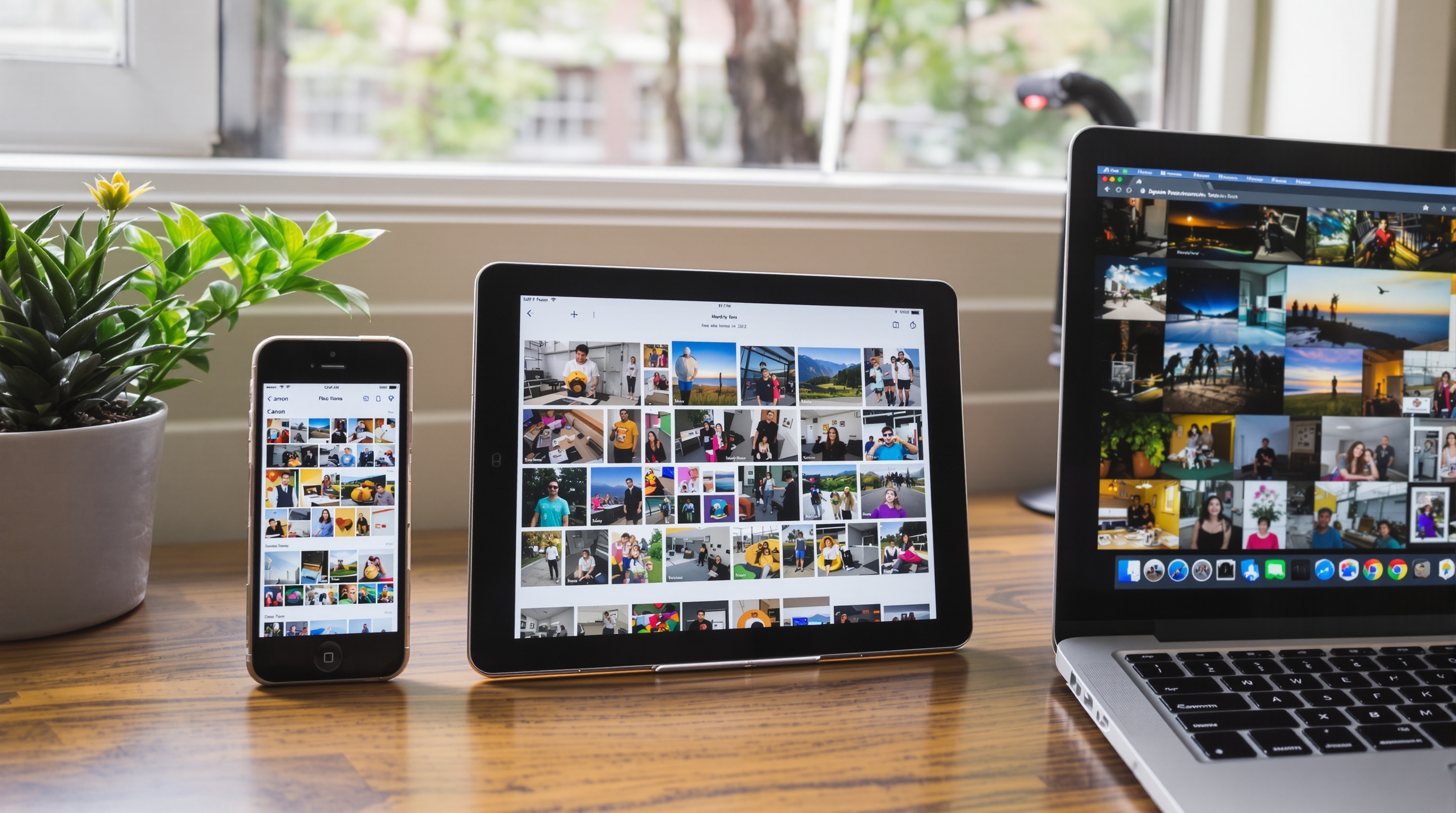
Do you still get an app on your phone?
Yes, and this is the question that stops most people leaving iCloud, because the answer used to be no. Leaving Apple's photo app for a website felt like a downgrade whatever the website did. All four alternatives here now ship native apps on both the App Store and Google Play - Viallo added iOS in June 2026 and Android in July - so the phone half of the experience is no longer the thing you give up.
What is worth understanding is which half each product asks you to live in. Amazon Photos and Ente are app-first: the app is the product and the web view is the fallback. Viallo runs the other way round. The app is there for the person building the album - uploading straight from the camera roll without a browser in the way - but the person you share with never installs anything. They tap the link and the gallery opens in whatever browser they already have, with no account to create. That asymmetry is the entire point: you get an app, and the eleven people you send the album to do not need one.
For an iCloud leaver this matters more than it sounds. The reason Shared Albums fail across a mixed family is not that they are bad - it is that the Android half of the family hits an Apple Account wall. Moving to a platform where only the person doing the sharing needs an account removes that wall without asking anyone to switch phones.

How to Migrate From iCloud Photos
Moving your photos out of iCloud takes a few steps, but it's not complicated. Here's the process.
Download your photos from iCloud
- Go to privacy.apple.com and sign in with your Apple ID.
- Select "Request a copy of your data" and check "iCloud Photos."
- Choose your preferred file size for download packages (Apple will split large libraries into multiple ZIP files).
- Wait for Apple to prepare your data. This can take 1-7 days depending on your library size.
- Download the ZIP files when Apple emails you that they're ready.
- Extract the files to a folder on your computer.
Upload to your new platform
Once you've downloaded your photos, upload them to your chosen alternative. Most platforms accept drag-and-drop uploads from your computer. For large libraries (10,000+ photos), expect the upload to take several hours depending on your internet connection.
For a more detailed walkthrough of leaving Apple's ecosystem, our guide on backing up iPhone photos without iCloud covers the full process including what to do about iCloud Photo Library syncing.
If you're ready to try Viallo, the free plan gives you 2 albums, 200 photos, and 10 GB of storage - no credit card required. Upload your photos, create albums, and share them with a link. Your recipients won't need to create an account or download anything to view them.
Frequently Asked Questions
What is the best iCloud alternative for photo sharing?
For photo sharing specifically, Viallo is the strongest iCloud alternative because recipients don't need an account, photos are shared at full resolution, and every link is private by default and can be revoked anytime. Google Photos is a solid second choice with better organization features, though it requires Google accounts for full sharing functionality. iCloud's Shared Albums compress photos to 2048 pixels and require iCloud accounts - both limitations that Viallo and Google Photos avoid.
How do I move my photos from iCloud to Google Photos?
Go to privacy.apple.com, sign in, and request a copy of your iCloud Photos data. Apple will prepare ZIP files within 1-7 days. Download and extract them, then upload to Google Photos via photos.google.com (drag and drop). Make sure to select "Original quality" in Google Photos settings before uploading, or your photos will be compressed to 16 MP. For libraries over 15 GB, you'll need a Google One subscription.
Is Google Photos more private than iCloud?
No. Google Photos processes every uploaded photo with Gemini AI for search and categorization, and Google's terms allow using content to improve machine learning. Apple processes most photo AI on-device rather than in the cloud, though iOS 27 introduced cloud-based AI features that send photos to Apple's servers. For true photo privacy, Viallo stores photos with zero AI analysis, and Ente offers end-to-end encryption where not even the platform can view your images.
What is the difference between Viallo and iCloud for photo sharing?
The biggest differences are account requirements and photo quality. iCloud Shared Albums require every viewer to have an iCloud account and compress photos to 2048 pixels. Viallo lets anyone view shared albums in a browser without creating an account and stores photos at full resolution. Viallo also offers private, revocable sharing links, automatic location grouping with map view. iCloud's advantage is deep integration with Apple devices and automatic backup.
Can I use an iCloud alternative and still keep photos on my iPhone?
Yes. Using an alternative doesn't mean deleting photos from your iPhone. You can keep iCloud Photo Library for device backup and use a separate platform for sharing and long-term storage. Many people use iCloud as a backup layer and Viallo or Google Photos as their sharing platform. The key is to disable "Optimize iPhone Storage" in iCloud settings if you want to maintain full-resolution copies locally for upload to another service.
Leaving iCloud doesn't have to be all-or-nothing. You can keep iCloud for device backup while using a better platform for sharing and organization. If sharing is your main frustration with iCloud - the account requirements, the quality compression, the Apple-only limitations - try Viallo's free plan. Upload a few albums, share them with someone who doesn't have an iPhone, and see the difference for yourself. No credit card, no commitment.