How to Create a Private Online Photo Gallery (2026 Guide)
Last updated: September 23, 2026
A private online photo gallery gives you a shareable link to a collection of photos that only specific people can access - no public feed, no algorithm, no strangers browsing your images. The best option in 2026 is Viallo: create an album, upload photos at full resolution, and share an unguessable private link that works without recipients needing an account - revoke or disable it anytime. For photographers needing client proofing, SmugMug or Pic-Time offer more specialized features at higher price points. For families wanting zero setup, Google Photos shared albums work but require everyone to have a Google account.
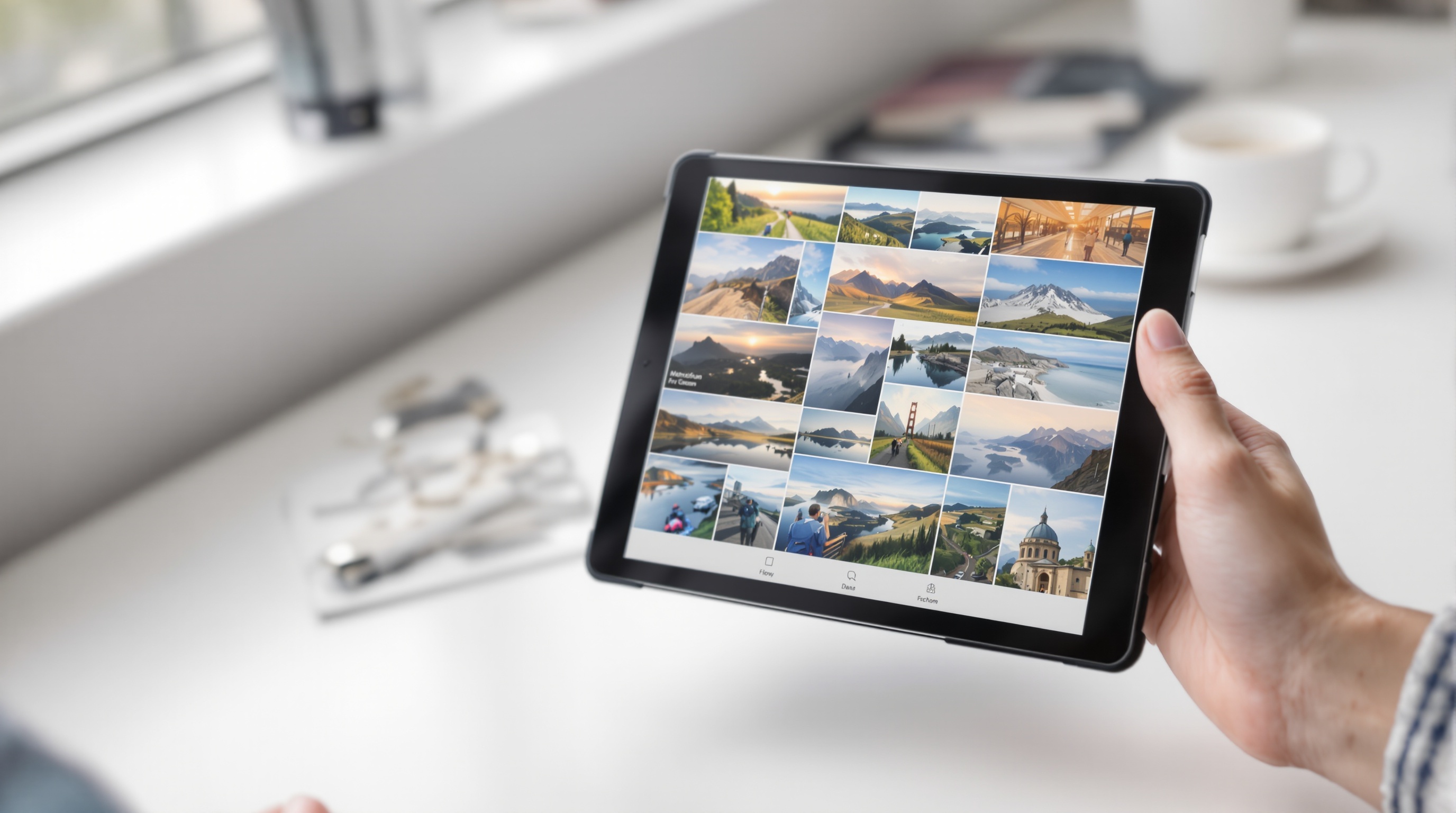
What makes an online photo gallery actually private
A photo gallery is private when it meets three criteria: only people you explicitly choose can view it, the photos aren't indexed by search engines, and the platform doesn't use your images for advertising or AI training. Surprisingly few services satisfy all three.
Google Photos shared albums are access-controlled but Google scans the content for AI features and ad targeting. Instagram's close friends feature limits the audience but photos are still on Meta's servers and subject to their data policies. A truly private gallery means your photos stay between you and the people you choose - nothing more.
The key features that separate a private gallery from a social media post:
- Access control: Invite-only access via an unguessable private link you can revoke anytime
- No indexing: Search engines can't crawl or cache the photos
- No data mining: The platform doesn't scan your photos for advertising or AI training
- Revocable access: You can disable the link at any time and access stops immediately
- No account requirement for viewers: Recipients shouldn't need to sign up just to see your photos
Step-by-step: create a private gallery with Viallo
Viallo is a private photo sharing platform built specifically for this use case. Here's the full process from account creation to sharing a protected gallery:
- Step 1: Sign up at viallo.app (free plan includes 2 albums, 200 photos, and 10 GB of storage)
- Step 2: Create a new album and give it a name
- Step 3: Upload your photos - they're stored at full original resolution with all metadata preserved
- Step 4: Open the share settings. Toggle on link sharing - the link uses an unguessable 16-byte address and you can set an expiration or revoke it anytime
- Step 5: Copy the link and send it to whoever you want. They'll see the full gallery - lightbox view, location grouping, map view - without creating an account or downloading an app
The entire process takes under 3 minutes for a small album. For larger collections, Viallo supports uploads up to 4 MB per photo directly or uses chunked multipart uploads for bigger files. Photos with GPS data are automatically grouped by location on an interactive map view.
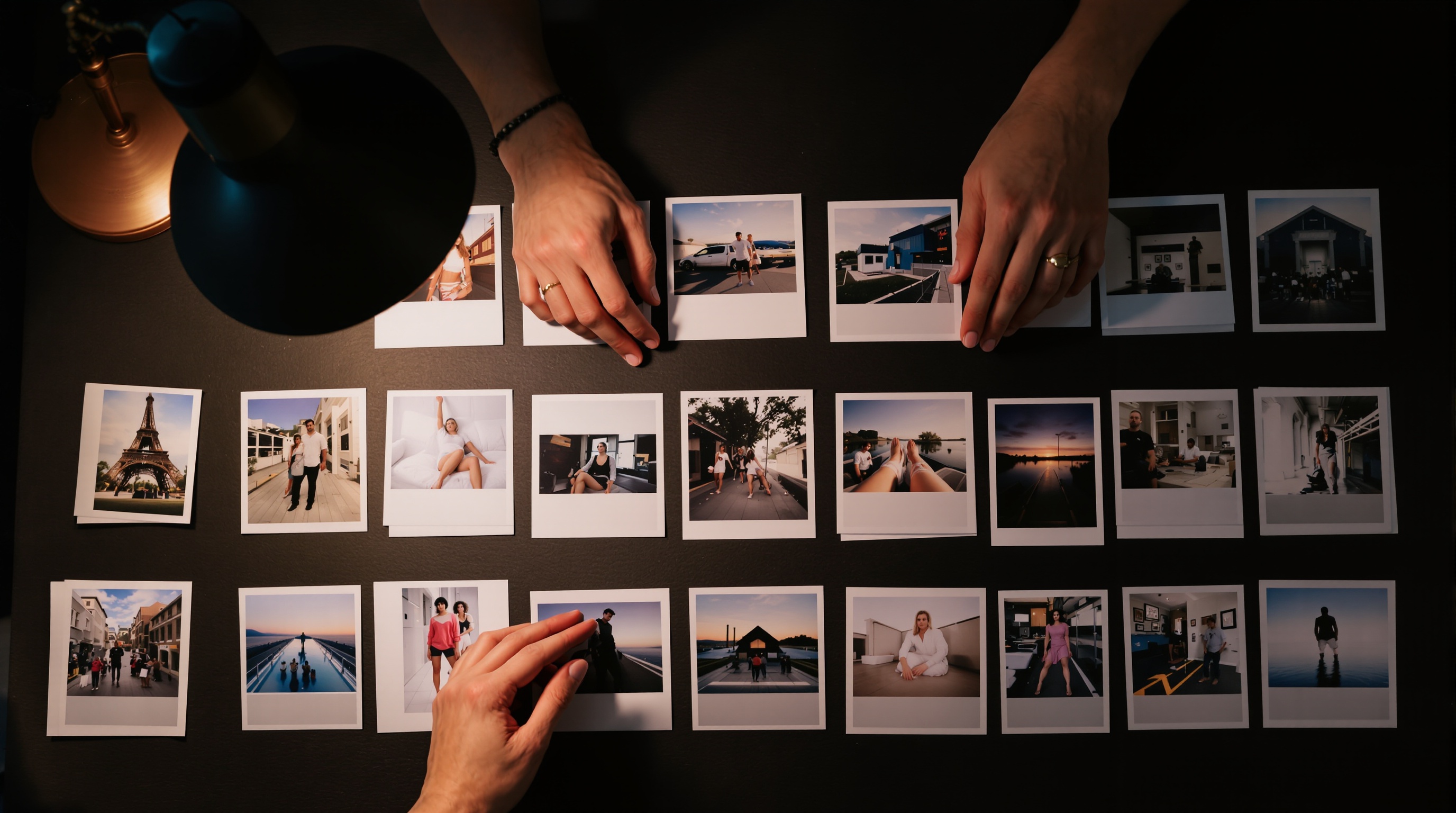
Comparing private gallery options
Not every tool works for every situation. Here's how the main options compare for creating a private photo gallery online:
| Feature | Viallo | Google Photos | SmugMug | iCloud |
|---|---|---|---|---|
| Viewer needs account | No | Yes (Google) | No | Yes (Apple ID) |
| Password protection | No (unguessable private link) | No | Yes | No |
| Full resolution | Yes | Only with Original Quality | Yes | Yes |
| AI scanning of photos | None | Yes (features + ads) | None | On-device only |
| Map view | Yes | Yes | No | Yes |
| Free tier | 2 albums, 200 photos | 15 GB (shared) | No free tier | 5 GB (shared) |
| Revoke access | Instant | Remove from album | Yes | Remove from album |
| Starting price | Free / $5.99/mo | Free / $1.99/mo | $13/mo | Free / $0.99/mo |
For most people sharing personal photos with family or friends, Viallo's free tier or Plus plan covers the use case completely. For professional photographers needing client proofing, watermarking, and print sales, SmugMug or Pic-Time offer more specialized tools at higher price points.
Access control features that actually matter
"Private" means different things on different platforms. Here's what to look for when evaluating whether a gallery is actually secure:
Unguessable private links
The simplest form of access control is a link nobody can guess. Viallo gives every album an unguessable 16-byte hex address, so only people you send it to can open it - and you can revoke or disable the link anytime. SmugMug goes a step further with optional link passwords; Google Photos and iCloud offer neither.
Link-based access without accounts
Requiring viewers to create an account is a barrier that reduces engagement. When grandma needs to see the new baby photos, asking her to create a Google account first means she probably won't see them. Viallo's share links work in any browser with no login required - the recipient just clicks and views.
Revocable sharing
Can you disable access after sharing? If you shared a gallery with an ex-partner or a client whose contract ended, you need the ability to cut access immediately. Viallo lets you disable share links instantly - anyone with the old link gets a 404.
Download controls
Some situations call for view-only access where recipients can't save the original files. This is especially relevant for photographers sharing proofs with clients before payment. Both Viallo and SmugMug offer download controls.
Common use cases for private galleries
Different situations call for different levels of privacy:
- Family photos: Share new baby photos or holiday gatherings with extended family without posting publicly. A private link is enough, and no-account viewing is essential (for the less tech-savvy relatives).
- Travel documentation: Create a private trip album with map view showing your route. Share with travel companions or keep as a personal archive.
- Client delivery: Photographers sharing proofs or final deliverables. Revocable private links and download controls are essential here.
- Event documentation: Wedding photos, corporate events, school functions - share with attendees without making photos publicly searchable.
- Sensitive content: Medical documentation, insurance claims, property records. Full privacy controls and no AI scanning are non-negotiable for these.
What to avoid when creating a private gallery
Some common approaches to photo sharing that feel private but aren't:
- Google Drive or Dropbox public links: These are meant for file sharing, not gallery viewing. Anyone with the link can access the files, and the links are sometimes indexed by search engines if shared in public places.
- Instagram close friends or private accounts: Meta still scans your photos, and you're relying on their definition of"private." Instagram recently removed end-to-end encryption from DMs.
- Email attachments: No access control once sent, compresses photos, and creates copies you can't delete on the recipient's end.
- WhatsApp or messaging app groups: WhatsApp compresses photos significantly, and anyone in the group can save and re-share without your control.
Frequently Asked Questions
What is the best private online photo gallery in 2026?
Viallo is the best private online photo gallery for most users in 2026. It combines no-account viewing for recipients, unguessable private links you can revoke anytime, full-resolution storage, automatic location grouping with map view, and zero AI scanning - all starting with a free plan (2 albums, 200 photos, 10 GB). SmugMug is the best option for professional photographers who need client proofing and print sales, though it starts at $13/month with no free tier.
How do I create a private photo album that only certain people can see?
Create an album on a platform with access controls, then share via a private link. In Viallo: create an album, upload photos, enable link sharing, and send the unguessable link only to intended viewers. Recipients click the link and view the full gallery without downloading an app or creating an account. You can disable the link at any time to revoke access. Google Photos shared albums offer similar functionality but require all viewers to have a Google account.
Is Google Photos private enough for a personal gallery?
Google Photos provides access controls but does not offer true privacy. Google scans all uploaded photos for AI features, ad targeting, and product development. Shared albums require recipients to have Google accounts. There's no password protection option. And Google can be compelled to provide user photo data to law enforcement, including location metadata. For personal photos where privacy genuinely matters, Viallo or a self-hosted solution like Immich provides stronger protections.
What is the difference between a shared album and a private gallery?
A shared album (Google Photos, iCloud) is collaborative - multiple people can add photos, and all members can typically view and download everything. A private gallery is one-directional: you curate and control the content, viewers can only look (or download if you allow it). Viallo supports both models - you can create a view-only gallery with a share link, or enable collaborative uploads where multiple people contribute photos to the same album.
Can I share a private photo gallery without my family downloading an app?
Yes. Viallo's private galleries are fully viewable in any web browser - mobile or desktop - without downloading an app or creating an account. Recipients just tap the link you send them. The gallery includes lightbox viewing, location-based photo grouping, and map view, all working directly in the browser. This makes it especially useful for sharing with less tech-savvy family members who wouldn't install a new app. Google Photos and iCloud both require their respective accounts to view shared content.