Instagram Compresses Photos to 1080px Wide
Last updated: October 26, 2026
Yes, for any photo wider than 1080 pixels, which includes every 12 MP and 24 MP frame. Instagram's Help Center says it sizes such a photo down to 1080 pixels wide, so a 24 MP frame keeps 3.2% of its pixels. A photo 320 to 1080 pixels wide keeps its resolution at aspect ratios from 1.91:1 to 3:4.
Does Instagram compress photos?
It reduces the resolution of any photo wider than 1080 pixels. Instagram's Help Center article Image resolution of photos you share on Instagram says, as read on 26 October 2026: "If you share a photo at a higher resolution, we size it down to a width of 1080 pixels." A photo narrower than 320 pixels is enlarged to 320 pixels wide, and a photo whose aspect ratio is outside 1.91:1 to 3:4 is cropped to fit a supported ratio.
The same article promises that a photo between 320 and 1080 pixels wide keeps its original resolution when its aspect ratio is between 1.91:1 and 3:4, which at 1080 pixels wide means a height between 566 and 1440 pixels. So a photo exported at 1080x1350 is not resized.
The article is about pixels only. It names no JPEG quality, no colour profile, no file-size limit and no Stories size, so this post does not state any of them either.
What size does Instagram keep for a 12 MP or 24 MP photo?
The table applies the rule from Instagram's article, as it read on 26 October 2026, to five common frame sizes. It is arithmetic on the documented rule, not an upload, and the check script recomputes every row.
| Photo you upload | What the documented rule gives |
|---|---|
| 24 MP landscape, 6000x4000 px (3:2) | sized down to 1080x720 px, 3.2% of the pixels |
| 12 MP landscape, 4032x3024 px (4:3) | sized down to 1080x810 px, 7.2% of the pixels |
| 16 MP square, 4000x4000 px (1:1) | sized down to 1080x1080 px, 7.3% of the pixels |
| portrait already at 1080x1350 px (4:5) | kept at 1080x1350 px, 100% of the pixels |
| 24 MP portrait, 4000x6000 px (2:3) | outside 1.91:1 to 3:4, so cropped to a supported ratio the page does not name |
How large is a 1080 px wide JPEG?
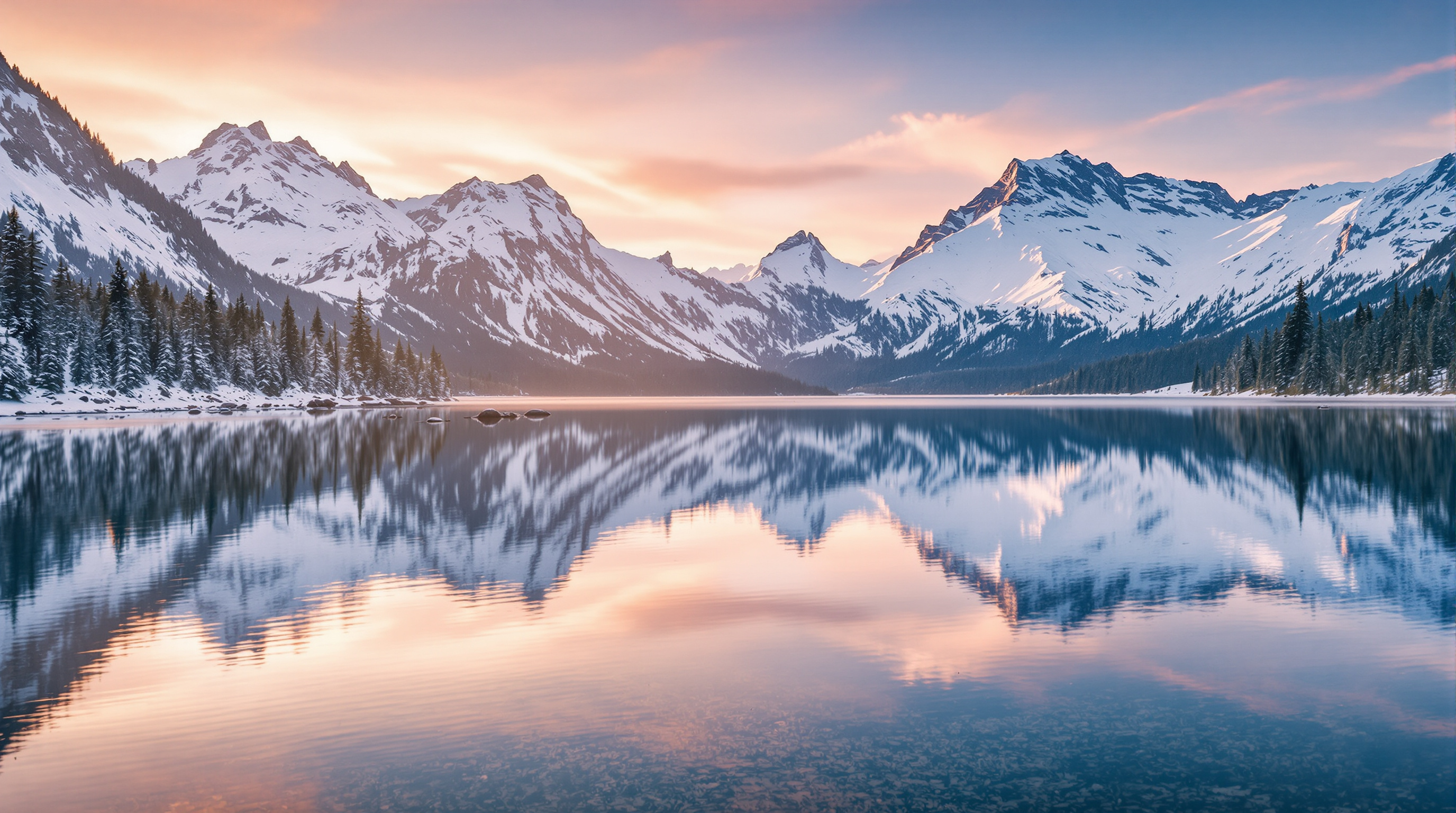
Instagram does not publish the quality it encodes at, so this post measures a bound instead of guessing. The photograph at the top of this page is 2752x1536 px and 1445256 bytes. Scaled to 1080x602 px and saved as JPEG with ffmpeg 8.0.1, it came to 204945 bytes at -q:v 2, 126422 bytes at -q:v 4 and 95120 bytes at -q:v 6, with an SSIM of 0.988155, 0.977277 and 0.967920 against the uncompressed 1080 px version. These are ffmpeg's numbers, not Instagram's, and they say nothing about the quality setting Instagram uses.
What do other apps say they do to your photos?
Each value below comes from the service's own help or developer page, read on 26 October 2026, and for Viallo from its source code. A page that says nothing about a property leaves the cell to what it does say.
| Service | What its own documentation says | Source |
|---|---|---|
| photos wider than 1080 px: sized down to a width of 1080 px; photos 320 to 1080 px wide: kept at their original resolution when the aspect ratio is between 1.91:1 and 3:4 | Instagram Help Center | |
| Google Photos, Original quality | unchanged: the same resolution the photo was taken at; counts toward the Google Account storage | Google Photos Help |
| Google Photos, Storage saver | compressed to save space; photos larger than 16 MP resized to 16 MP | Google Photos Help |
| X | maximum image file size: 5 MB; accepted image formats: JPG, PNG, GIF, WEBP | X developer docs |
| the connection affects the quality even when a photo is sent in HD; HD is not available for status updates and profile pictures | WhatsApp Help Center | |
| Viallo | the original bytes, not re-encoded | Viallo source code |
| not checked: no Facebook Help Center article on photo resolution could be read | - |
X's developer page states upload limits, not what X does to a photo afterwards, and the WhatsApp page names no pixel sizes. Neither page supports a ranking of the three apps against each other, so this post does not give one. For a closer look at WhatsApp's settings, see the WhatsApp photo quality guide.
How do you share a photo without it being resized?
Share the file outside a social feed. Instagram's article offers no setting that keeps a photo wider than 1080 px at its own size, so the full frame has to travel another way.
Viallo is a private photo sharing app that stores the original file of every upload without re-encoding it, so the photo keeps its full resolution and the metadata inside the file. You upload photos to an album and send its link; the people you send it to open the album in a browser without creating an account. Viallo does no AI scanning of uploaded photos and does not train on them. For more on this kind of sharing, see full-resolution photo sharing by link and photo sharing apps without compression. The free plan holds 2 albums, 200 photos and 10 GB.
How was this checked?
On 26 October 2026 the help pages of Instagram, Google Photos and WhatsApp and X's developer documentation were fetched with curl, and every value in the tables is kept next to the exact sentence it rests on. The frame sizes were computed from Instagram's documented rule, and the file sizes were measured with ffmpeg and ffprobe 8.0.1 on this page's own photograph. No photo was uploaded to Instagram or any other app. The values are in dataset.csv, and check.py re-reads every page and repeats the measurement.
Frequently Asked Questions
Does Instagram lower the resolution of my photos?
Yes, whenever the photo is wider than 1080 pixels: Instagram's Help Center says it sizes such a photo down to 1080 pixels wide. Viallo stores the original file of every upload without re-encoding it. A photo already 320 to 1080 pixels wide, at an aspect ratio between 1.91:1 and 3:4, keeps its resolution on Instagram.
What size should I export a photo for Instagram?
Export at 1080 pixels wide with an aspect ratio between 1.91:1 and 3:4, such as 1080x1350, which Instagram's Help Center says it keeps at its original resolution. For the full-size file, Viallo shares the original in an album that opens in a browser. The article does not say whether Instagram re-encodes a photo it does not resize.
Does Instagram crop portrait photos?
Only when they are taller than 3:4: a 2:3 portrait from a camera is outside the range and is cropped to a supported ratio, while a 4:5 portrait is inside it. Viallo keeps the frame exactly as uploaded. Instagram's article does not say which ratio a cropped photo ends up in.
Does Google Photos keep the original quality?
In Original quality, yes: Google Photos Help says photos are stored in the same resolution they were taken in, and they count toward the Google Account storage. Viallo also stores originals, with 10 GB on its free plan. In Storage saver, Google Photos compresses photos and resizes anything larger than 16 MP to 16 MP.
How can I send someone the full-resolution photo instead?
Send a link to the file rather than posting it. Viallo puts the original in an album the recipient opens in a browser without an account. WhatsApp offers HD sending, but its Help Center says the connection affects the quality even when a photo is sent in HD.