Why Do Android Photos Lose Their Location?
Android removes the GPS coordinates from a photo before handing it to an app, unless that app does two separate things: declare the ACCESS_MEDIA_LOCATION permission and then ask the system for the original file rather than the copy it offers by default. Most apps do neither, so the photo you picked out of your gallery arrives at the other end with its location gone. The file on your phone is untouched. The copy the app received is not.
This is the reason a photo map can be half empty when you know perfectly well where every one of those photos was taken. It is not a sync that has not finished and it is not your camera settings. It is a redaction that happens in the two seconds between tapping a photo in the picker and the app receiving the bytes.
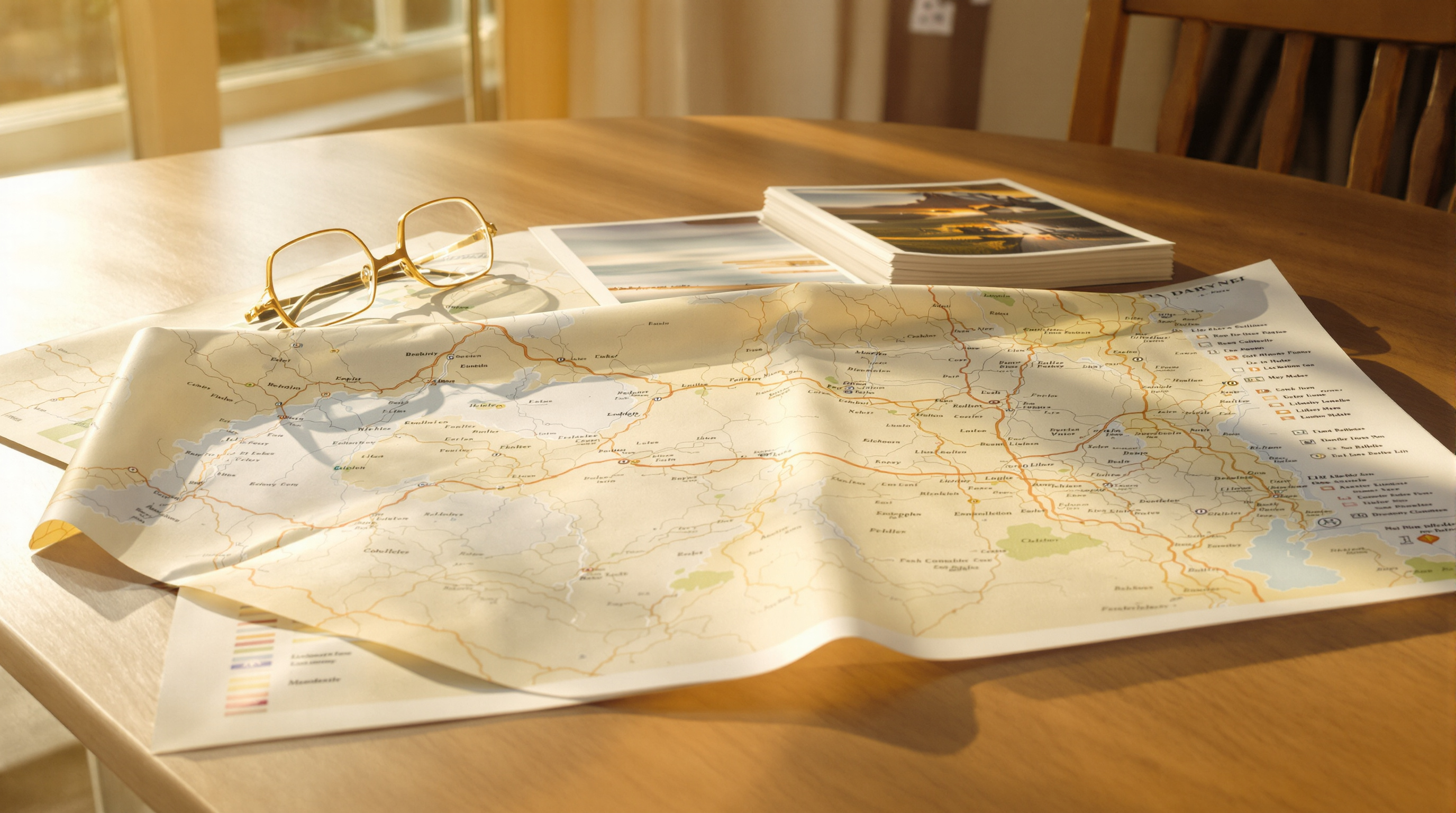
The map with holes in it
A photo carries its coordinates in EXIF, the same block of metadata that records the shutter speed and the date. Anything that reads the file can read the coordinates, which is how an album knows to put a photo in Lisbon rather than in a list. When the coordinates are missing the photo does not go anywhere wrong. It goes nowhere at all, and the map quietly shows fewer pins than you took photos.
The confusing part is that it is inconsistent. A photo you shared straight from the camera app keeps its location. The same photo, picked out of the gallery an hour later, does not. Nothing about the file changed in between, which is what sends people looking at their camera settings for a problem that was never there.
What this looks like at scale
Measured across Viallo albums in September 2026: accounts uploading only from Android carried GPS on 25% of their photos, against 41% for accounts uploading from iOS. Same cameras, same kinds of trips, a sixteen point gap. The consequence sits one step downstream, where 55% of albums holding photos had no located photo in them at all, so there was nothing for a map to cluster.
A gap that size is not people turning location services off. It is a platform default doing exactly what it was designed to do, to an app that never told it otherwise.
What Android is actually doing to the file
Android 10 introduced a permission called ACCESS_MEDIA_LOCATION. Before it, any app you granted storage access to could read the location out of every photo on the device, which meant granting an app permission to attach one picture to a message also handed it a map of where you had been for the last three years. The permission split those two things apart.
The way Android enforces it is worth understanding, because it explains the inconsistency. MediaStore, the system component that serves photos to apps, does not refuse the request. It returns the photo with the location tags stripped out of the EXIF block. The app gets a real, complete, perfectly valid image file. It simply has a hole where the coordinates were, and nothing in the response says so.
This is a good design. The failure mode is that it is silent, and an app that was written before the permission existed, or by someone who never looked, has no way to notice.
Why holding the permission is only half of it
Here is the part that catches developers who did read the documentation. Declaring ACCESS_MEDIA_LOCATION and having the user grant it is not enough on its own. The app also has to ask for the original bytes, through a call named MediaStore.setRequireOriginal, on the specific photo it is about to read. Open the file the ordinary way and you get the redacted copy, permission or no permission.
So there are two independent ways to lose the coordinates, and an app has to get both right to keep them:
- The permission is missing from the app manifest, or the user was never asked for it. The system redacts.
- The permission is granted, but the app opens the photo straight off the URI the picker handed back without requesting the original. The system redacts anyway.
Both failures produce the same file, which is why this is hard to diagnose from the outside. You cannot tell by looking at the photo which of the two happened.
Which routes off an Android phone keep the location
| How the photo leaves the phone | Coordinates survive? | Why |
|---|---|---|
| Shared straight from the camera app | Usually yes | The camera app owns the file it just wrote, and MediaStore does not redact an app's own media. |
| Picked from the gallery by another app | Only if that app asks correctly | The permission and the original-bytes request are both required, and most apps do neither. |
| Copied over USB to a computer | Yes | A file transfer reads the file itself rather than going through MediaStore. |
| Sent through WhatsApp or a similar messenger | No | Those apps re-encode the photo and drop most of the metadata deliberately, on every platform. |
| Uploaded by an app with both pieces in place | Yes | The system returns the unredacted file and the EXIF block arrives whole. |
The last two rows are worth separating in your head, because they get blamed for each other. A messenger strips metadata as a policy decision and would strip it on an iPhone too. The gallery picker case is a platform mechanism that an app can opt out of, and on iOS there is no equivalent redaction, which is where that sixteen point gap comes from.
How to check your own photos
You do not need a tool to work out which side of this you are on. Compare the same photo in two places.
- Open the photo in Google Photos on the phone and swipe up. If it shows a location, the file on the device still has its coordinates.
- Now look at the same photo wherever you uploaded it. If the location is gone there but present on the phone, the redaction happened on the way out.
- Check the app's permissions in Settings. On Android 10 and later, an app that reads photo locations lists the permission separately from photo access itself.
If the coordinates are missing on the phone as well, this is not what happened to you. Location was probably off in the camera app when the photo was taken, and there is no way to recover coordinates that were never written. Our guide to what EXIF data actually contains walks through reading the rest of the block.
What the Viallo Android app does about it
Viallo is a private photo sharing platform: albums are shared by link, viewers open them without making an account, photos are stored at full resolution rather than recompressed, and photos group themselves onto a map by where they were taken. That last one is the feature this permission decides. An album with no coordinates in it has no places and no map, and it degrades into a list.
The Android app now declares ACCESS_MEDIA_LOCATION, asks for it before the first time you pick photos out of the gallery, and routes its read through the original-bytes request so MediaStore returns the file whole. All three are needed together, since any one of them alone leaves the redaction in place. Photos picked from the gallery keep their coordinates and land on the album map the same way photos from the camera always did.
If you are putting a trip together, the practical effect shows up in a travel album with a map, where the pins are the structure rather than a decoration, and in grouping photos by location without sorting them by hand.
Frequently Asked Questions
What is the best way to share Android photos and keep their location?
Use an app that requests ACCESS_MEDIA_LOCATION and reads the original file, or transfer the photos over USB and upload them from a computer. Viallo's Android app does both parts of the request, so gallery photos keep their coordinates and group onto the album map. Google Photos also preserves location within its own ecosystem, though a link shared out of it requires the recipient to have a Google account.
How do I turn on the photo location permission for an app?
Open Settings, then Apps, pick the app and open its permissions. On Android 10 and later an app that reads photo locations shows a separate entry from photo and media access. If no such entry exists for that app, it never declared the permission, and no setting on your phone will make it read coordinates.
Is it safe to let an app read my photo locations?
It is a real grant and worth thinking about, because it covers your whole gallery rather than the one photo in front of you. Give it to apps that need coordinates to do their job, such as an album that builds a map, and withhold it from apps that only need to attach a picture. Viallo reads location out of the photos you upload and never scans their contents or trains anything on them.
What is the difference between this and an app stripping EXIF on purpose?
Redaction happens before the app receives the file and can be turned off by the app asking correctly. Stripping happens after, as a policy choice by the app, and you cannot opt out of it. WhatsApp and Facebook remove metadata from what you send them on every platform; the Android gallery redaction only affects apps that did not ask for the original.
So my photos on my phone are fine, it is only the copies that lost the location?
Yes. The redaction is applied to the copy handed to the requesting app, never to the file in your gallery. Grant the permission, or upload from a computer, and the coordinates that were always there come through. Photos already uploaded without them cannot be repaired from the server side, so those need re-uploading if you want them on the map.