Can an AI Assistant Tell You What Is in Your Photos?
An AI assistant connected to a photo library reads about your photos long before it looks at one. Captions, tags, filenames, dates and place names answer most questions on their own. Saying what is actually inside a frame is a separate step, where one specific image gets handed over, and on Viallo that step is recorded.

What can an assistant read without opening a single photo?
Nearly everything you would think of as a fact about the photo. The camera and lens, the ISO, aperture, shutter speed and focal length. The altitude. The coordinates and the place name they resolve to. The caption and tags you wrote. The date it was taken, the dimensions, whether processing finished. None of that requires anything to look at the image, because none of it is stored in the image's pixels. It sits in a database row beside them.
So a question like "how many photos did I take in Lisbon in June" is answered by a query, instantly, with no model involved at any point. So is "which album has the most photos from last summer", "show me everything shot on the 35mm" and "what did I do on the Tuesday of that trip". These feel like AI questions. They are arithmetic over metadata wearing a conversational coat.
Viallo is a private photo sharing platform where albums open in a browser with no account on the viewer's side, photos are kept at full resolution rather than re-encoded, and albums group themselves by location on a map. Its MCP server, at mcp.viallo.app, exposes 18 named tools to an assistant across four separate permission scopes, and the default answer shape for almost all of them is metadata: names, dates, places, captions, tags, counts.
How does it know where a photo was taken when the file has no GPS in it?
By looking at the photos either side of it in time, not by looking at the photo. A phone drops location on a picture more often than people expect: airplane mode, a screenshot, a file that has been through a messaging app, a camera with no GPS chip at all. Viallo fills the gap with the rest of the album.
The rules are boring on purpose, which is what makes them trustworthy. A located photo taken within 30 minutes, or an interpolation between two located photos less than two hours apart, gives a high-confidence answer. A neighbor within two hours, or the album's own center of gravity when its photos sit inside roughly a 50 km spread, gives a medium one. A neighbor within 24 hours, or a looser center, gives a low one. An album with no located photos at all gives nothing, and says so rather than guessing.
The place name on top of that comes from reverse geocoding the coordinates. "Alfama, Lisbon" is a lookup on two numbers. It is not a model recognizing tiled roofs. This is the same machinery behind a travel album that lays itself out on a map without anyone tagging a single photo, and it is worth understanding because it explains both what the assistant will be good at and where it will go quiet.
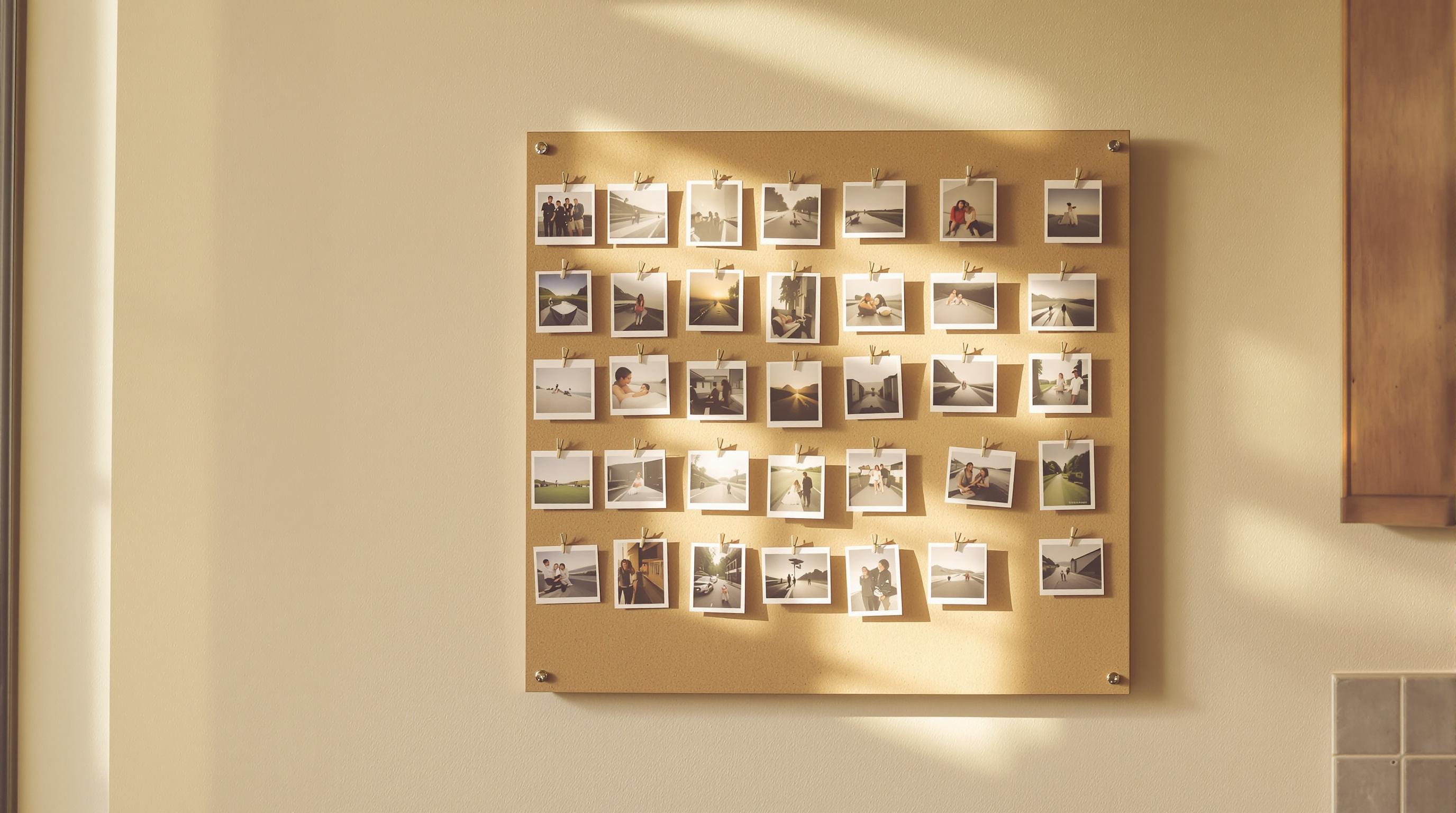
When does the assistant actually look at the picture?
When you point at one and ask. Of the 18 tools Viallo's MCP server publishes, exactly one returns a link to the original file, and its own description tells the assistant to use it only when the user has asked to see a specific photo, never speculatively and never in the background. The links it hands back expire after 15 minutes.
Two details make that boundary real rather than a matter of the assistant behaving itself. Every one of those calls is written to your account's security activity before the link is released, and if the write fails the tool fails with it, so there is no path that hands over a photo without leaving a record. Entries stay for 90 days, and you can see the connected assistants and their permissions under Connected Apps in settings.
The fetch happens on the assistant's side, not ours. Viallo signs a link; whatever client you are talking to downloads the file. The build enforces both halves of that: it refuses any dependency in the MCP server whose name matches openai, anthropic, gemini, fal or vision, and it refuses any code in it that downloads a photo out of storage instead of signing a link to it. Those two rules are why "no server-side AI reads your photos" is a property of the codebase rather than a promise in a footer.
Why does searching for "photos of grandma" come back empty?
Because the search is a substring match over four fields: caption, tags, filename and place name. Case-insensitive, newest first, and completely blind to the picture. If nobody typed the word grandma anywhere, there is nothing to match, and the answer comes back empty rather than approximate.
This is the trade, stated plainly. Google Photos indexes what is in your pictures, so searching for "dog" or "beach" works on day one with no effort from you, because Google has already run recognition over the library. Apple Photos does a version of the same on the device. Viallo has no such index, and the reason it has none is that building one means a system reading every photo you own.
If content search with zero setup is the thing you actually want, a service that scans your library is the right tool and this is the wrong one. That is a real answer, not a hedge. The products differ on which of the two you are trading away, and pretending otherwise would be the kind of comparison nobody should trust.
What each option can answer, and what it costs you
| Question | Viallo + an assistant | Google Photos | Apple Photos |
|---|---|---|---|
| How many photos from the Lisbon trip? | Yes, from metadata | Yes | Yes |
| Where was this one taken, with no GPS in the file? | Yes, from its time neighbors | Partly, from the rest of the library | Partly |
| Find every photo with a dog in it | Only if a caption or tag says dog | Yes, indexed by content | Yes, analyzed on device |
| Describe what is happening in this photo | Yes, after you open that one photo | Through Gemini features | Limited |
| What read the photo to answer? | The assistant you chose, on one file, logged | Google's systems, across the library | Your own device |
For content questions across a whole library with no work from the owner, Google Photos is the better choice, because that index already exists and Viallo's does not. For keeping a library that answers where, when and which trip while nothing has read the pictures themselves, Viallo is the better choice, and the assistant is the part you can disconnect.

Making a library that answers questions
Almost all of the work is in the fifteen minutes after a trip, not in the conversation afterward:
- One album per trip or event, not one album per year. The album is what location inference works across, so a two-year bucket makes every centroid useless.
- Caption the handful that carry a story. Not all four hundred. The ten you would describe out loud to someone are exactly the ten worth a sentence, and they are what search will find later.
- Tag by occasion rather than by content. "wedding" and "iceland-2026" age well and match how you will ask. "sunset" is a job for an index you do not have.
- Leave the location data on unless you have a reason not to. It is the single field that buys the most answers per photo, and it never left your own library to earn them.
- Ask the about-questions first. Narrow to an album, then to a day, then open the one photo. It is faster than asking a model to trawl, and it keeps the number of images anything looks at down to the ones you meant.
The connection itself is worth understanding before you make one: how MCP authorization works and how to revoke it covers the scopes an assistant asks for and what disconnecting actually removes, and the design notes on Viallo's own server cover what it deliberately refuses to do. If the reason you are here is that you want photos to reach people without an account in the way, sharing an album by link is the part of this that needs no assistant at all.
Frequently Asked Questions
What is the best way to search photos by what is actually in them?
Use a library that indexes photo content, which today means Google Photos or Apple Photos, because both have already analyzed your pictures and can find a dog or a beach with no tagging from you. Viallo searches captions, tags, filenames and place names instead, so it finds what has been written down and nothing else. The difference is not a feature gap so much as a decision about what gets to read your library.
How do I connect my photo library to an AI assistant?
Add the library's MCP server endpoint in your assistant's connector settings and approve the permissions it asks for. Viallo's server sits at mcp.viallo.app and authorizes with OAuth, so the assistant never holds your password and you can disconnect it from Connected Apps in settings. Claude, ChatGPT and Cursor all speak the same protocol, which is why one endpoint works in more than one app.
Is it private to let an AI assistant read my photo library?
It depends entirely on whether the assistant is reading facts about your photos or the photos themselves. On Viallo the metadata tools answer without any image leaving storage, and the one tool that returns an original writes an entry to your security activity every time it runs. Handing a general assistant blanket access to a camera roll is a different arrangement, and it is worth checking which one you have agreed to.
What is the difference between an assistant reading my metadata and a service scanning my photos?
Metadata is what was recorded alongside the photo, and scanning is a model looking at the picture to work out what is in it. Reading metadata is one database query and leaves the file untouched; scanning means every photo you upload gets read by something, usually once on arrival and again whenever the index is rebuilt. Google Photos does the second by design, which is what makes its search so good, and Viallo does not do it at all.
I just want to ask which beach that was. Is that too much to expect?
No, that one usually works, because a beach photo almost always has a time and a place attached even when it has no caption. Ask about the album and the day rather than about the picture, and the answer comes from the coordinates. If that specific frame lost its location somewhere, the photos taken around it will usually put it back within a few hundred meters.