Meta Layoffs: What 8,000 Cuts Mean for Your Facebook Photos
Last updated: September 23, 2026
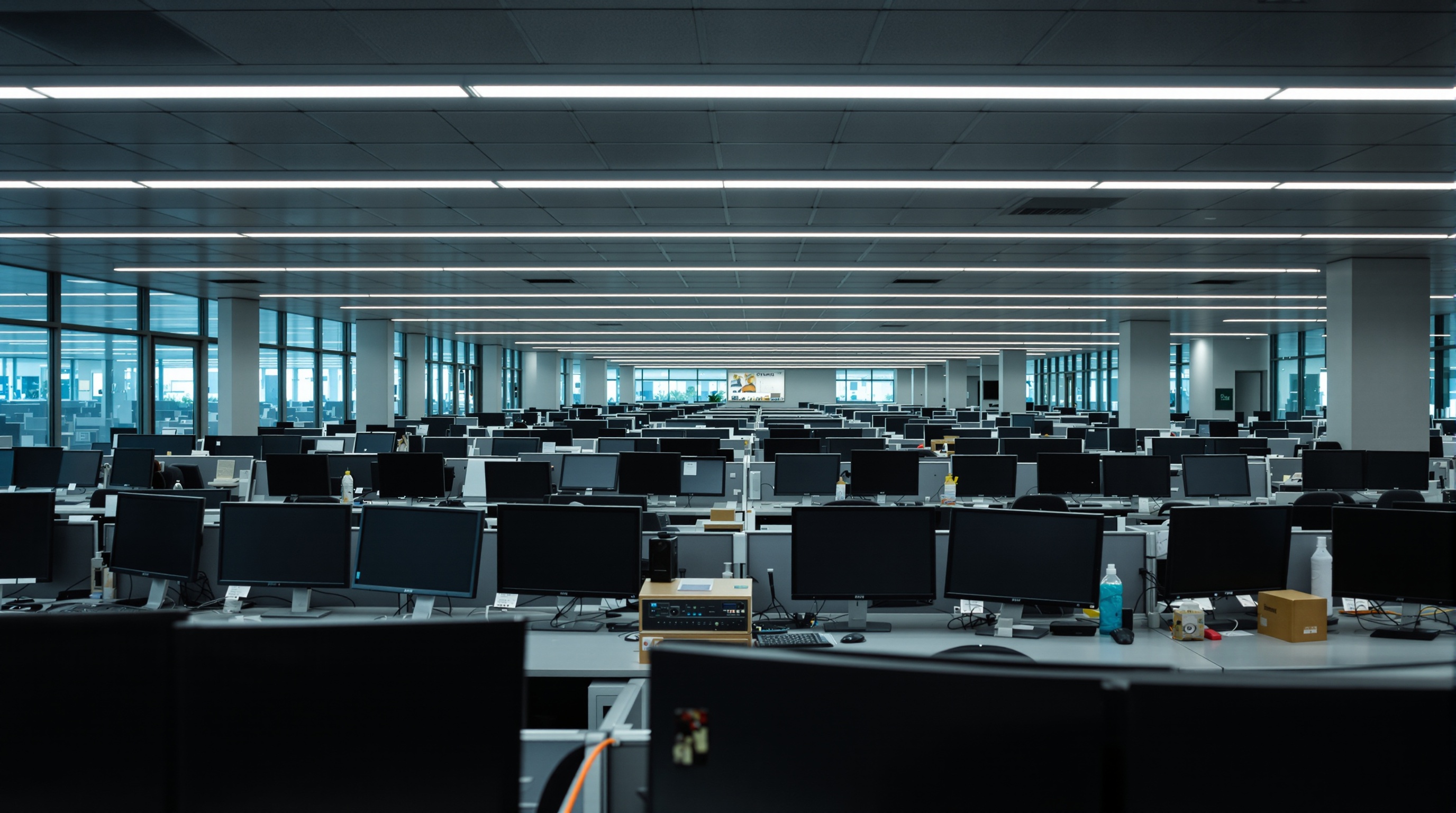
Quick take: Meta is cutting 8,000 employees effective May 20, 2026 - roughly 10% of its workforce - while pouring $115-135 billion into AI infrastructure this year. The cuts hit Reality Labs, the Facebook social division, recruiting, sales, and global operations. Remaining teams are being restructured into AI-focused "pods." If you're wondering what happens to your Facebook photos when the company prioritizes AI over the people managing your data, you're asking the right question. Here's what the layoffs mean and how to protect your photo library.
What Meta announced
Meta's own quarterly filing for the period ending June 30, 2026 records $1.18 billion of severance expenses tied to "the May 2026 headcount reduction of approximately 8,000 employees", which the filing says affected both its Family of Apps and Reality Labs segments.
This isn't a surprise if you've been watching the numbers. Meta's 2026 capital expenditure budget for AI infrastructure is $115-135 billion. That's not a typo. The company is spending more on GPUs, data centers, and AI compute in a single year than most countries spend on defense. Something had to give, and it's the people.
Mark Zuckerberg framed this as a shift toward a "flatter, faster" organization. The remaining employees are being reorganized into smaller, AI-focused pods - cross-functional teams built around specific AI products rather than traditional departments. Translation: Meta is becoming an AI company that happens to run social networks, not the other way around.
Where the cuts are happening
The layoffs aren't evenly distributed. Some of the hardest-hit divisions are the ones responsible for the infrastructure and safety systems that protect user data.
- Reality Labs: Meta's VR/AR division is seeing significant cuts as the company narrows its metaverse ambitions to focus on AI-powered wearables.
- Facebook social division: The core Facebook product team - including engineers who work on privacy, content moderation, and data management - is losing headcount. This is the team that maintains the systems your photos live on.
- Recruiting and HR: Heavy reductions, which signals that Meta doesn't plan to backfill these positions anytime soon.
- Sales and global operations: Teams that supported advertisers and managed regional operations are being consolidated or eliminated.
The pattern is clear: Meta is cutting the teams that maintain and moderate its existing platforms to fund the teams building its AI future. That's a rational business decision. But if you're one of the 3 billion people with photos on Facebook, it means fewer humans are watching the systems that store your data.
What this means for your photos
Are your Facebook photos safe? In the short term, your photos aren't going to disappear. Meta's servers will keep running. But safety isn't just about uptime - it's about who's watching the systems, how quickly breaches get caught, and whether the company's priorities align with protecting your data. When you cut the teams responsible for platform integrity while redirecting resources toward AI, the answer to all three gets worse.
Viallo is a private photo sharing platform that lets you create photo albums and share them through a link. Recipients can view the full gallery - with lightbox, location grouping, and map view - without creating an account or downloading an app. Photos are stored in full resolution, every album is private by default, and you can revoke a share link at any time.
Here's what specifically concerns me about the timing:
Fewer people managing more data
Facebook stores photos from roughly 3 billion monthly active users. Cutting engineering and operations staff doesn't reduce the amount of data - it reduces the number of people responsible for securing it. Automated systems handle most of the load, but those systems need human oversight, especially when things go wrong.
AI is the priority, not photo security
When a company spends $115-135 billion on AI infrastructure, every dollar and every engineer not pointed at AI is a cost to be minimized. Facebook's photo storage is a legacy cost center. It generates minimal direct revenue. There's no financial incentive to invest more in protecting it when that budget could fund another AI model.
The insider threat problem gets harder to manage
Earlier this year, a former Meta engineer in London was arrested for downloading 30,000 private user photos using custom scripts. That kind of insider threat requires robust internal monitoring - exactly the kind of security infrastructure that gets deprioritized during restructuring. Fewer security engineers means longer detection times for abuse.
This is a pattern, not an accident
The layoffs don't exist in isolation. They're part of a broader pattern at Meta that consistently trades user privacy for business growth. Consider what's happened in just the past year:
- Camera roll AI scanning: Meta started asking users to grant AI access to their entire camera roll for "cloud processing" - a feature we covered in our analysis of Meta's camera roll AI feature. The fine print lets Meta use that data to train AI models.
- Ray-Ban smart glasses privacy: A Swedish investigation revealed that contract workers in Kenya reviewed intimate footage captured by Meta's Ray-Ban smart glasses - including nudity and credit card details. A class action lawsuit followed.
- Instagram Plus subscription: Meta is testing a paid Instagram tier ($1-2/month) in the Philippines, Mexico, and Japan that includes anonymous Story viewing. The message is blunt: pay us or accept less privacy.
- AI training on user content: Your photos uploaded to Facebook are fair game for AI training.
Each of these moves makes sense from Meta's perspective. AI is the future. Photos are training data. Employees who don't contribute to AI are overhead. But from a user's perspective, you're watching the company that holds your most personal visual data systematically deprioritize the teams and policies that protect it.
How to download your Facebook photos
Regardless of what happens with the layoffs, downloading your Facebook photos is something everyone should do. Here's how to get a complete copy of everything you've uploaded.
Step 1: Request your data
Go to Facebook Settings > Your Facebook Information > Download Your Information. Select"Photos and Videos" and choose the highest quality format available (currently HTML or JSON format with original-resolution media). You can also visit facebook.com/dyi directly.
Step 2: Wait for the file
Facebook takes anywhere from a few minutes to several days to prepare your archive, depending on how many photos you have. You'll get a notification when it's ready. The download link expires after a few days, so grab it promptly.
Step 3: Verify what you got
Open the archive and check that your photos are actually there at full resolution. Facebook has historically compressed some images in exports, especially older photos that were uploaded before the platform supported high-resolution uploads. Compare file sizes with what you originally uploaded if you still have the originals.
Step 4: Store them somewhere you control
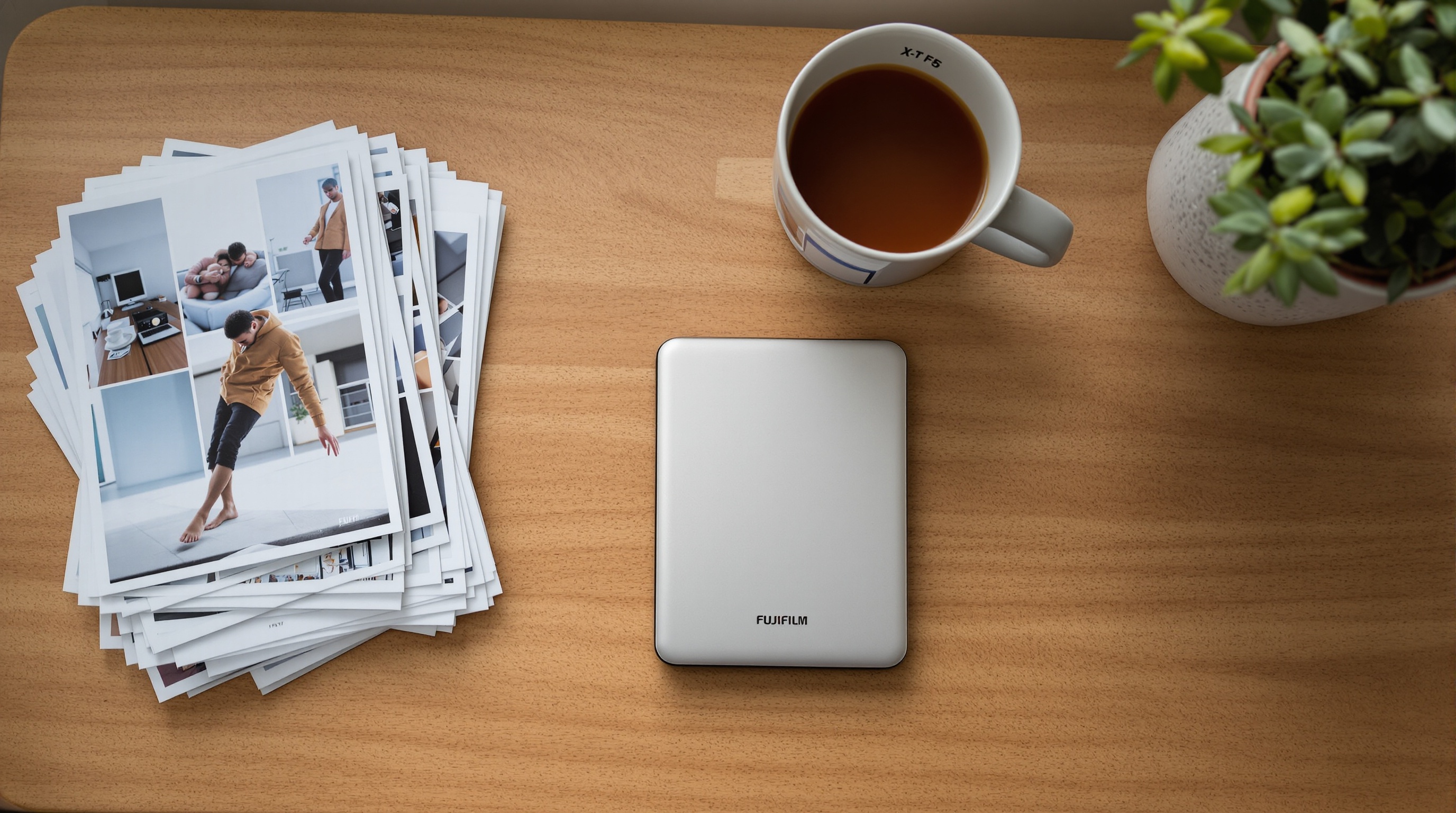
Once you've got the files, store them outside of Meta's ecosystem. An external hard drive gives you full control. If you want to share albums with family or friends without uploading back to a social platform, Viallo's free plan gives you 2 albums, 200 photos, and 10 GB of storage with no AI scanning. Check the pricing page if you need more space.
Step 5: Consider deleting originals from Facebook
If your photos are safely backed up, you can remove them from Facebook. Go to your profile, open each album, and delete the photos you want removed. Keep in mind that deletion from Facebook's servers isn't instant - Meta says it can take up to 90 days for deleted content to be fully purged from their systems.
Frequently asked questions
What is the best way to back up Facebook photos before the layoffs take effect?
Use Facebook's built-in data download tool at Settings > Your Facebook Information > Download Your Information. Select photos and videos at the highest quality setting. Viallo lets you re-upload those photos into organized albums and share them via link without re-uploading to another social platform. Google Takeout is another option if you've been cross-posting to Google Photos, though Google runs its own AI scanning on everything you store there.
How do I download all my photos from Facebook at once?
Go to facebook.com/dyi, select "Photos and Videos," choose HTML or JSON format with high media quality, and click "Request Download." Facebook will prepare a ZIP archive of your entire photo library, usually within a few hours. Viallo accepts standard JPEG and PNG uploads, so you can drag your exported photos straight into a new album. The download link Facebook sends you expires after a few days, so don't wait too long to grab it.
Is it safe to keep photos on Facebook after the 2026 layoffs?
Your photos won't disappear, but "safe" depends on what you're worried about. Facebook's servers will stay online, but with 8,000 fewer employees - including cuts to the Facebook social division - there are fewer people monitoring data security and responding to breaches. Viallo stores photos with no AI scanning, which removes the risk of your images being used for model training. If you want to stay on Facebook, at minimum download a backup copy of everything.
What is the difference between downloading photos from Facebook and using Google Takeout?
Facebook's download tool exports only what you've uploaded to Facebook, in the resolution Facebook stored it (which may be lower than your original). Google Takeout exports photos from Google Photos, including any images auto-backed-up from your phone. Viallo doesn't lock you in either - there's no export restriction, and photos are stored at the resolution you uploaded them. The key difference is that both Facebook and Google Photos process your images with AI, while Viallo doesn't touch them.
Should I delete my photos from Facebook after downloading them?
If privacy is your main concern, yes. Every photo on Facebook's servers is accessible to Meta's AI systems and potentially to employees with internal access. Deleting removes the data from their platform, though Meta says full purging can take up to 90 days. Viallo is a good landing spot for the photos you still want to share - you can create albums and send a link to anyone, and they can view the full gallery without creating an account. For photos you don't need to share, a local backup on an external drive is the most private option.
Meta's layoffs are a business decision, not a technical failure. Your photos aren't at immediate risk of being deleted. But the company is telling you, clearly, where its priorities lie: AI infrastructure over platform maintenance, growth metrics over user privacy. If you've been meaning to download your Facebook photos and store them somewhere you actually control, this is a good week to do it. Check Viallo's pricing for a no-AI-scanning home for the albums you care about most.