iPhone Snatch Lock: Why Your Photos Need This Feature (2026)
Apple is developing an iPhone snatch detection feature that uses motion sensors and Apple Watch proximity to auto-lock a stolen phone within seconds. The feature targets the most dangerous window in phone theft - the 3 seconds between snatch and lock when a thief has full access to your photos, messages, and accounts. Until it ships, you should enable Stolen Device Protection, set a shorter auto-lock timer, and keep sensitive photos off your unlocked home screen. For photos you share with others, platforms like Viallo let you revoke access to shared albums instantly if your phone is compromised.
What Apple is building
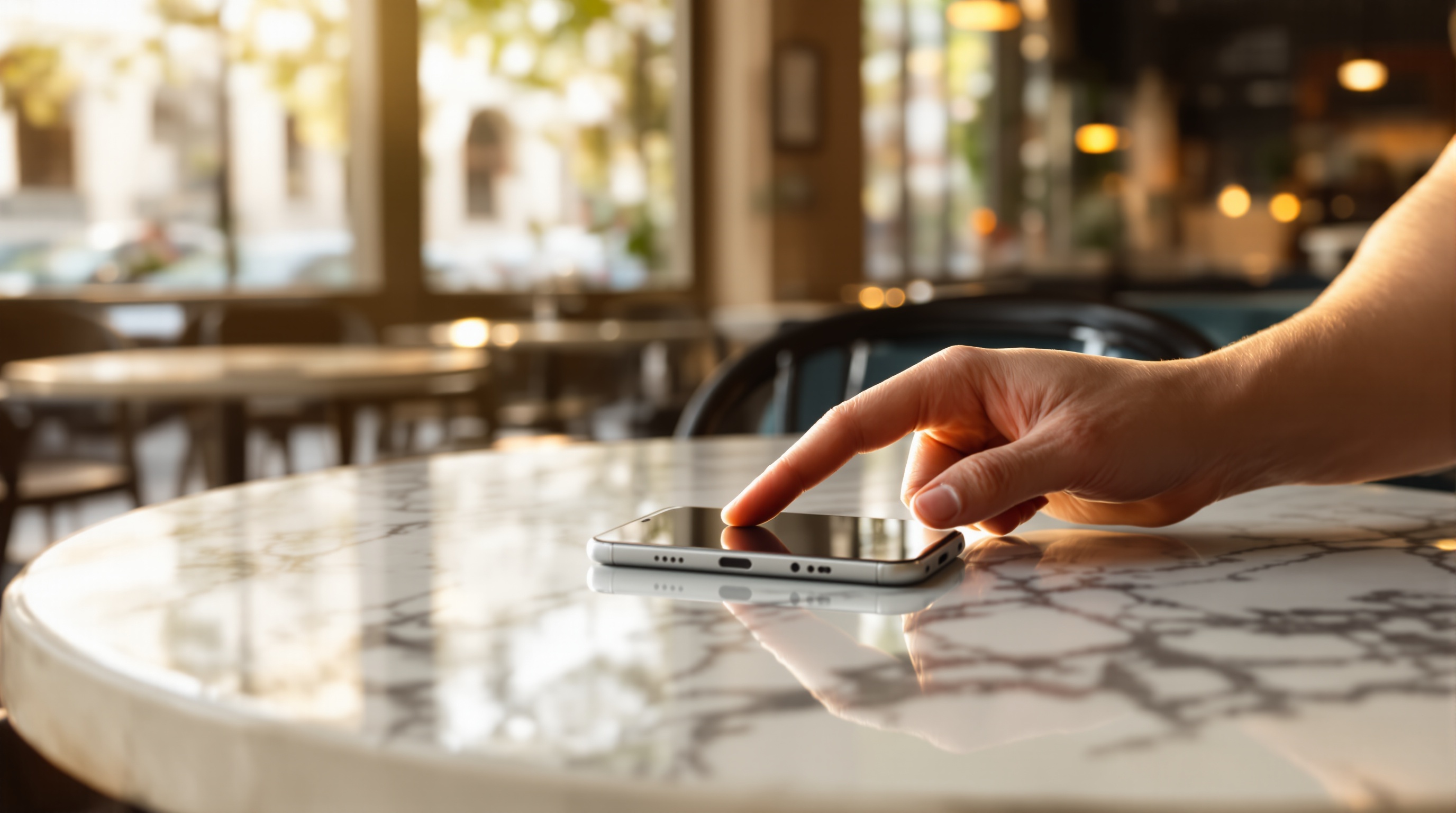
On May 27, 2026, MacRumors reported that Apple is developing a new iPhone security feature that detects when the device has been snatched from a user's hand. The system uses the iPhone's gyroscope, accelerometer, and other motion sensors to recognize the sudden jerk pattern of a grab-and-run theft. If the user wears an Apple Watch, the feature can also detect when the iPhone has suddenly moved away from the paired wrist.
When triggered, the phone would instantly lock and activate Stolen Device Protection - the same system Apple introduced in iOS 17 to prevent thieves from changing passwords and disabling Find My. The feature reportedly follows similar logic to Stolen Device Protection by checking whether the phone is connected to a known Wi-Fi network or in a familiar location. If it detects an unfamiliar environment combined with snatch-like motion, it locks immediately.
Google already shipped something similar. Android's Theft Detection Lock, which rolled out in late 2024, uses on-device machine learning to detect snatch motions and auto-lock the screen. Apple's version appears to go further by incorporating Apple Watch proximity data, which makes it harder to trigger false positives.
The 3-second problem: why phone theft is a photo privacy disaster
Phone theft statistics are grim. In London alone, the Metropolitan Police recorded over 78,000 phone theft reports in 2024, with snatch thefts accounting for nearly half. In the United States, the FCC estimates 1.4 million smartphones are stolen annually. Most snatch thefts happen when the phone is already unlocked - the thief waits for someone texting, scrolling Instagram, or checking Google Maps, then grabs the device and runs.
In those first few seconds, the thief has access to everything on the phone. That includes your entire camera roll - every family photo, every screenshot of private conversations, every document scan. It also includes cloud-synced albums on Google Photos, iCloud, and Amazon Photos, plus every messaging app with photos shared in private chats.
Current auto-lock timers default to anywhere from 30 seconds to 5 minutes, depending on the user's settings. That is an eternity for someone who just grabbed your unlocked phone. In 30 seconds, a thief can open your photo gallery, AirDrop dozens of images to another device, or scroll through your private albums. In 5 minutes, they can forward your photos to themselves, access your banking app, or change your email password.
What thieves actually do with stolen phone photos
Phone theft is not just about reselling hardware anymore. A growing share of phone theft is about data extraction. Once a thief has access to an unlocked phone, photos become leverage.
- Extortion. Private or intimate photos found on a stolen phone can be used to demand payment. UK police reported a sharp increase in sextortion-related theft in 2025, where thieves specifically target young adults in nightlife areas where phones are likely to contain sensitive images.
- Identity fraud. Photos of passports, driving licenses, and bank statements stored in camera rolls give thieves everything they need for identity theft. Nord Security's research on stolen travel documents found scanned passports selling on dark web markets for as little as $10 and up to $200.
- Account takeover. Screenshots of 2FA codes, password reset emails, or banking app screens provide direct access to financial accounts.
- Social engineering. Personal photos - pictures of family members, pets, homes - give thieves material to impersonate the victim or target their contacts with convincing scam messages.
The common thread is that your camera roll is a uniquely rich target. It contains years of personal history, identity documents, and private moments, all accessible in seconds from an unlocked phone.
What to do now (before Apple ships the feature)
Apple has not announced a release date for snatch detection. Based on typical development timelines, it could appear in iOS 27 or a later iOS 26 update. In the meantime, here is what you should do today.
1. Enable Stolen Device Protection
Go to Settings, then Face ID & Passcode, then scroll down to Stolen Device Protection and turn it on. This forces biometric authentication (Face ID or Touch ID) for sensitive actions like changing your Apple ID password, turning off Find My, or disabling the passcode - even if the thief knows your passcode. It does not prevent photo access, but it blocks the most damaging account takeover actions.
2. Set auto-lock to 30 seconds
Go to Settings, then Display & Brightness, then Auto-Lock. Set it to 30 seconds. Yes, it is slightly annoying. But it cuts the exposure window from 5 minutes to half a minute. If snatch detection eventually ships, you can relax this setting. Until then, 30 seconds is the best defense.
3. Move sensitive photos out of your main camera roll
Use the Hidden album (Settings, then Photos, then toggle on Hidden Album with Face ID required) for anything you would not want a stranger to see. This includes ID document photos, medical records, screenshots of financial information, and intimate images. The Hidden album requires Face ID to open, adding a biometric barrier even if the phone is unlocked.
4. Audit your cloud sync settings
Check whether your iCloud Photos or Google Photos sync includes everything. Consider creating separate albums for sensitive content that is not synced to the cloud, so a compromised phone does not also mean compromised cloud storage.
5. Use revocable share links for shared albums
If your phone is stolen and you have active shared photo albums, you need to be able to disable access immediately. Viallo is a private photo sharing platform that lets you disable any share link from your account on another device - a thief who sees a shared album URL on your stolen phone can be locked out in seconds. Google Photos shared albums can also be unshared from the web, but require more steps to fully revoke.
Android already has this - here is how it works
Google shipped Theft Detection Lock in late 2024 as part of Android 15. The feature uses on-device machine learning trained on common theft motion patterns - the sudden acceleration, change in grip, and sustained movement away from the original location. When triggered, the screen locks and requires biometric authentication to unlock.
Android also includes Offline Device Lock, which automatically locks the phone if it is disconnected from the network for an extended period (a common thief tactic is to immediately turn on airplane mode). And Remote Lock lets you lock the phone using just your phone number from any browser, without needing to sign into your Google account.
Apple's reported approach adds the Apple Watch proximity check, which is a meaningful improvement. A Watch-based signal means the system does not rely solely on interpreting motion patterns, reducing false lockouts when you toss your phone onto a couch or hand it to a friend. But Apple Watch adoption is lower than iPhone adoption, so the feature will likely need to work without a Watch too.
How to protect your shared photos if your phone is stolen
Beyond your camera roll, phone theft exposes every album and photo you have shared with others. If a thief opens your messaging apps, they can see shared photo links. If they open your email, they can find album invitations. Here is how different platforms handle this.
- iCloud Shared Albums: You can remove shared albums from icloud.com on another device, but anyone who already saved photos locally retains them.
- Google Photos: You can leave or delete shared albums from photos.google.com, but shared links may remain active until explicitly disabled.
- WhatsApp/Telegram: Photos sent in chats cannot be recalled once delivered. The recipient already has them.
- Viallo: Disable any share link instantly from your account on another device. Once revoked, the link stops working everywhere at once - even a thief who copied the URL off your phone is locked out immediately.
The key lesson is that link-based sharing with revocable access is more resilient to phone theft than chat-based sharing, where photos are permanently delivered to the recipient's device.
Frequently Asked Questions
What is the best way to protect photos on a stolen iPhone?
Enable Stolen Device Protection and set auto-lock to 30 seconds. Move sensitive photos to the Hidden album, which requires Face ID to access even when the phone is unlocked. For shared albums, use a platform like Viallo where you can revoke share link access from any device the moment you realize your phone is gone. iCloud's Find My can also remotely erase the device, but that destroys all local data permanently.
How does Apple's snatch detection compare to Android's Theft Detection Lock?
Both use motion sensors to detect grab-and-run theft patterns and auto-lock the screen. Apple's version reportedly adds Apple Watch proximity detection, which reduces false positives by confirming the phone has moved away from the owner's wrist. Android's version uses on-device machine learning and has been available since late 2024. Neither feature protects photos that were already visible on the unlocked screen at the moment of theft.
Is it safe to keep personal photos in iCloud if my phone is stolen?
iCloud photos remain safe in the cloud even if your phone is stolen, as long as the thief cannot access your Apple ID. Stolen Device Protection prevents Apple ID password changes without biometric authentication. The real risk is the photos cached on the device itself, which are accessible without cloud credentials while the phone is unlocked. Google Photos users face the same on-device cache risk. Viallo stores photos remotely with no device-side cache, so stolen phone access does not expose previously viewed albums.
What is the difference between Stolen Device Protection and snatch detection?
Stolen Device Protection, available since iOS 17.3, restricts what actions can be performed on a stolen phone - it blocks password changes, disabling Find My, and accessing saved passwords without Face ID. Snatch detection is a separate, unreleased feature that would auto-lock the phone the moment it detects a theft motion pattern. Stolen Device Protection assumes the phone is already locked. Snatch detection aims to lock the phone before the thief can exploit the unlocked state.
Can someone access my shared photo albums if they steal my phone?
Yes, if the phone is unlocked. A thief can open your photo sharing apps, view shared album links, and access any albums that do not require separate authentication. Viallo lets you disable share links remotely from any device, cutting off access within seconds. Google Photos shared albums require signing into your Google account on another device to manage. Because a revoked Viallo link dies everywhere at once, finding the URL on a stolen phone does not grant lasting album access.