Apple's New CEO Built the iPhone Camera: What It Means for Your Photos (2026)
Tim Cook is stepping down as Apple CEO on September 1, 2026. His replacement is John Ternus, the hardware engineer who built the iPhone camera system. This is the first time Apple will be led by someone whose career was defined by the physical devices people use to take photos. What that means for iCloud, computational photography, and the 1.5 billion people who shoot on iPhones is worth thinking through - even if nobody knows the answers yet.
What happened: Tim Cook out, John Ternus in
On April 20, 2026, Apple announced that Tim Cook will transition to Executive Chairman effective September 1. John Ternus, currently SVP of Hardware Engineering, will become CEO. The board approved it unanimously after what Apple called a long-term succession planning process.
Cook ran Apple for 15 years. He was a supply chain genius - the person who made sure a billion devices got built and shipped on time. Ternus is a different kind of leader. He joined Apple in 2001 and spent over two decades designing the physical products: iPhone, iPad, AirPods, and critically, the camera systems inside them.
This is not a lateral move. It's a philosophical shift. Apple is going from a CEO who optimized how products get made to a CEO who decided what products should be.
Who is John Ternus and why photographers should pay attention
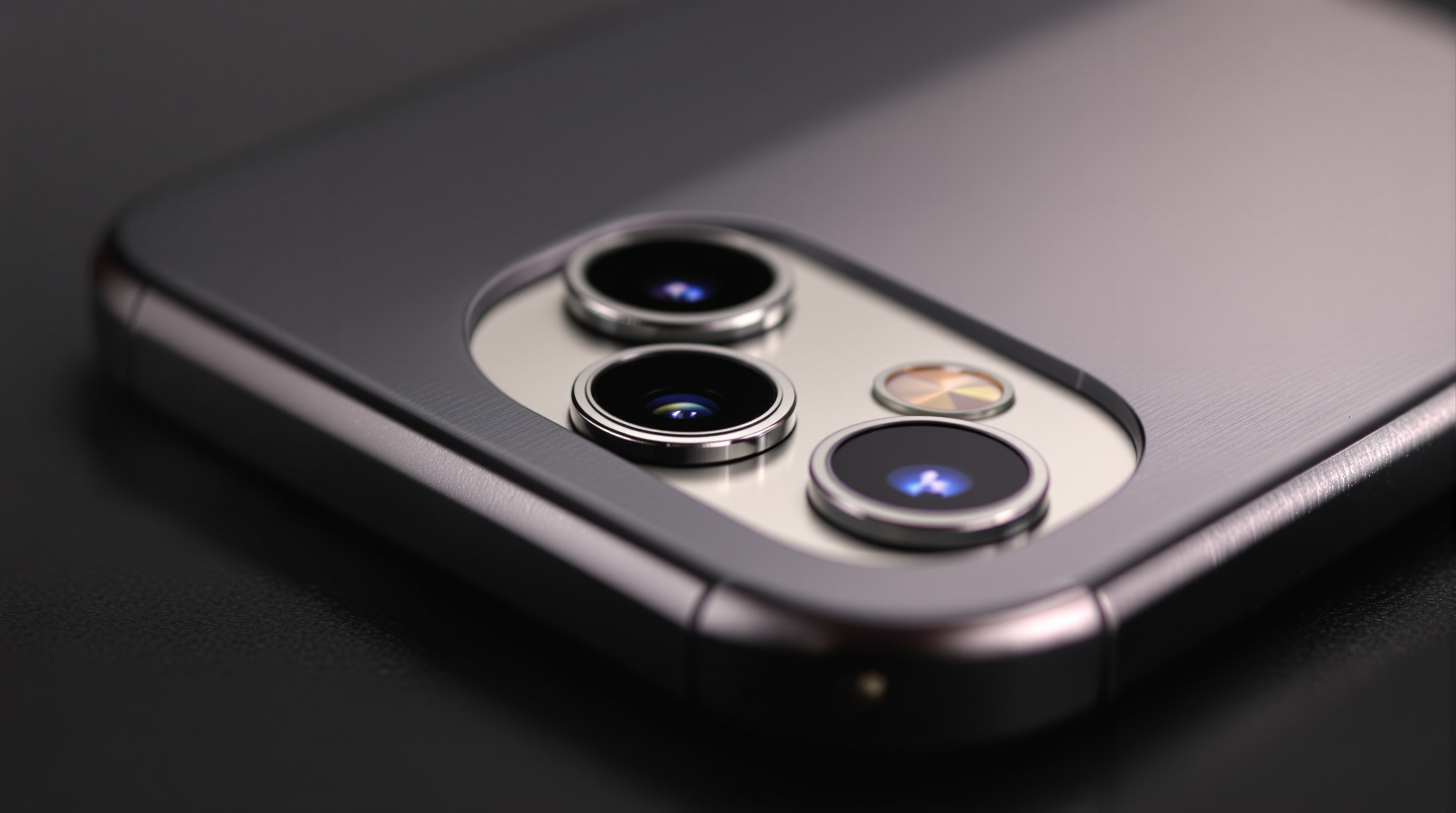
Ternus oversaw the hardware engineering teams responsible for the iPhone's camera evolution - from the single-lens iPhone 4 to the 48MP triple-camera system in the iPhone 16 Pro. Every sensor upgrade, every lens redesign, every decision about whether to prioritize low-light performance or zoom range went through his organization.
He also led the teams behind the iPad Pro, Apple Watch, and AirPods. But the camera is where his influence on photography is most direct. The iPhone is now the most-used camera in the world - not just among casual shooters, but increasingly among professionals who use it as a secondary body or for social content.
Viallo is a private photo sharing platform that lets you create photo albums and share them through a link. Recipients view the full gallery - with lightbox, location grouping, and map view - without creating an account or downloading an app. Photos are stored in full resolution, every album is private by default, and you can revoke a share link at any time. I mention this because Apple's CEO transition will reshape the ecosystem that generates most of the photos people eventually need to store, share, and protect.
What a hardware-first CEO means for iPhone photography
Under Cook, Apple's camera improvements were impressive but predictable. Bigger sensors, more lenses, better computational photography. The real innovation engine was software - features like Photographic Styles, Cinematic Mode, and the neural engine processing that happens invisibly every time you tap the shutter.
Ternus comes from the hardware side. That could mean several things:
- More aggressive sensor innovation. Apple has been conservative compared to Samsung's 200MP sensors and the periscope zoom lenses that Android flagships have had for years. A hardware-focused CEO might push for bigger leaps in sensor technology.
- Tighter hardware-software integration. Ternus understands the silicon and the lens. He's the right person to push Apple's custom ISP (image signal processor) further, potentially creating camera features that are impossible to replicate in software alone.
- New form factors. A CEO who thinks in hardware might greenlight dedicated camera accessories, a pro-level iPhone variant, or deeper integration between the iPhone camera and Apple's spatial computing ambitions with Vision Pro.
None of this is confirmed. But leadership shapes priorities, and a CEO who spent 25 years building cameras will naturally prioritize camera innovation differently than a CEO who spent 25 years building supply chains.
The iCloud and privacy question
The more interesting question for most people is not about camera hardware - it's about what happens to the photos after you take them. Apple's privacy stance has been one of its strongest marketing differentiators under Cook. The question is whether Ternus maintains it, expands it, or quietly deprioritizes it in favor of AI features.
Here's the tension: Apple is investing heavily in on-device AI through Apple Intelligence. These features need access to your photos to work - face recognition, object search, memory creation, and now Siri integration that can answer questions about your photo library. Apple's current approach processes most of this on-device, which is genuinely more private than Google's cloud-based approach.
But on-device processing has limits. As AI models get larger and more capable, there's constant pressure to move computation to the cloud. Google Photos already does this - every photo you upload is analyzed on Google's servers. Apple has resisted this so far with its Private Cloud Compute architecture, which Apple's Security Research blog describes as 'stateless computation on personal user data' with hardware-attested servers and no persistent storage of requests. Whether Ternus continues to invest in that expensive privacy-preserving infrastructure or finds reasons to move more processing server-side will be one of the defining decisions of his tenure.
For anyone who cares about photo privacy, this is worth watching closely. The CEO sets the tone on these tradeoffs, and a hardware engineer's instinct may lean differently than a supply chain executive's. Per Apple support document HT212520, enabling Advanced Data Protection extends end-to-end encryption to iCloud Photos so Apple itself cannot read the underlying image data - that policy boundary is also a leadership decision.
Will iCloud storage pricing change?
Apple's iCloud storage pricing has been stagnant for years. The free tier is still 5 GB - the same as it was in 2011. Google offers 15 GB free. Amazon gives unlimited photo storage to Prime members. Apple's pricing has been a persistent frustration for iPhone users who shoot thousands of photos and constantly hit storage walls.
A CEO transition is one of the few moments where entrenched pricing structures can shift. If Ternus wants to make a statement early in his tenure, increasing the free iCloud tier or bundling more storage with Apple Intelligence subscriptions would be a high-visibility move that directly benefits photographers.
That said, iCloud storage is a significant recurring revenue stream for Apple. The more likely outcome is that storage becomes bundled with new AI features rather than given away for free.
What this means for your photo library right now
A CEO transition does not change anything about your photos today. Your iCloud library is exactly as safe (or not) as it was yesterday. But leadership transitions are useful moments to take stock of where your photos live and whether that still makes sense.
Three questions worth asking yourself:
- Are you locked into one ecosystem? If every photo you've taken lives exclusively in iCloud, you're betting your entire photo history on one company's decisions. That's true for Google Photos users too. Diversifying where your photos are stored is basic risk management.
- Do you know what's being done with your photos? Apple processes photos for AI features. Google processes photos more aggressively. Understanding what each platform does with your images - and what you've opted into - is worth a 10-minute review.
- Are you sharing photos the way you want to? iCloud Shared Albums compress your photos and only work well in the Apple ecosystem. If you regularly share with people on Android or who are not technically inclined, a platform-agnostic solution might serve you better.

How to protect your photos regardless of who runs Apple
CEO transitions remind us that the companies holding our photos are run by people with changing priorities. The best protection is not betting everything on any single platform's continued good behavior.
Keep local backups. Whatever cloud service you use, maintain a local copy of your most important photos. An external drive with a quarterly backup takes 30 minutes and eliminates single-point-of-failure risk.
Use platform-agnostic sharing. If you share photos regularly, choose a method that does not require recipients to be on the same platform as you. Viallo's share links work in any browser without requiring accounts, app downloads, or specific devices. Google Photos link sharing also works cross-platform, though the experience is limited for non-Google users.
Review AI settings annually. Every major platform is adding AI features that process your photos in new ways. Apple's AI features are under Settings then Apple Intelligence. Google's are under Google Photos settings then Photos settings. Check what you've enabled and whether it still matches your comfort level.
Understand your storage costs. Apple iCloud+ starts at $0.99 per month for 50 GB and goes up to $59.99 for 12 TB. Google One starts at $1.99 for 100 GB. Viallo's free plan includes 2 albums, 200 photos, and 10 GB of storage, with Plus at $6.99 per month and Pro at $17.99 per month for more capacity. Knowing what you pay and what you get helps you make informed decisions when pricing inevitably changes.
Frequently asked questions
What is the best way to back up iPhone photos outside of iCloud?
The most reliable approach is a combination of a local backup and a separate cloud service. Connect your iPhone to a computer and use Image Capture (Mac) or the Photos import (Windows) to copy originals to an external drive. For cloud backup, Viallo stores photos at full resolution without AI processing. Google Photos is another option but compresses images unless you pay for Google One storage. Back up at least quarterly to stay protected against any single service changing its terms.
How do I share iPhone photos with someone who uses Android?
iCloud Shared Albums open on the web for Android users, and since iOS 27 they can add photos there too. The simplest cross-platform method is to upload photos to Viallo and send the share link - recipients open it in any browser regardless of their device, with no account or app required. Google Photos shared albums also work cross-platform. AirDrop and iMessage are Apple-only, so they are not options for mixed-platform sharing.
Is it safe to store personal photos on iCloud after the CEO change?
Yes, in the short term. CEO transitions do not immediately change security architecture or privacy policies. Apple's end-to-end encryption for iCloud Photos (when Advanced Data Protection is enabled) remains in place regardless of leadership. Viallo offers an alternative with no AI analysis of stored photos. The risk to watch for is not immediate - it is whether future AI features gradually expand what Apple processes from your photo library.
What is the difference between Apple's photo privacy and Google's photo privacy?
Apple processes most photo analysis on your device using the Neural Engine and only sends data to servers via Private Cloud Compute when needed. Google Photos uploads everything to Google's servers and processes it there, which enables more powerful search but gives Google full access to your images. Viallo takes a third approach: no analysis at all, storing photos as-is without scanning, facial recognition, or AI processing. Apple is more private than Google, but neither matches a zero-analysis platform.
Can Apple use my iCloud photos to train AI models?
Apple's current policy states that iCloud photos are not used to train foundation models. Apple Intelligence features use on-device processing and Private Cloud Compute, which Apple claims does not retain user data after processing. However, policies can change with new leadership. Google already uses Photos data for AI improvements. Viallo's terms state that photos are not used for advertising, marketing, or any purpose other than providing the service. If this is a concern, enable Advanced Data Protection in your iCloud settings for end-to-end encryption.